


Clean Gaming Keyboard: Guide for Dusty & Humid Conditions
Clean gaming keyboard quickly and safely in dusty or humid conditions with step-by-step tips, tool checklist, and maintenance routines to prevent corrosion and switch failure. 🧼💨
Read moreCurious about budget GPU installation in South Africa? It's easier than you think! This guide walks you through every step, from unboxing to driver setup, ensuring a smooth, hassle-free upgrade for your PC. Get ready to boost your gaming performance without the stress. 🚀💻
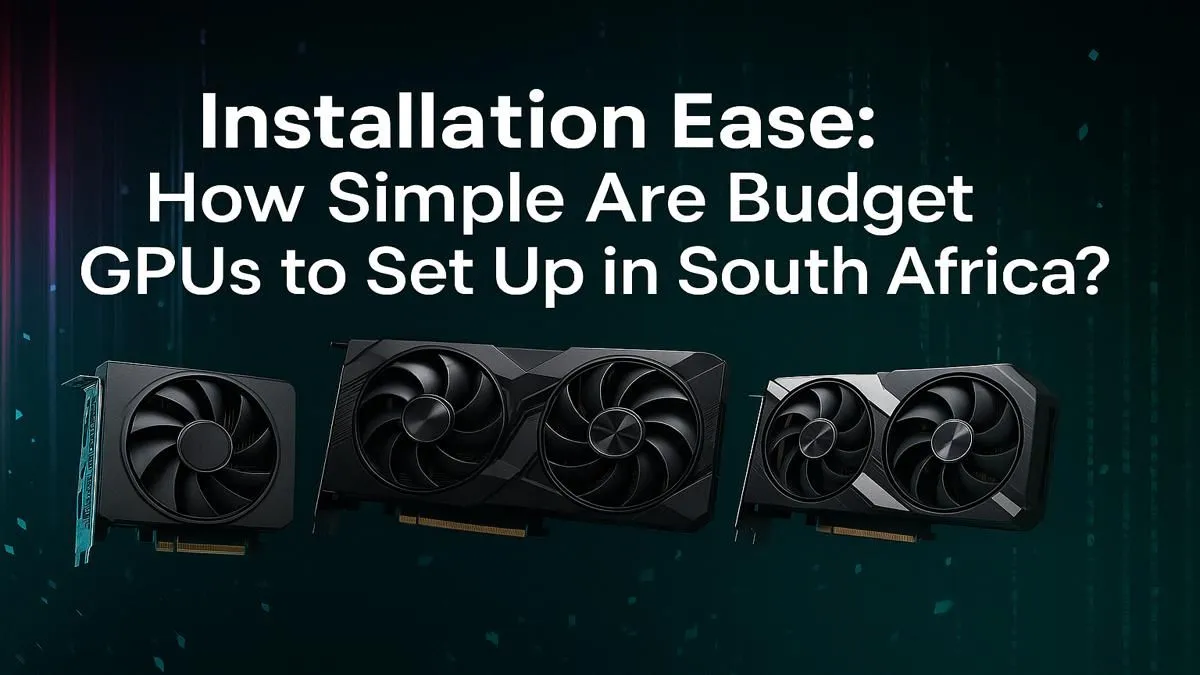
Staring at another stuttering frame in Warzone? You're not alone. Upgrading your graphics card feels like a massive leap, especially with our volatile Rand. But what if a smooth 1080p experience is just a few screws away? This simple guide to budget GPU installation in South Africa will get you from box to boot-up without the stress. Let's get your rig sorted, boet. 🔧
Before you even unbox that shiny new card, a little prep work goes a long way. A successful budget GPU installation starts with ensuring your current system is ready for the upgrade.
First, check your Power Supply Unit (PSU). Does it have enough wattage and the correct PCIe power connectors (usually 6-pin or 8-pin) for your new GPU? The card's product page on Evetech will list the recommended PSU wattage.
Next, measure your case. Will the new card physically fit? Check the length, height, and width specifications against your PC case's clearance. There’s nothing worse than a card that’s 5mm too long.
Finally, it’s time for a digital clean-up. We highly recommend using Display Driver Uninstaller (DDU) to completely remove your old graphics drivers. This prevents conflicts and ensures a clean slate for your new hardware.
Alright, you've done the prep. Now for the exciting part. This physical GPU installation process is surprisingly quick and straightforward.
Many gamers on a budget find great value in current-gen AMD Radeon graphics cards, which often hit a sweet spot for price-to-performance.
Static electricity is the enemy of PC components. Before you touch anything inside your case, ground yourself by touching a large metal object, like the metal part of the case itself (while it's still unplugged, of course). This discharges any static buildup.
With the hardware sorted, it's time to bring your new GPU to life. This final phase of the GPU installation ensures everything runs smoothly.
Close up your case, plug everything back in, and boot up your PC. Your resolution might look a bit strange at first—that's normal. Head straight to the NVIDIA or AMD website to download the latest drivers for your specific model. Install them, restart your PC, and you're almost there.
This is also a great time to explore all your options. The market is more competitive than ever, with new players like Intel Arc graphics cards offering excellent value for 1080p gaming and content creation. For those looking for reliable performance, checking out MSI's range of GPUs is always a smart move, as they offer robust cooling solutions on both NVIDIA and AMD platforms.
While this guide focuses on gaming, the physical installation process is identical for cards geared towards creative work. If your rig is for 3D modelling, video editing, or CAD, the steps are the same, but you'd be looking at specialised workstation graphics cards instead.
A quick FAQ can clear up any lingering doubts about your upgrade.
It depends. If your new GPU requires more power than your current PSU can provide, then yes. Always check the card's power requirements before buying.
The market changes fast! Your best bet is to check real-time pricing and availability. You can always browse the latest deals on a wide variety of NVIDIA and AMD graphics cards to see what best fits your budget and performance needs.
Yes, whether it's an NVIDIA, AMD, or Intel card, the core process of seating it in a PCIe x16 slot and connecting power is universal.
Ready for Your FPS Boost? 🚀 Now that you know how simple a budget GPU installation in South Africa can be, the only thing missing is the hardware. Explore our massive selection of graphics cards at Evetech and find the perfect upgrade for your rig and your wallet.
Not at all! Installing a modern budget GPU is a straightforward process. It mostly involves opening your PC case, inserting the card into the correct PCIe slot, and connecting power.
You typically only need a Phillips head screwdriver to open your PC case and secure the graphics card. An anti-static wrist strap is also highly recommended to protect components.
Yes, it's a best practice. Using a tool like Display Driver Uninstaller (DDU) ensures a clean slate and prevents potential software conflicts with your new card.
Check three things: your motherboard's PCIe slot (most are compatible), your power supply's wattage and available connectors, and the physical space inside your PC case.
A common issue is forgetting to plug in the required PCIe power cables from the power supply to the GPU, resulting in the PC not displaying an image on startup.
Absolutely! There are no compatibility issues between AMD graphics cards and Intel processors. Our easy GPU installation guide covers tips for any combination.
Clean gaming keyboard quickly and safely in dusty or humid conditions with step-by-step tips, tool checklist, and maintenance routines to prevent corrosion and switch failure. 🧼💨
Read more
Best gaming keyboard features to prioritize when building a high-end setup: mechanical switches, low latency, hot-swap, RGB, macros, durability and ergonomics 🎮⌨️
Read more
Custom actuation point keyboard setup guide: learn to set per-key actuation on your analog gaming keyboard for faster, precise inputs and better control 🎮⚙️
Read more
Cable management for home entertainment helps you eliminate cable clutter quickly and safely. Learn routing, concealment, and product picks to tidy your setup fast 📺🔌
Read more
conference room setup Microsoft Teams Zoom: Upgrade AV, camera, mic, and network to ensure seamless meetings, clear audio, and crisp video 🎯🔧
Read more
• Audit setup • Link accounts • Configure ViewBoard • Test workflows Integrate Google Workspace with ViewSonic ViewBoard to enable secure SSO, calendar and Drive sync, and smooth collaborative whiteboarding 🔗📋
Read more
Discover webcams that automatically adjust light and color for crystal-clear video calls 🎥✨. Boost your streaming quality today!

Discover webcams that blend into your workflow 🎯 Capture moments while you work, stream, or create. Upgrade your setup with smart, multitasking tech!

Dedicated media keys give streamers one-touch control to mute, switch scenes, clip highlights, and adjust audio — cutting task time and boosting consistency 🎛️⚡

PBT vs ABS keycaps: Clear, local guide for South African gamers—compare feel, sound, durability and where to buy. Find the best material for your budget and playstyle 🎮🇿🇦

- Multi-Function Digital Dial: define benefits - Show gamer setups and macros - Offer buying and setup tips Multi-Function Digital Dial puts programmable control at your fingertips for faster actions and smoother streaming. 🎮⚙️

- Explain benefits; - Show the science; - Compare options; - Recommend picks. Magnetic wrist rest for gaming cuts wrist strain and boosts comfort during long sessions 🕹️✨