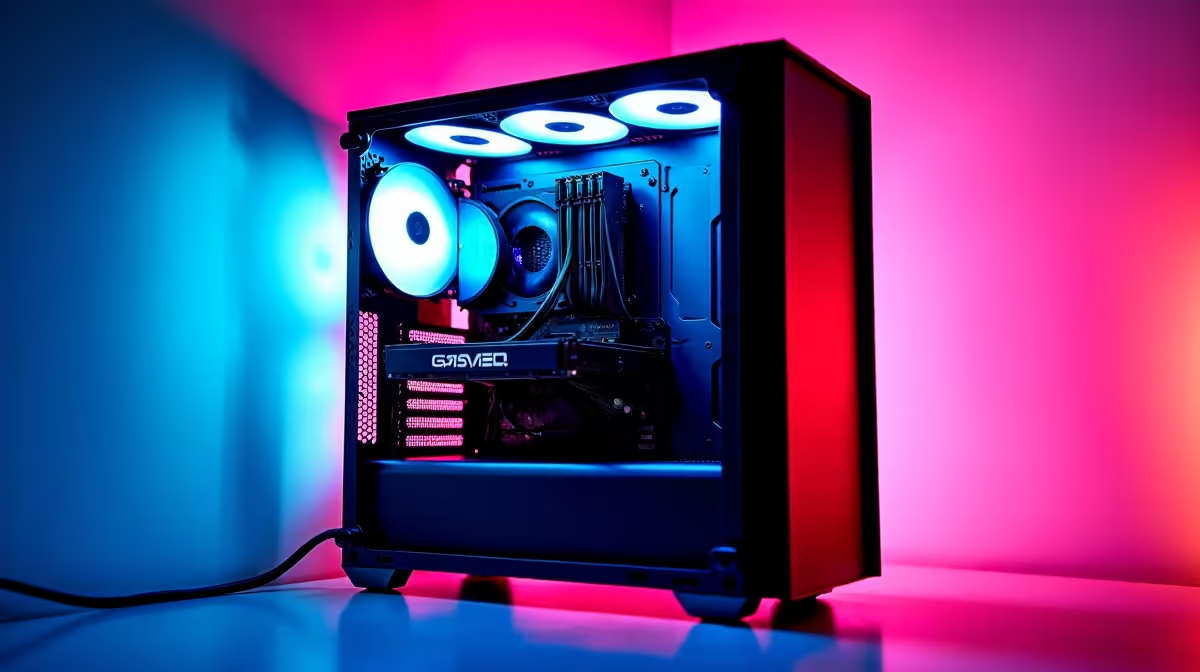
So, you’ve built your dream rig on a budget, but one look through the side panel reveals a nightmare… a tangled mess of cables that looks more like spaghetti than a high-performance machine. Don’t stress! Excellent budget PC cable management isn't a dark art reserved for expensive builds. It’s an easy skill that boosts airflow, simplifies upgrades, and makes your PC look absolutely lekker—and we’re here to show you exactly how. 🔧
Why Budget PC Cable Management is Worth Your Time
Before we start snipping zip ties, let's talk about why wrangling those wires is so important. It’s not just about looks; a clean build is a happy build.
Properly managed cables dramatically improve airflow inside your case. When air can move freely from your intake fans, over your components, and out the exhaust, everything runs cooler. This can lead to more stable performance and a longer lifespan for your parts. Plus, a tidy setup makes future upgrades or troubleshooting a breeze. It’s a simple step that makes even our most affordable budget gaming PCs look and perform like high-end beasts.
Your Toolkit for Tidy Cables
You don't need a fancy workshop to achieve clean cable routing. For great cable management on a budget, you only need a few basic items, most of which you probably already have.
- Zip Ties: The classic, cheap, and effective choice. Most PC cases and power supplies come with a handful.
- Velcro Straps: A fantastic, reusable alternative to zip ties. They're gentler on your cables and make adjustments much easier.
- Side Cutters (Flush Cut): Essential for trimming zip ties without leaving sharp, pointy edges that can scratch you or your components later.
- Patience: The most important tool! Take your time.
This simple kit is all you need, whether you're building from scratch or tidying up one of our awesome PCs under R20k.
Pro Tip: The CPU Power Shortcut ⚡
Most modern cases have a small cutout at the top-left of the motherboard tray. Use this to route your 8-pin CPU power cable behind the board before you install the motherboard. It's nearly impossible to plug in afterwards and is the secret to a super clean look around your processor.
A Practical Guide to Taming the Cable Monster
Ready to get hands-on? Follow these steps for a build you can be proud of. Remember, even the most meticulously crafted PCs above R20k follow these fundamental principles.
Step 1: Plan Your Route
Before plugging anything in, lay out your main power cables: the 24-pin motherboard power, 8-pin CPU power, and your GPU’s PCIe power cables. Identify the cutouts in your case's motherboard tray and plan the most direct path from your power supply to each component, using the back of the case as your main highway.
Step 2: Route the Big Cables First
Start by routing the thickest, least flexible cables—the 24-pin and 8-pin CPU power. Thread them through the appropriate cutouts from the back of the case to the front, leaving just enough slack to plug them in comfortably. This gets the biggest offenders out of the way early. ✨
Step 3: Connect Everything Else
Now, connect your GPU power, SATA power and data for your drives, and your case fan cables. Try to group cables that are heading in the same direction. For example, run all your front panel fan cables along the same channel at the back.
Step 4: Secure Everything at the Back
This is where the magic happens. Flip the case over and use those built-in tie-down points. Secure your cables flat against the back panel with zip ties or velcro straps. Create main "trunks" for cables running vertically and have smaller "branches" peel off to their connection points. The goal is to make the back panel as flat as possible so the side panel goes on without a fight.
Going the Extra Mile for a Pro Look 🚀
Once the basics are done, a few extra tricks can elevate your build. Use your power supply's basement or shroud to hide any excess cable length—just coil it up and tuck it away. If you're planning a new build, consider a semi-modular or fully modular power supply. They let you use only the cables you need, drastically reducing clutter from the start.
Of course, if you'd rather skip the hassle, our pre-built PC deals come with expert cable management straight out of the box, giving you that premium look without any of the work.
Ready for a Pro-Level Build?
Great cable management is the final touch that separates a good build from a great one. Whether you're DIY-ing or want a masterpiece built for you, we've got you covered. Explore the best gaming PC deals in South Africa and find a rig that's as clean on the inside as it is powerful.