


Clean Gaming Keyboard: Guide for Dusty & Humid Conditions
Clean gaming keyboard quickly and safely in dusty or humid conditions with step-by-step tips, tool checklist, and maintenance routines to prevent corrosion and switch failure. 🧼💨
Read moreBudget RGB setup: Learn to sync your PC and room lights using low-cost controllers, free software, and DIY tips — pro-looking RGB without the big spend. 💡🎮
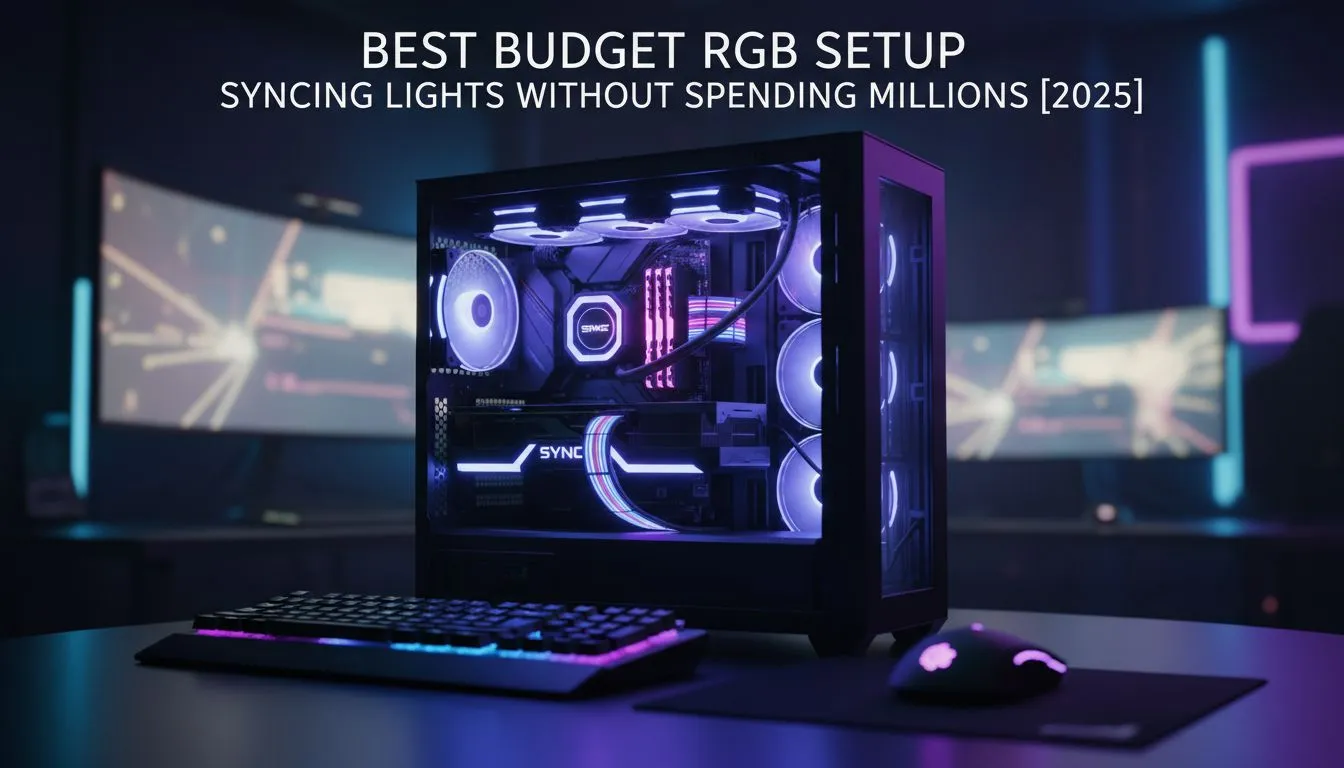
Every South African gamer wants that mesmerising glow... but nobody wants to spend their entire rent money on LEDs. Building a budget RGB setup doesn't mean sticking cheap strips everywhere; it is about smart choices and syncing your gear for that pro look. Let’s show you how to light up your battle station for less than the price of a new AAA title. 🚀
Before you buy meters of light strips, look at what is already inside your chassis. If you are upgrading your storage soon, you can actually kill two birds with one stone. Some modern solid-state drives now come with integrated RGB lighting. It is a subtle touch that adds depth to your case without requiring an extra controller hub.
Once the PC is glowing, look at your display. You don't need an expensive screen with built-in ambient lighting to get that immersive effect. You can simply mount a low-cost USB LED strip behind standard pc monitors. This bias lighting reduces eye strain during those long loadshedding-dodging gaming sessions and casts a cool halo against your wall.
The easiest way to transform your desk is through your input devices. This is where the "sync" magic happens. You really don't need to drop thousands of Rands here. In fact, hunting down the cheapest gaming keyboard in South Africa that supports zone lighting is a great starting point. Many budget boards now offer "breathing" or "wave" modes that mimic high-end gear perfectly.
Pair that board with a decent gaming mouse. Look for one with adjustable DPI lights—it’s functional RGB that tells you your sensitivity settings at a glance. To complete the "trinity" of peripherals, consider your audio. Modern headphone headsets often feature subtle ear-cup lighting. In a dark room, this adds a floating light effect that looks incredible on camera or just for your own satisfaction. ✨
If you are looking to broadcast your gameplay on Twitch or YouTube, lighting becomes a utility, not just a decoration. Your streaming essentials should include a basic ring light to illuminate your face, but don't ignore your audio gear.
Many USB microphones now feature status indicators that turn red on mute and green when live—a practical use of RGB that saves you from talking to yourself for ten minutes. And for those days when you want to lean back and play FIFA or Elden Ring, even third-party gaming controllers are adopting transparent shells and internal LEDs, bringing that retro-future aesthetic to your hands.
Don't install five different heavy programs to control your lights. Try using open-source software like SignalRGB or OpenRGB. These free tools can detect devices from different brands (like your mouse, keyboard, and motherboard) and sync them all to a single colour palette, saving you system resources and ensuring a unified look.
The trick to a "clean" setup isn't more lights; it is colour coordination. Pick one or two primary colours (like Cyan and Magenta, or Orange and White) and set all your devices to match. A static, dual-colour theme always looks more expensive than a chaotic rainbow wave.
By carefully selecting components that offer value and visuals, you can build a setup that looks like it cost R50,000, while keeping your bank balance happy.
Ready to Build Your Dream Setup? Whether you need a simple LED strip or a fully synced battle station, Evetech has the gear to make it happen. Browse our full range of RGB components and start customising your gaming world today.
Start with budget RGB strips and a cheap ARGB controller, then use free software like SignalRGB or OpenRGB to sync lighting across devices.
Yes. Use an external ARGB controller or USB-based hub and software such as OpenRGB to sync RGB without motherboard headers.
Affordable controllers with addressable support and USB connectivity offer the best value; look for community support and OpenRGB compatibility.
Connect LED strips to a controller that supports software integration, then use free sync tools to match effects across strips, keyboards, and mice.
Wireless systems can work well for simple effects; choose mesh or Wi‑Fi controllers with a dedicated app for more reliable sync performance.
OpenRGB and SignalRGB are top free options for budget RGB setups, enabling control of multiple devices and third party controllers.
A complete budget RGB setup can cost between $30–$120 depending on strip length, controller choice, and peripherals you want to sync.
Clean gaming keyboard quickly and safely in dusty or humid conditions with step-by-step tips, tool checklist, and maintenance routines to prevent corrosion and switch failure. 🧼💨
Read more
Best gaming keyboard features to prioritize when building a high-end setup: mechanical switches, low latency, hot-swap, RGB, macros, durability and ergonomics 🎮⌨️
Read more
Custom actuation point keyboard setup guide: learn to set per-key actuation on your analog gaming keyboard for faster, precise inputs and better control 🎮⚙️
Read more
Cable management for home entertainment helps you eliminate cable clutter quickly and safely. Learn routing, concealment, and product picks to tidy your setup fast 📺🔌
Read more
conference room setup Microsoft Teams Zoom: Upgrade AV, camera, mic, and network to ensure seamless meetings, clear audio, and crisp video 🎯🔧
Read more
• Audit setup • Link accounts • Configure ViewBoard • Test workflows Integrate Google Workspace with ViewSonic ViewBoard to enable secure SSO, calendar and Drive sync, and smooth collaborative whiteboarding 🔗📋
Read more
Discover webcams that automatically adjust light and color for crystal-clear video calls 🎥✨. Boost your streaming quality today!

Discover webcams that blend into your workflow 🎯 Capture moments while you work, stream, or create. Upgrade your setup with smart, multitasking tech!

Dedicated media keys give streamers one-touch control to mute, switch scenes, clip highlights, and adjust audio — cutting task time and boosting consistency 🎛️⚡

PBT vs ABS keycaps: Clear, local guide for South African gamers—compare feel, sound, durability and where to buy. Find the best material for your budget and playstyle 🎮🇿🇦

- Multi-Function Digital Dial: define benefits - Show gamer setups and macros - Offer buying and setup tips Multi-Function Digital Dial puts programmable control at your fingertips for faster actions and smoother streaming. 🎮⚙️

- Explain benefits; - Show the science; - Compare options; - Recommend picks. Magnetic wrist rest for gaming cuts wrist strain and boosts comfort during long sessions 🕹️✨