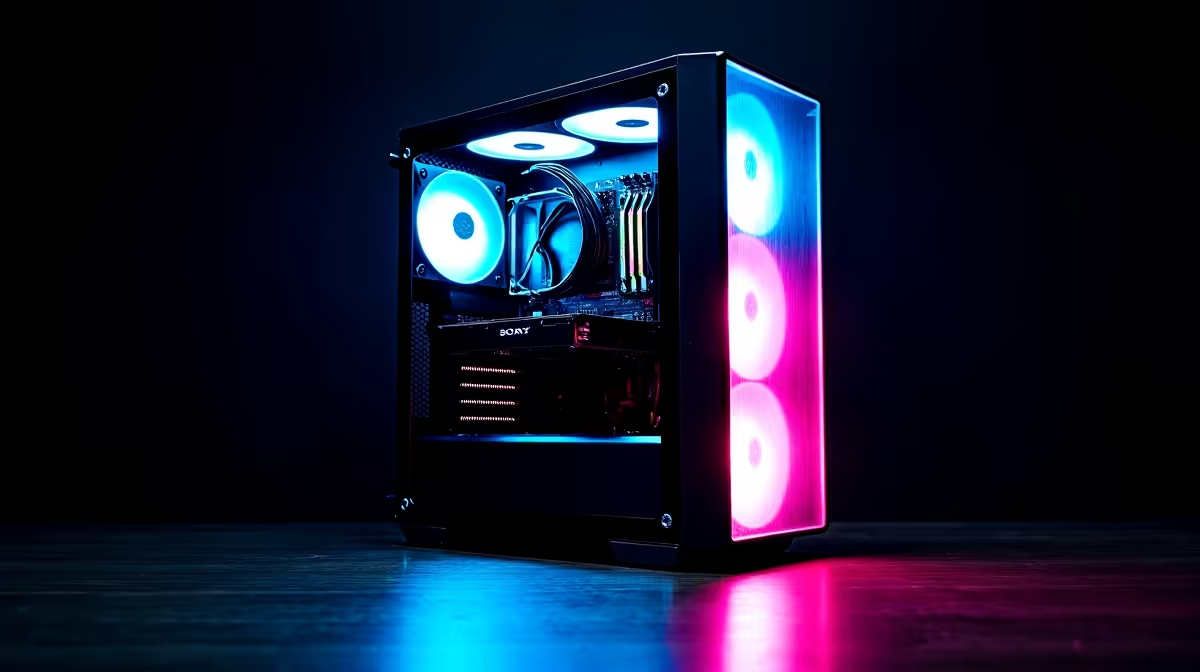
Dreaming of a powerful gaming rig but your wallet's feeling the pinch? You're not alone. The good news is you don't need R40k upfront to get in the game. The secret is to build a budget gaming PC with a smart upgrade path in mind. It's about starting strong with a solid foundation and making tactical improvements over time, turning a good PC into a great one without breaking the bank. Let’s get you started. 🚀
The "Upgrade Path" Philosophy: Smart Spending Today
The core idea behind a successful budget PC build is future-proofing. Instead of buying the cheapest components across the board, you make strategic investments in the parts that are hardest to replace: the motherboard and the Power Supply Unit (PSU).
Think of your motherboard as the foundation of your house. A quality board with a modern chipset (like AMD's AM5 or Intel's LGA 1700) ensures you can drop in a more powerful CPU in a few years. A reliable PSU with a bit of extra wattage gives you the headroom for a beefier graphics card down the line. Skimp here, and you'll be forced into a much more expensive overhaul later. Many of our range of budget gaming PCs are built with this exact philosophy.
Your First Build: Where to Invest and Where to Save
When you're building a gaming PC on a budget, every rand counts. The question is, where does it count the most? For pure gaming performance, the Graphics Card (GPU) is king.
It's often smarter to allocate more of your budget to the GPU and pair it with a capable, but not top-of-the-line, CPU. A modern 6-core processor is more than enough for today's games and won't bottleneck a solid mid-range GPU.
For other components:
- RAM: 16GB of DDR4 or DDR5 RAM is the current sweet spot for gaming. It's easily upgradeable later.
- Storage: A fast 1TB NVMe SSD is a must for quick load times. Prices have dropped significantly, making this an affordable priority.
You can find many builds that strike this balance perfectly among our excellent gaming PCs under R20k, giving you a great template for your own build.
Future-Proofing 101 🔧
When choosing your motherboard, check the chipset and socket type. For example, starting with an AMD AM5 motherboard means you can drop in a much faster Ryzen CPU in a few years without replacing the whole board. It’s the single most important choice you'll make for an easy upgrade path.
Planning Your Upgrades: A Simple Roadmap
An upgrade path isn't complicated. It's a simple plan to boost your performance over time as new parts become more affordable.
Phase 1 (6-12 Months): The Easy Wins
This is all about low-cost, high-impact upgrades. If you started with 16GB of RAM, adding another 16GB is a simple and effective boost for multitasking. Running out of space? Slapping in another 1TB SSD for your Steam library is a 10-minute job.
Phase 2 (18-24 Months): The Main Event ✨
This is when you'll see a major leap in performance. By this point, next-generation GPUs will be out, making the previous top-tier cards much cheaper. Swapping out your GPU is the single biggest performance jump you can make. It's also worth noting that sometimes the cost of a new high-end GPU can be close to a whole new machine, so it's always worth exploring pre-built PC deals for a value comparison.
The Pre-Built Alternative: A Smarter Starting Point?
Let's be honest, building a PC isn't for everyone. If you want to skip the hassle and get right to gaming, a pre-built PC is a brilliant option. You get a professionally assembled, cable-managed, and tested machine with a full warranty.
Crucially, a good pre-built PC doesn't close the door on upgrades. Most use standard, off-the-shelf parts, meaning they are just as upgradeable as a custom-built rig. You can start with a solid, professionally built machine from Evetech's best gaming PC deals and follow the exact same upgrade path later on, eventually turning it into one of the high-performance PCs over R20k that represent the endgame for many gamers.
Ready to Start Your PC Gaming Journey?
Whether you build a budget gaming PC from scratch or start with a powerful pre-built, the key is having a plan. The right machine is waiting for you. Explore our massive range of PC deals and find the perfect rig to conquer your world.