A shared household in South Africa rarely has a spare room set aside purely for a hobby, which means a printer usually ends up somewhere everyone else also uses. A safer South African desktop 3D printing setup starts from that reality instead of assuming a dedicated space that most homes do not have.
Quick Answer
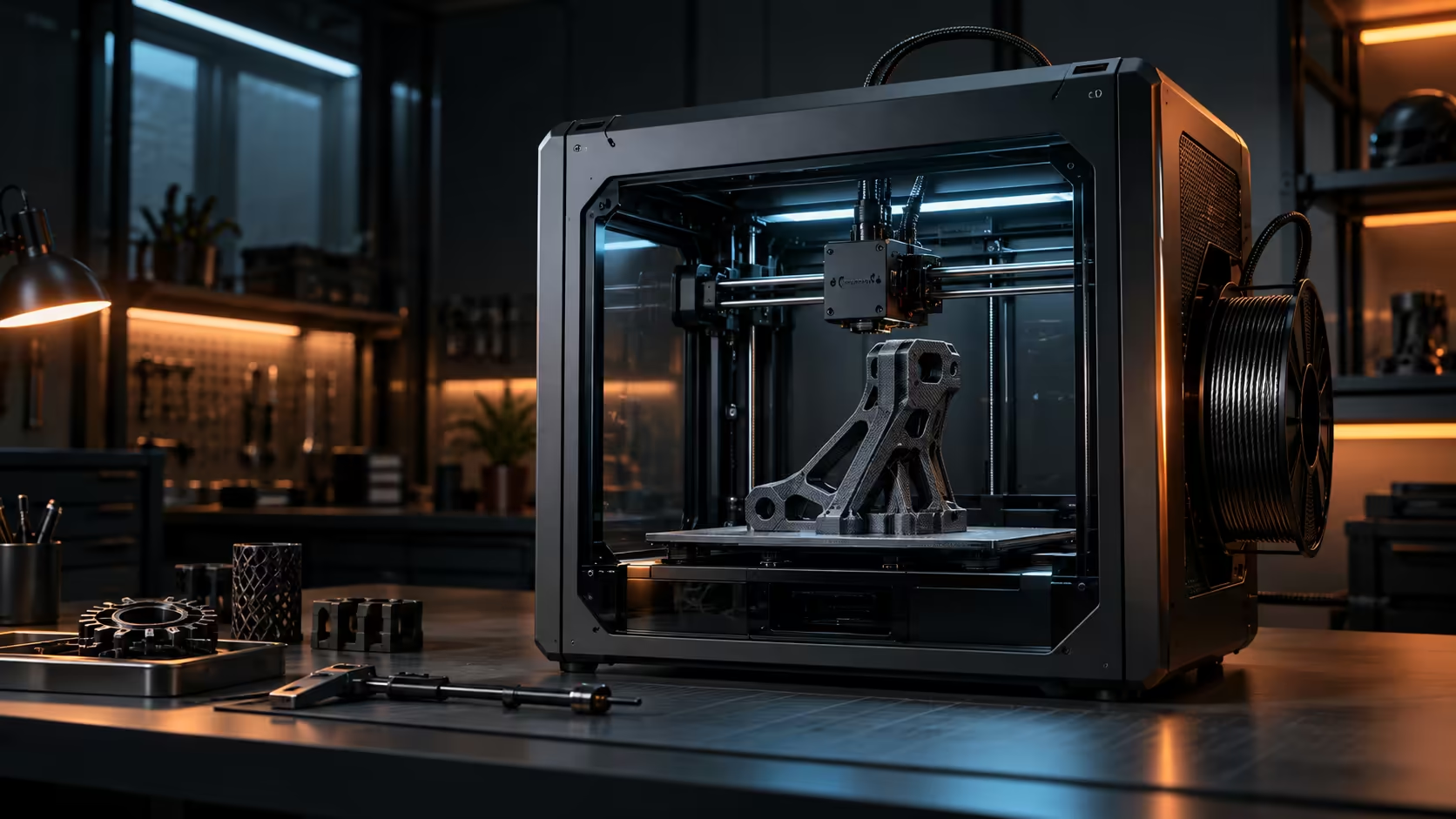
Put the printer where the fumes, the heat and the moving parts are all contained, then leave the enclosure door shut while it runs. In a shared household that usually means a spare room or a home office with a window rather than a lounge shelf where everyone passes by. An enclosed Creality K1C with a built-in air filter handles the containment side of this at R12,599, but placement still matters as much as the machine itself.
🏠 Placement in a home that everyone shares
A lounge shelf, a kitchen counter or a shared living space are all places a printer technically fits and none of them are ideal, since fumes, heat and moving parts all end up in a room the whole household uses regularly. A spare room or a home office, even one as small as 6 metres square, keeps those three things contained to a space fewer people pass through and spend less time in.
If a dedicated room genuinely is not available, position the printer as far from regularly occupied areas as the home allows, and keep the door to that room closed while printing.
🔥 Heat, fumes and moving parts: three separate risks in one machine
Heat builds up inside an enclosure during a long print, and while that is normal and expected, it means the printer should not be tucked into a corner with less than 10cm of clearance on any side for that heat to dissipate safely. Fumes from certain materials need the filtration an enclosure provides, and moving parts, belts, the toolhead, a heated bed, all warrant keeping curious hands and pets away while a job is running.
🪟 A window matters more than square footage
A small room with a window that opens beats a larger room with none, since ventilation matters more for safety than raw space does. Cracking that window during and after a print, especially one using ABS or a similar material, clears the room faster than relying on filtration alone.
Browse filament suited to your space and household situation, and consider gaming setup furniture designed for load-bearing use if the printer is sharing a desk with other equipment, since a wobbly shared surface undermines both safety and print quality at once.
🧯 A basic safety routine for a shared home
Beyond room choice, three habits cost nothing and cover most of what actually goes wrong in a shared household: never leave a print running while nobody capable of noticing a problem is home overnight for the first few times on a new machine, keep a small 1kg dry-powder fire extinguisher rated for electrical fires somewhere in the same room, and check the printer's own cooling vents are not blocked by nearby boxes or fabric before starting anything that runs 6 hours or more overnight.
None of these take more than a few minutes to properly put in place, and they matter considerably more in a shared home specifically, since a housemate or family member unfamiliar with the machine has genuinely no reason to notice a slowly developing problem the way the person who actually set it up originally would.
🔑 What renting adds to the safety conversation
Renters printing ABS or similar materials should check a lease before assuming filtration alone solves ventilation, since some agreements restrict even portable air purifiers in certain rooms, and a quick question to a landlord costs far less than an awkward conversation after the fact. Check the 3D printer range for enclosed, filtered machines specifically if renting happens to be part of your current situation, since that particular combination needs absolutely no structural changes made to the rented property at all.
Frequently Asked Questions
Is a shared lounge really unsafe for a 3D printer?
It is not ideal, since fumes, heat and moving parts end up in a space the whole household uses; a spare room or office is a safer choice where available.
Does an enclosed printer remove the need for room ventilation?
No, an enclosure and filtration reduce what escapes into the room, but ventilation still matters, especially for materials that give off more while printing.
Should pets and small children be kept away from a running printer?
Yes, the moving parts and heated components on any printer warrant keeping curious hands and pets at a safe distance while it runs.
Does local warranty support matter for a desktop printer specifically?
Yes, a machine used regularly in a household benefits from a warranty resolved locally, since downtime and shipping delays both cost more with an overseas process.
Setting up your first printer in a shared South African home?
Contain the heat and fumes, keep the door shut, and give it a room with a window.