Moving from a laptop to a desktop is the moment many SA buyers meet CPU cooling for the first time, since a laptop hid all of that behind its chassis. The buy-now-or-upgrade-later call is about whether the stock cooler that ships with your CPU is enough, or whether a better cooler is worth it from day one.
Quick Answer
Buy a better cooler now if you choose a higher-end or unlocked CPU; a solid air cooler around R600 to R1,200 keeps a Ryzen 7 7700 or Core i5-14600K cool and quiet. Stick with the stock cooler if you bought a modest chip like a Ryzen 5 7600, and upgrade later only if temperatures climb. The CPU choice decides whether you need to spend now.
Stock coolers are fine for modest CPUs
If your first desktop runs a mid-range chip like a Ryzen 5 7600, the included stock cooler keeps it within safe temperatures for everyday use and light gaming. There is no need to buy now. The case for upgrading appears only if you notice the CPU running hot or the stock fan getting loud under load, at which point a R600 tower air cooler drops temperatures and noise. For a coming-from-a-laptop buyer, the stock cooler is a sensible starting point.
Higher-end CPUs benefit from a better cooler now
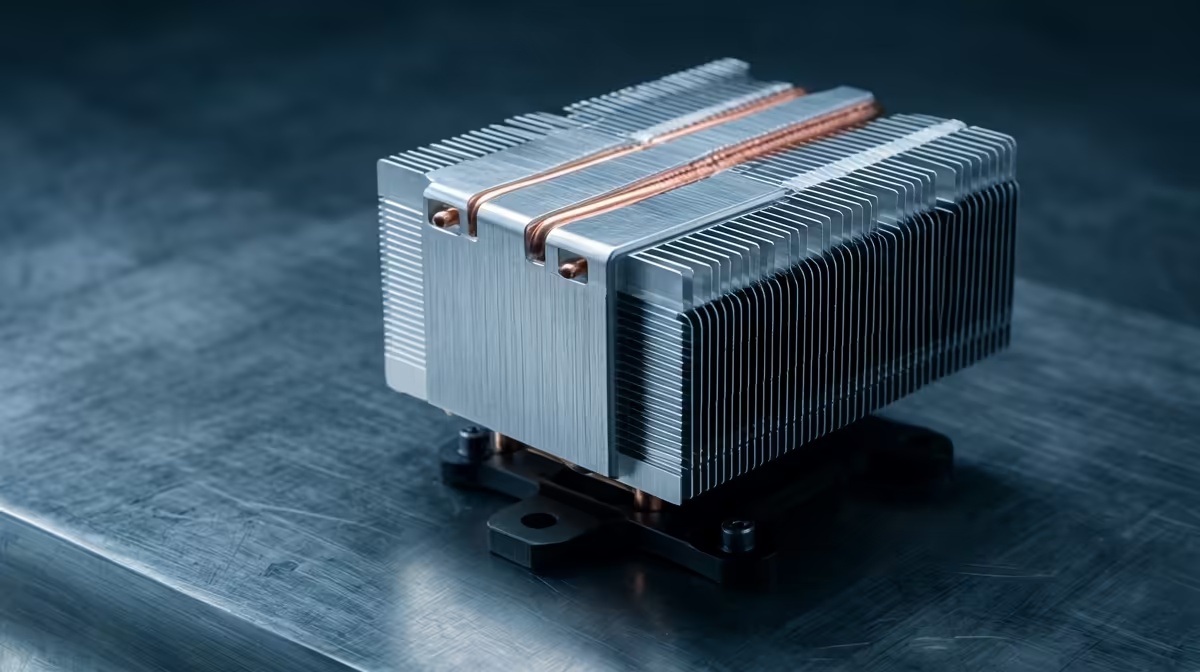
Step up to a Ryzen 7 7700, Core i5-14600K or anything you might push harder, and the value of a better cooler from day one rises. A quality R800 to R1,200 air cooler or a 240mm AIO keeps these chips cool and quiet under sustained load, where a stock or budget cooler would let them run hot and throttle. If you bought the CPU partly for headroom, pairing it with proper cooling at build time avoids a teardown later and gets the full performance immediately.
Plan clearance so a future upgrade is easy
Whether you cool now or later, pick a case with room for a large air cooler (around 160mm height) or a 240mm radiator. That clearance means a future cooler upgrade drops in without changing the case. A laptop-to-desktop builder who leaves this headroom can start on the stock cooler, then add a tower cooler or AIO down the line if they upgrade the CPU, all without a second case purchase or an awkward squeeze around the motherboard.
FAQ
Do I need to upgrade the stock CPU cooler immediately?
Not for a modest CPU like a Ryzen 5 7600, where the stock cooler is fine. Upgrade now only for a higher-end or unlocked chip, or later if you notice high temperatures or fan noise.
What cooler suits a higher-end desktop CPU?
A quality tower air cooler around R800 to R1,200, or a 240mm AIO, keeps a Ryzen 7 7700 or Core i5-14600K cool and quiet under sustained load where a stock cooler would let it run hot.
How do I leave room for a future cooler upgrade?
Choose a case rated for around 160mm of air-cooler height or a 240mm radiator. That clearance lets you start on the stock cooler and add a better one later without changing the case.
Match the cooler to your CPU: keep the stock unit for a modest chip and add a tower cooler or AIO from Evetech for a higher-end one, choosing a case with clearance for an easy future upgrade.