


Clean Gaming Keyboard: Guide for Dusty & Humid Conditions
Clean gaming keyboard quickly and safely in dusty or humid conditions with step-by-step tips, tool checklist, and maintenance routines to prevent corrosion and switch failure. 🧼💨
Read moreReady to buy PC components in South Africa but don't know where to start? This beginner's guide covers the best online and physical stores, tips for finding great deals, and what to look for in reliable suppliers. Build your dream rig with confidence! 💻✨
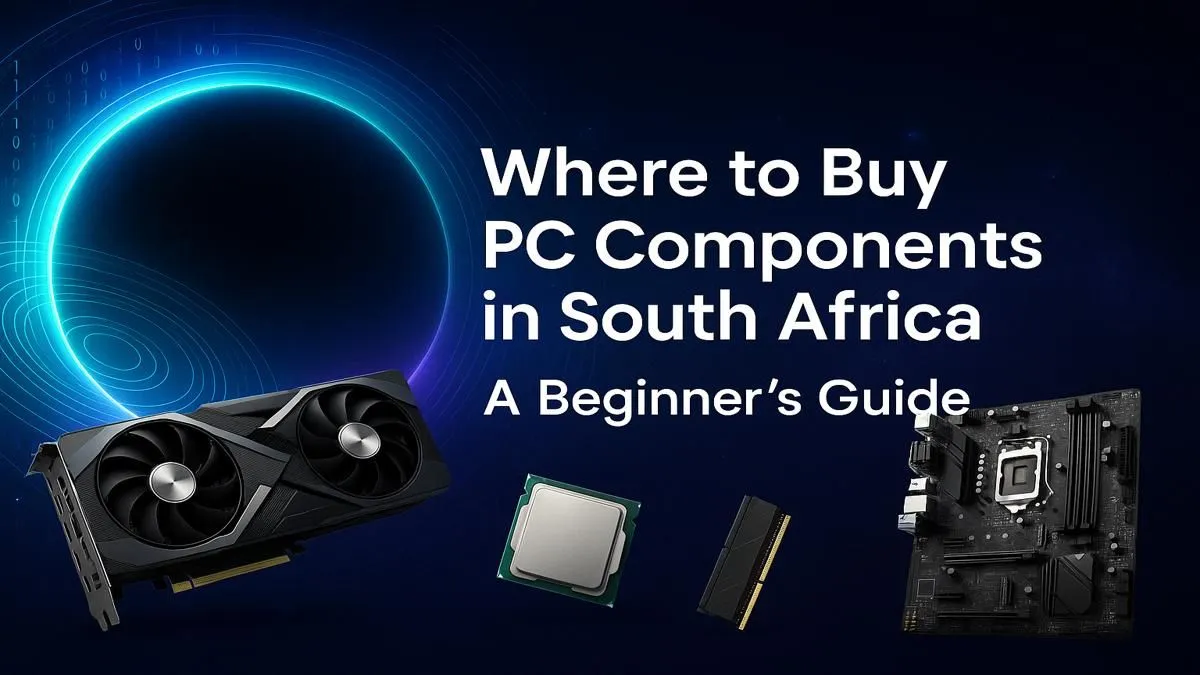
So, you’re ready to build your own PC. Awesome! The thrill of picking every part, the satisfaction of seeing it boot up for the first time… there’s nothing quite like it. But knowing where to start when you want to buy PC components in South Africa can feel a bit overwhelming. Don’t stress. This guide is your roadmap from zero to hero, helping you choose the right parts for your budget and build the rig you’ve always dreamed of. 🚀
Building your own PC gives you ultimate control. You pick every single component, from the processor to the colour of your LED fans. It’s a fantastic learning experience and often gives you more performance for your money.
However, it takes time, research, and a bit of patience. If you’re short on time or just want to jump straight into the action with a professionally assembled and warrantied machine, exploring some of the best gaming PC deals in South Africa is a brilliant, hassle-free alternative.
When you start to buy PC components, these four parts will have the biggest impact on your gaming and productivity performance. Get these right, and you’re well on your way.
The Central Processing Unit (CPU) is the engine of your PC. It handles all the instructions that make your computer work. For gaming, a CPU with high clock speeds and a good number of cores is key.
For a modern gaming rig, aim for at least a 6-core processor.
The Graphics Processing Unit (GPU), or graphics card, is the single most important component for gaming. It’s what renders the beautiful worlds you see on screen. This is where a significant chunk of your budget will go.
NVIDIA's GeForce RTX series and AMD's Radeon RX series are the main players. Look at benchmarks for the games you play at your desired resolution (1080p, 1440p, or 4K) to make the best choice. Even on a tighter budget, you can find incredible value in our range of budget gaming PCs that are expertly balanced for performance.
The motherboard is the circuit board that connects everything. The key here is compatibility. Your motherboard’s "chipset" and "socket" must match your chosen CPU. For example, an AMD Ryzen 7000 series CPU needs a motherboard with an AM5 socket. Don't worry, product pages always list compatibility!
Random Access Memory (RAM) is your PC's short-term memory. For gaming in 2024 and beyond, 16GB is the sweet spot. If you’re into heavy multitasking or video editing, bumping up to 32GB is a worthy investment. DDR5 is the latest standard, offering faster speeds than its predecessor, DDR4.
These components are the support crew, but they are just as crucial for a stable and speedy system.
Your storage drive holds your operating system, games, and files. A Solid State Drive (SSD) is non-negotiable for your main drive. They are exponentially faster than old-school Hard Disk Drives (HDDs), meaning your PC boots in seconds and games load way faster. An NVMe M.2 SSD is the top choice for blistering speed.
Before you buy any PC parts in South Africa, use a free online tool like PCPartPicker. It helps you check if your chosen CPU, motherboard, RAM, and other components are compatible with each other. This can save you a massive headache and potential returns down the line. It's the ultimate pre-flight check for your build!
The Power Supply Unit (PSU) is the heart of your rig, feeding clean, stable power to everything. Never cheap out on a PSU! A poor-quality one can be inefficient or, in the worst case, damage your other components. Look for units with an "80 Plus" efficiency rating (Bronze is a great starting point) and enough wattage to comfortably power your GPU and CPU.
Your PC case does more than just look cool—it’s vital for keeping your components cool. A case with good airflow (think mesh front panels and multiple fan mounts) will help your parts run faster and last longer. Whether you're building a monster rig or looking for inspiration from great PCs under R20k, the case sets the tone for your entire setup.
Absolutely! The journey of selecting your parts and building a machine tailored perfectly to you is incredibly rewarding. You gain a deeper understanding of the tech you use every day and end up with a powerful, personalised rig. For those with bigger ambitions, you can even spec out incredible powerful rigs over R20k that will handle anything you throw at them.
But let's be honest, it's not for everyone. If sifting through specs and worrying about compatibility sounds more like a chore than a challenge, there's a simpler way. You can get all the benefits of a custom build without any of the hassle by checking out our fantastic pre-built PC deals, assembled by experts and ready to go.
Ready to Build or Buy Your Dream PC? Whether you're sourcing individual parts or looking for a professionally-built powerhouse, the journey starts here. At Evetech, we make it easy to buy PC components in South Africa. Explore our massive range of PC components and start creating the ultimate machine today.
Evetech is a leading choice for PC parts in South Africa, known for its extensive range, competitive pricing, and reliable service. Other popular options include Wootware and Takealot.
Yes, you can find computer components in Johannesburg at major retailers. However, established online stores like Evetech often offer a wider selection and better deals.
To get the best prices, compare deals across different online stores, watch for seasonal sales like Black Friday, and consider buying bundled components for a potential discount.
Building a PC can be more cost-effective as it allows you to select each component based on your budget, avoiding pre-built markups and focusing on performance-to-price value.
Our beginner's guide to buying pc parts recommends focusing on compatibility between the CPU, motherboard, and RAM. Also, check reviews and ensure the supplier has a solid warranty.
Yes, established online computer hardware stores like Evetech are highly reliable. Look for retailers with positive customer reviews, clear return policies, and secure payment options.
Clean gaming keyboard quickly and safely in dusty or humid conditions with step-by-step tips, tool checklist, and maintenance routines to prevent corrosion and switch failure. 🧼💨
Read more
Best gaming keyboard features to prioritize when building a high-end setup: mechanical switches, low latency, hot-swap, RGB, macros, durability and ergonomics 🎮⌨️
Read more
Custom actuation point keyboard setup guide: learn to set per-key actuation on your analog gaming keyboard for faster, precise inputs and better control 🎮⚙️
Read more
Cable management for home entertainment helps you eliminate cable clutter quickly and safely. Learn routing, concealment, and product picks to tidy your setup fast 📺🔌
Read more
conference room setup Microsoft Teams Zoom: Upgrade AV, camera, mic, and network to ensure seamless meetings, clear audio, and crisp video 🎯🔧
Read more
• Audit setup • Link accounts • Configure ViewBoard • Test workflows Integrate Google Workspace with ViewSonic ViewBoard to enable secure SSO, calendar and Drive sync, and smooth collaborative whiteboarding 🔗📋
Read more
Discover webcams that automatically adjust light and color for crystal-clear video calls 🎥✨. Boost your streaming quality today!
Read more
Discover webcams that blend into your workflow 🎯 Capture moments while you work, stream, or create. Upgrade your setup with smart, multitasking tech!
Read more
Dedicated media keys give streamers one-touch control to mute, switch scenes, clip highlights, and adjust audio — cutting task time and boosting consistency 🎛️⚡
Read more
PBT vs ABS keycaps: Clear, local guide for South African gamers—compare feel, sound, durability and where to buy. Find the best material for your budget and playstyle 🎮🇿🇦
Read more
- Multi-Function Digital Dial: define benefits - Show gamer setups and macros - Offer buying and setup tips Multi-Function Digital Dial puts programmable control at your fingertips for faster actions and smoother streaming. 🎮⚙️
Read more
- Explain benefits; - Show the science; - Compare options; - Recommend picks. Magnetic wrist rest for gaming cuts wrist strain and boosts comfort during long sessions 🕹️✨
Read more