Quick Answer
For a CPUT residence desk, a 24-inch 1080p monitor paired with a compact mini-PC or a 15.6-inch laptop is the smart call — desks in Bellville and District Six residences typically measure 90–100 cm wide, leaving barely 40 cm of clearance once textbooks and a keyboard are placed. Budget R3,500–R5,500 for a refurbished or entry-level setup that handles AutoCAD, Google Meet, and weekend gaming without dominating the workspace.
Why Desk Footprint Matters at CPUT Residences
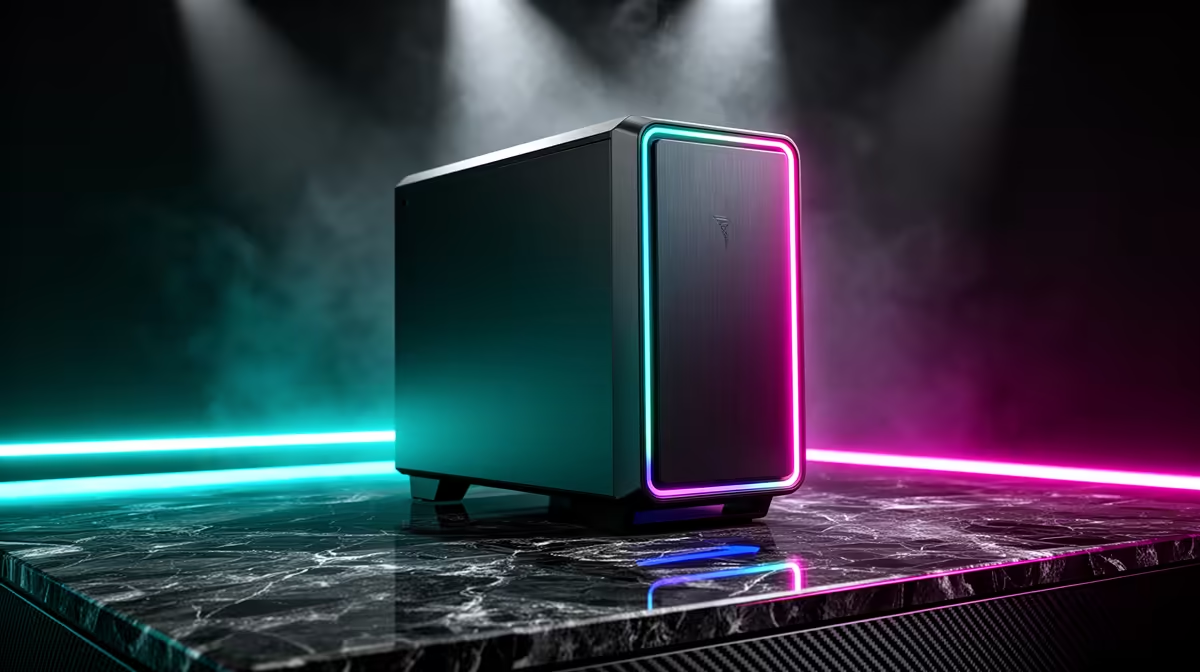
CPUT's engineering, built-environment, and IT students frequently work late into the night on CAD drawings and group projects. A full ATX tower and a 27-inch ultrawide simply won't fit alongside A2 printouts and a CPUT-issued lab kit. Compact form factors — mini-ITX towers, NUC-style PCs, or slim laptops — keep the desk functional for both study and occasional gaming. An MSI Cubi 5 or a small-form-factor desktop under R6,500 slots neatly beside a lamp without spilling onto a roommate's space.
Recommended Compact Setup Tiers
Entry tier (~R3,500–R5,000): A refurbished 21.5-inch 60 Hz IPS monitor plus a USB hub covers daily coursework. Pair with a wired keyboard-and-mouse combo for zero desk clutter from dongle receivers.
Mid tier (~R5,500–R8,500): A 24-inch 75 Hz FHD panel (e.g., Acer V246HQL) gives 75 Hz refresh — enough for CS2 at medium settings hitting 60–80 fps on integrated graphics. Add a compact SFF desktop with a Core i3 or Ryzen 5 processor.
Gaming-capable tier (~R9,000–R12,500): A 24-inch 144 Hz display plus a mini-ITX build with a discrete GPU (GTX 1650 Super, ~R2,800) reaches 100+ fps in Valorant and keeps noise under 35 dB — acceptable in a shared room.
Cable Management for Shared Rooms
Cable chaos turns roommates into enemies. Use adhesive cable clips along the desk edge and a single surge-protected extension lead for all peripherals. A wireless-only setup (Bluetooth keyboard, wireless mouse) removes most cable runs entirely and suits CPUT's shared desk policy. Keep the monitor arm-mounted if the desk has a lip — this frees 15 cm of depth for notebooks.
What to Prioritise Over Specs
For most CPUT residence students, a reliable 1080p 24-inch display at 75 Hz, a sturdy wired keyboard, and stable Wi-Fi connectivity (CPUT uses eduroam on campus) matter more than raw GPU power. Warranty coverage from a local SA retailer is critical — carrying a faulty unit to a repair depot mid-semester costs more than the price premium for a reputable brand.
FAQ
What monitor size fits a CPUT residence desk without taking over the space?
A 24-inch display is the practical maximum for most CPUT residence desks. At 24 inches, you get a 53 cm wide panel — leaving enough room for a keyboard tray, a water bottle, and study notes. Go any larger and you'll be angling the monitor into your roommate's eyeline.
Can a CPUT student game on a compact setup within an R8,000 budget?
Yes. An R8,000 budget covers a capable mini-ITX or SFF PC with a GTX 1650-class GPU that runs Valorant and CS2 at 1080p above 100 fps. Pair it with a 24-inch 144 Hz monitor (available from R1,800 at Evetech) and you have a study-and-game rig that fits comfortably on a standard residence desk.
Is a laptop or desktop better for CPUT residence living?
A laptop wins on flexibility — carry it to the library, use it in lectures, and plug it into an external monitor back in your room for a bigger screen when studying. A compact SFF desktop costs less per performance rand but needs a permanent desk spot. If your CPUT residence room is shared, a laptop is the less disruptive choice.
your CPUT residence room has a desk with a monitor lip or edge clamp point before buying a monitor arm — this single accessory reclaims 15 cm of desk depth and makes the entire setup feel much more spacious.