



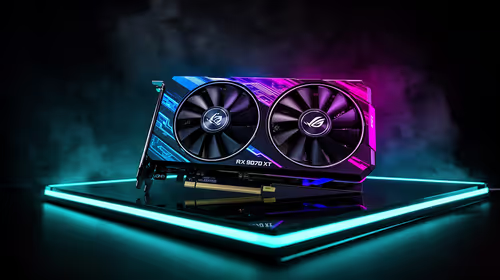
Fix Dead pixel checks on RX 9070 XT build
Dead pixel on RX 9070 XT build needs careful display-chain checks, not a single-part blame. Test the screen, cable, port, scaling, drivers, and setup context before replacing hardware.
Read moreChoosing a PC for video editing and gaming requires a smart balance of power. This guide breaks down the essential components—from CPU to GPU—to help you build or buy a machine that crushes 4K renders and high-FPS gaming without compromise. Get ready to create and conquer! 🎮🎬
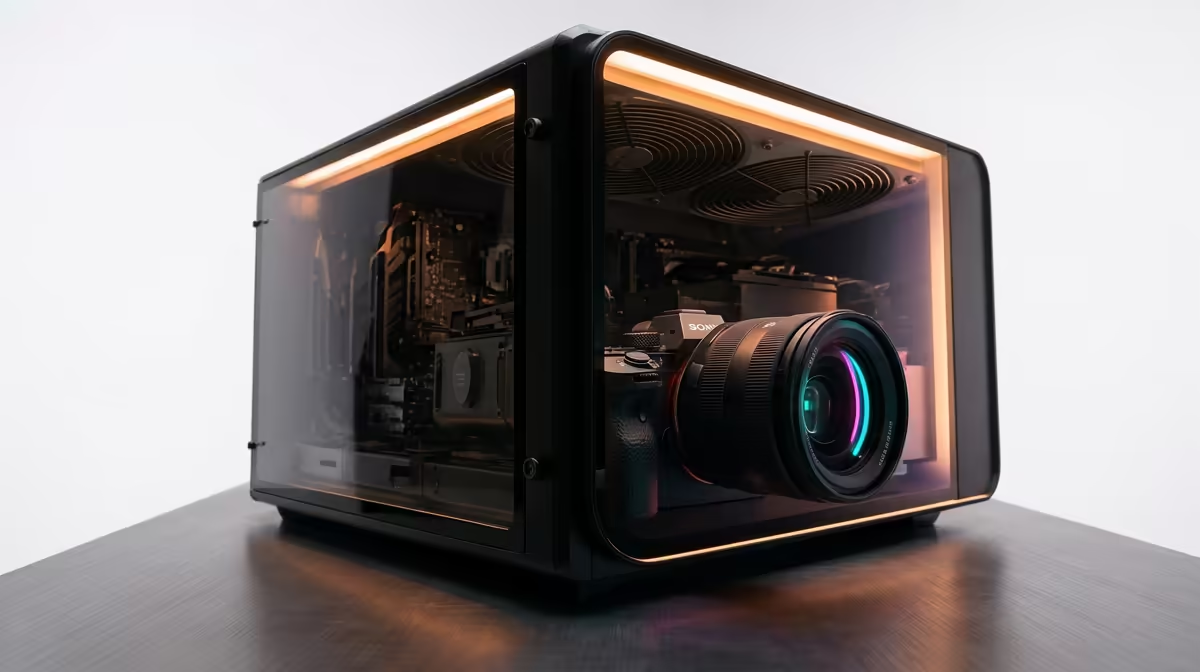
Juggling a demanding video editing workflow and a passion for high-refresh-rate gaming? You're not alone. Here in South Africa, many of us need one rig that can do it all… without breaking the bank. Building the perfect PC for video editing and gaming feels like a balancing act between rendering power and raw frame rates. But what if you could have both? Let's break down how to choose the right components for your ultimate dual-purpose machine. 🚀
The Central Processing Unit (CPU) is where the biggest battle between editing and gaming is fought. Video editing loves more cores for encoding and rendering, while high-end gaming often prioritises faster single-core speeds for maximum frames per second (FPS).
For years, the choice was simple, but now, both sides offer incredible options.
Intel CPUs, especially the Core i7 and i9 series, are legendary for their strong single-core performance, which is fantastic for gaming. Their secret weapon for editors, however, is Quick Sync Video. This integrated graphics technology can massively accelerate video encoding and decoding in programs like Adobe Premiere Pro, making your timeline buttery smooth. For a rig that leans slightly more towards a fluid editing experience, check out our powerful range of Intel PC deals.
AMD's Ryzen processors changed everything by bringing high core and thread counts to the mainstream market. A Ryzen 7 or Ryzen 9 CPU can chew through 4K video renders and complex multi-tasking workloads with ease. While their single-core speed used to lag, modern Ryzen chips are gaming beasts too, offering a fantastic all-around package. If raw rendering power is your top priority, exploring our latest AMD Ryzen PC deals is a must.
Your Graphics Processing Unit (GPU) is the heart of any PC for video editing and gaming. It handles everything from pushing pixels in Call of Duty to accelerating visual effects and colour grading in DaVinci Resolve.
NVIDIA's GeForce cards have long been the top choice for many creators due to their CUDA cores, which are heavily optimised for the Adobe Creative Suite and other professional applications. Their NVENC encoder is also phenomenal for both streaming gameplay and speeding up video exports. A build based around these cards is a safe bet for any serious creator, and you can browse our NVIDIA GeForce gaming PCs to see the latest options.
On the other side, AMD's Radeon GPUs offer incredible gaming performance for your hard-earned Rands. They are more than capable of handling video editing, especially in software like DaVinci Resolve which utilises them well. If your priority is maximum gaming FPS for your budget, with strong editing as a secondary goal, our AMD Radeon gaming PCs deliver serious bang for your buck.
Don't overlook these critical components. They are the support system that makes or breaks an editing and gaming PC.
For video editing, set up a 'scratch disk' on your fastest NVMe SSD. This is where your software stores temporary files, previews, and cache. It dramatically speeds up timeline scrubbing and rendering previews. Keep your OS on a separate partition or drive for maximum stability and performance.
So, what's the final verdict? The best PC for video editing and gaming truly depends on your primary use case.
If you are a professional creator who games on the side, prioritising a high-core-count CPU and an NVIDIA GPU inside a robust chassis makes sense. These are often found in dedicated workstation PCs designed for stability and raw power.
If you're a gamer first and a creator second, you might lean towards a CPU with the highest clock speeds and pair it with the best GPU your budget allows. For most people in South Africa, a balanced machine that doesn't compromise too much on either side is the goal. This is where the value of a professionally assembled system shines, taking the guesswork out of component compatibility. You can find expertly configured systems in our pre-built PC deals section.
Ultimately, building a great dual-purpose PC is about smart choices, not just buying the most expensive parts. By balancing your CPU, GPU, and supporting components, you can create a machine that excels at both work and play. ✨
Ready to Build Your Dual-Purpose Beast? Finding the perfect balance between a render station and a gaming rig is the ultimate goal. Stop compromising and start creating... and conquering. Explore our wide range of pre-built PC deals and find the perfect machine to power your passion.
For a hybrid PC, both are crucial. A strong CPU excels at rendering and multitasking, while a powerful GPU is vital for smooth gaming framerates and accelerating video effects.
For 4K video editing and seamless gaming, 32GB of RAM is the recommended sweet spot. For complex professional projects, consider upgrading to 64GB for optimal performance.
Absolutely. A quality prebuilt PC for video editing and gaming ensures component compatibility, professional assembly, and warranty support, saving you time and hassle.
A dual-drive setup is ideal. Use a fast NVMe SSD for your OS, apps, and current projects. Use a larger HDD or SATA SSD for long-term storage and your game library.
Yes. Look for a monitor with a high refresh rate (144Hz+) for gaming and excellent color accuracy (99%+ sRGB) for editing. An IPS panel provides the best balance of both.
Desktops offer superior performance, better cooling, and easier upgrades for the price. Laptops provide portability but often come with performance compromises. Choose based on your needs.
Dead pixel on RX 9070 XT build needs careful display-chain checks, not a single-part blame. Test the screen, cable, port, scaling, drivers, and setup context before replacing hardware.
Read more
Genshin Impact anti-cheat error on RTX 4090 usually needs service, permissions, overlay, and file integrity checks. Use this SA-focused fix path to isolate launch blockers before reinstalling or changing security settings.
Read more
Mass Effect launch trouble on RX 7800 XT needs focused driver, settings, launcher, and heat checks. Use this SA-friendly guide to isolate the likely cause, protect saves, and return to smoother play without unsupported hardware claims.
Read more
144Hz 1440p setup for video editing in 1080p - what SA needs a balanced, cautious look before buying. Compare fit, budget, workload, warranty support, and upgrade room so the choice makes sense for South African buyers.
Read more
R8,000 gaming PC build in KwaZulu-Natal needs a practical check before you shortlist anything. Compare fit, compatibility, warranty support, timing, and total setup balance for South African buyers.
Read more
Brits video editing in 4K build under R20,000 needs a balanced parts plan, not a random basket. Map the CPU, GPU, RAM, SSD, cooling, and monitor target to the budget so SA builders know where to spend first.
Read more
Windows never combine taskbar shows separate labelled buttons for open windows. Choose it in Taskbar behaviours, then review space and other-display settings; labels and grouping are linked in the available options.

8BitDo Ultimate 3C+ brings adjustable stick tension to the C Series. Windows uses wired USB or the 2.4 GHz adapter; Android uses Bluetooth. Confirm those modes and local pricing before buying.

EPOMAKER Galaxy75 previews an aluminium 75% keyboard with wireless modes and HUB/VIA customisation. It is still marked coming soon; final pricing and South African supply are not confirmed.

Windows Delivery Optimisation can share update files with other PCs. Review its activity, choose local-only sharing or turn peer sharing off, and use bandwidth controls; those choices do not disable Windows Update.
Windows never combine taskbar shows separate labelled buttons for open windows. Choose it in Taskbar behaviours, then review space and other-display settings; labels and grouping are linked in the available options.
Windows Delivery Optimisation can share update files with other PCs. Review its activity, choose local-only sharing or turn peer sharing off, and use bandwidth controls; those choices do not disable Windows Update.

Windows touch indicator adds visual feedback where you touch a screen. Change it in Accessibility, Mouse pointer and touch; a feedback circle is different from inaccurate input, ghost touches or a damaged panel.

Windows underline access keys makes supported menu letters easier to see. Enable the keyboard accessibility option, then follow the app's displayed Alt cues; this does not remap keys or create missing app shortcuts.

Windows Task View button visibility is a taskbar preference. Hide it in Taskbar settings if you prefer Windows plus Tab, and keep virtual desktop switching separate from closing your applications.

Windows taskbar search box display options can free space without removing search. Choose Hide, an icon or a box in Taskbar settings, then use Windows plus S when you need to search.

Windows text suggestions can offer word choices while you type with a physical keyboard. Enable the setting under Typing, test a supported app, and keep suggestions separate from automatic corrections.

Windows autocorrect settings and application spelling tools are separate controls. Change one at a time, test a harmless sentence, and keep useful spelling highlights if automatic replacements get in your way.