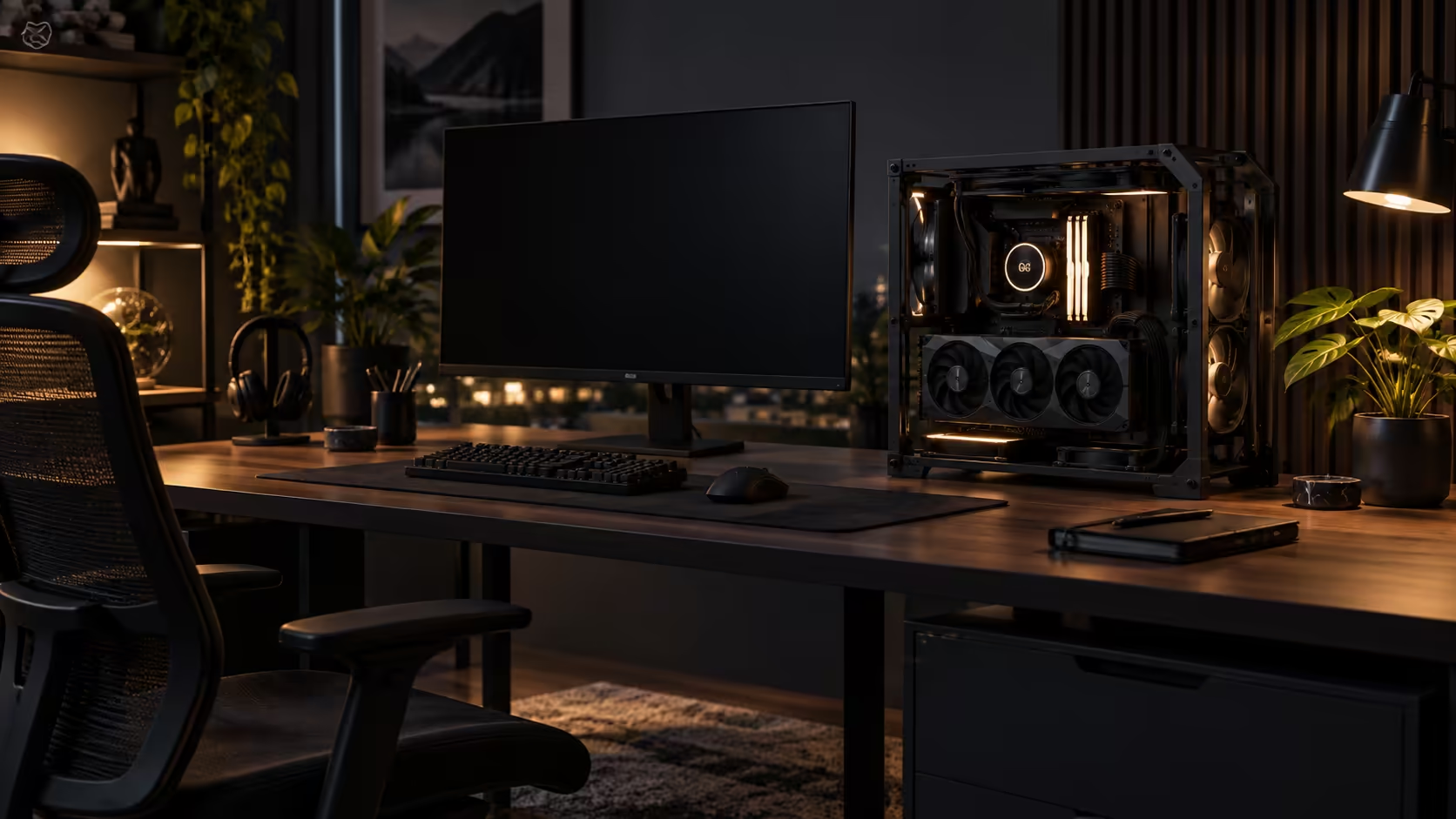
A machine that runs eight working hours before a single game even loads has different needs to one that only switches on for gaming in the evening. Choosing an open-frame PC case from the mid-tower range for a combined work-from-home and gaming setup means weighing noise during a video call against the display appeal that made an open frame attractive in the first place.
Quick Answer
Pick the stance first: standing vertically keeps the machine out of the way of a keyboard and mouse used all day, while noise and heat during long working hours matter more here than in a machine only switched on for a few hours of gaming. Fan curve tuning for quiet idle running, not just gaming performance, is the setting to get right on a WFH build. The R15,999 GR20 Edition 20 gives three stances in 4mm alloy, but the stance you settle on should follow your workday, not just the look you want on camera.
🎙️ Noise during a call is a different problem to noise during a game
Gaming noise is forgiven, or at least drowned out by a headset and whatever is happening on screen. Fan noise during a video call is not forgiven, because it sits directly under a microphone with nothing competing against it, and an open frame has no side panels or damping foam to take the edge off it the way a closed case would.
Set your fan curve specifically for the load a video call and browser tabs actually put on the system, often 10 to 15 percent of what a demanding game asks for, and confirm the machine stays quiet at that load before assuming a curve tuned for gaming performance is good enough. A curve that only cares about keeping temperatures low under a heavy game can leave fans spinning audibly for a full 8-hour workday when the actual heat output barely justifies it.
🌡️ Eight hours a day changes the thermal picture
A machine gaming for 2 to 3 hours in the evening and one running continuously through an 8-hour working day are not under the same thermal load pattern, even if peak temperatures during a game are identical on both. Sustained moderate load for hours, the kind video calls, browser tabs and background applications create, keeps components warmer for longer than a shorter, harder gaming session does.
An open frame's unrestricted airflow genuinely helps here, since sustained moderate heat has more time to build in a poorly ventilated closed case than in an open one drawing straight from room air. It is a real advantage for an all-day machine, separate from the display appeal that usually gets the credit.
🪑 Desk reach and the stance you actually work at
A vertical stance beside the monitor keeps the desk surface clear for the keyboard, mouse and whatever paperwork or second screen an 8-hour working day adds, which matters more for reaching across a desk all day than it does for a few hours of gaming with a controller in hand. An angled or horizontal stance looks more striking but can claim an extra 150mm or more of desk width, exactly the space a WFH setup needs free during the day.
A desk mat sized to cover the working area in front of the build protects the desk surface from both a dropped screwdriver during a rebuild and the daily wear of a keyboard and mouse used for hours, and it is worth buying at the same time as the case rather than as an afterthought.
🏠 The household reality of a shared working space
If the desk sits in a shared room or doubles as someone else's workspace outside your hours, the same reasoning that applies to noise and footprint applies to visibility of cabling too. Every cable is on display on an open frame, and a tidy, tight cable run reads as a professional setup on a video call background in a way a loose bundle behind the machine does not.
Monitor arms and cable trays from the gaming setups selection do most of the work here, keeping a shared desk looking work-appropriate during the day and game-ready in the evening, without needing two separate configurations for the two different uses.
Frequently Asked Questions
Should I tune my fan curve differently for work versus gaming?
Yes. A curve tuned only for gaming load can leave fans running audibly during the much lighter load of a video call, so check quietness specifically at that lower load level.
Does an open frame really help with all-day heat?
Yes, sustained moderate heat from hours of work use has more time to build in a poorly ventilated closed case than in an open frame drawing directly from room air.
Which stance suits a WFH desk best?
Vertical, generally, since it keeps the desk surface clear for daily keyboard and mouse use, where angled or horizontal stances claim more desk width.
Does cable tidiness matter more on a WFH build?
Yes, particularly if the machine appears in a video call background, where a tight, visible cable run reads far better than a loose bundle on an open frame.
Ready to build a machine that works quietly all day and looks good in the evening?
Set the fan curve for your actual workday load, then pick the stance that fits your desk.