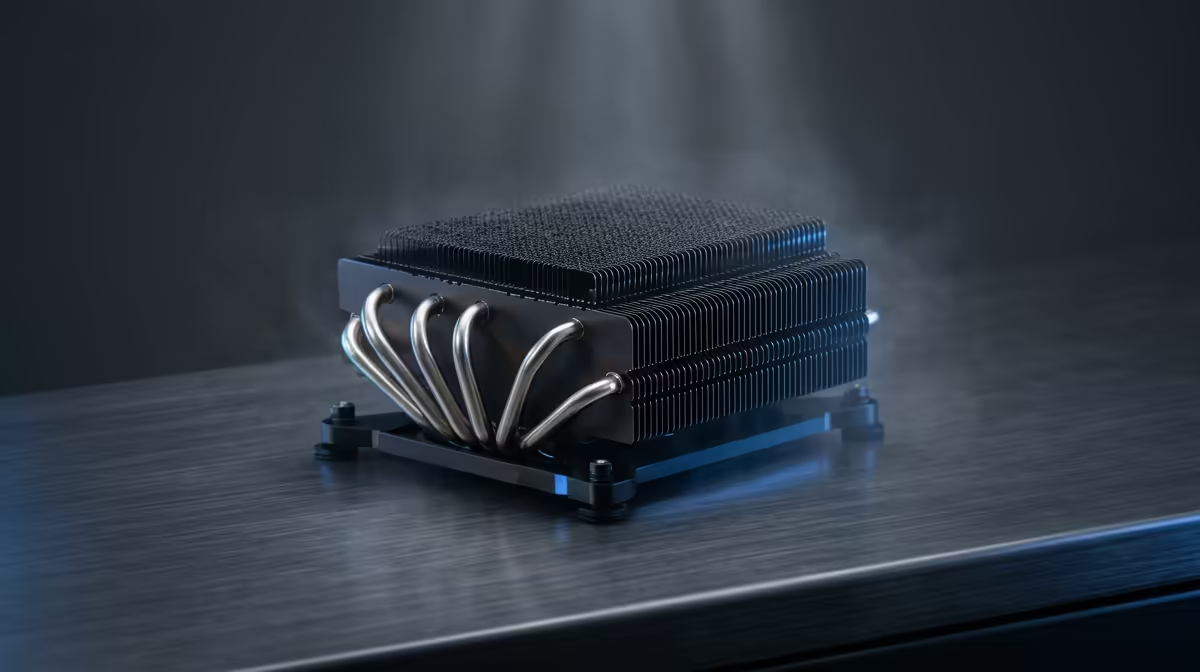
Is your gaming PC starting to sound like a jet engine during a Johannesburg heatwave? Consistent frame delivery matters most when the action gets busy. Before you blame your graphics card, the culprit might be hiding in plain sight… a thick, cosy blanket of dust choking your CPU cooler. In South Africa, dust isn't just a nuisance; it's a performance killer. This guide will show you how to safely clean CPU cooler dust and reclaim your PC's peak performance. 🌡️
Why a Dusty CPU Cooler is Your PC's Worst Enemy
Think of your CPU cooler's heatsink as your PC's radiator. Its job is to pull heat away from the processor using a fan and a grid of thin metal fins. When those fins get clogged with dust, they can't dissipate heat effectively. Dust acts as an insulator, trapping warmth and causing your CPU temperatures to skyrocket.
Your PC's response? It throttles the CPU—intentionally slowing it down to prevent damage. For you, that means stuttering gameplay, slower rendering times, and a system that feels sluggish. Even the most effective thermal solutions can't perform properly when they're suffocated by grime. A regular CPU cooler cleaning is essential maintenance for any South African PC owner.
Your Toolkit for a Dust-Free CPU
You don't need a high-tech lab to get this done. A proper CPU cooler cleaning session just requires a few basic tools:
- Can of Compressed Air: Your primary weapon against dust.
- Isopropyl Alcohol (90%+): For cleaning off old thermal paste.
- Microfibre Cloth & Cotton Swabs: For wiping surfaces clean without leaving lint.
- Screwdriver: To access and potentially remove your cooler.
- New Thermal Paste: Only if you plan on re-seating your cooler (highly recommended for a deep clean).
How to Clean CPU Cooler Dust Like a Pro 🔧
Ready to give your PC a new lease on life? Follow these simple steps.
Step 1: Power Down & Prep Your Workspace
Safety first! Shut down your PC completely and unplug it from the wall. Disconnect all peripherals. Move your PC case to a well-lit, well-ventilated area—preferably outside or on a balcony to avoid blowing dust all over your room. Touch a metal part of the case before you begin to ground yourself and discharge any static electricity.
Step 2: Open Up and Assess the Situation
Remove the side panel of your PC case. Take a look at your CPU cooler. You'll likely see a fine layer of dust on the fan blades and packed into the heatsink fins. Now you see the enemy.
Pro Tip: Fan Safety ⚡
When using compressed air, don't let the fans spin freely. The high-pressure air can spin them faster than they're rated for, potentially damaging the bearings. Gently hold the fan blades in place with a finger while you spray short, controlled bursts of air to dislodge the dust.
Step 3: Blast Away the Surface Dust
Using your can of compressed air, blow the dust off the fan and out of the heatsink fins. Use short bursts and keep the can upright. Work from the inside out, directing the dust away from other components and out of the case. This step alone will solve most mild overheating issues.
Step 4: The Deep Clean (Optional but Recommended)
For a truly thorough job, you'll want to remove the cooler from the motherboard. Carefully unscrew it, unplug the fan header, and lift it off the CPU. Use your isopropyl alcohol and a microfibre cloth to wipe the old, crusty thermal paste off both the CPU and the cooler's baseplate. This ensures perfect contact later. A clean installation is vital for all coolers, from standard air coolers to advanced CPU liquid cooler options.
Step 5: Reassemble and Enjoy the Chill ✨
Apply a small, pea-sized dot of new thermal paste to the centre of your CPU. Carefully place the cooler back on top and secure it evenly. Reconnect the fan cable, put your side panel back on, and plug everything in. Boot up your PC and monitor the temperatures. You should notice a significant drop in idle and load temps, plus a much quieter system.
Is It Time for an Upgrade?
Sometimes, a clean-up isn't enough. If your temperatures are still high after a thorough CPU cooler cleaning, or if you hear grinding noises, your cooler's fan or pump might be failing. Perhaps your old stock cooler just can't keep up with your processor's demands.
The technology inside modern CPU coolers has improved dramatically. A new unit can offer quieter operation and much lower temperatures. For most builds, a powerful, new top-tier air CPU cooler in South Africa provides incredible value and performance. If you're chasing the absolute best performance or a clean aesthetic, browsing the best CPU cooler deals in South Africa for a premium air or AIO liquid cooler is your next move.
Ready for an Arctic Blast? 🚀
Don't let heat throttle your performance. An efficient CPU cooler is the heart of a stable, high-performance PC. Explore our massive range of PC component specials and find the perfect cooling solution to conquer your world.