


Clean Gaming Keyboard: Guide for Dusty & Humid Conditions
Clean gaming keyboard quickly and safely in dusty or humid conditions with step-by-step tips, tool checklist, and maintenance routines to prevent corrosion and switch failure. 🧼💨
Read more- Clean gaming keyboard steps; - Tools & schedule; - Dust-proof tips for SA. Clean gaming keyboard fast with safe, step-by-step cleaning, local dust strategies and a simple maintenance plan to extend lifespan. 🧹💻
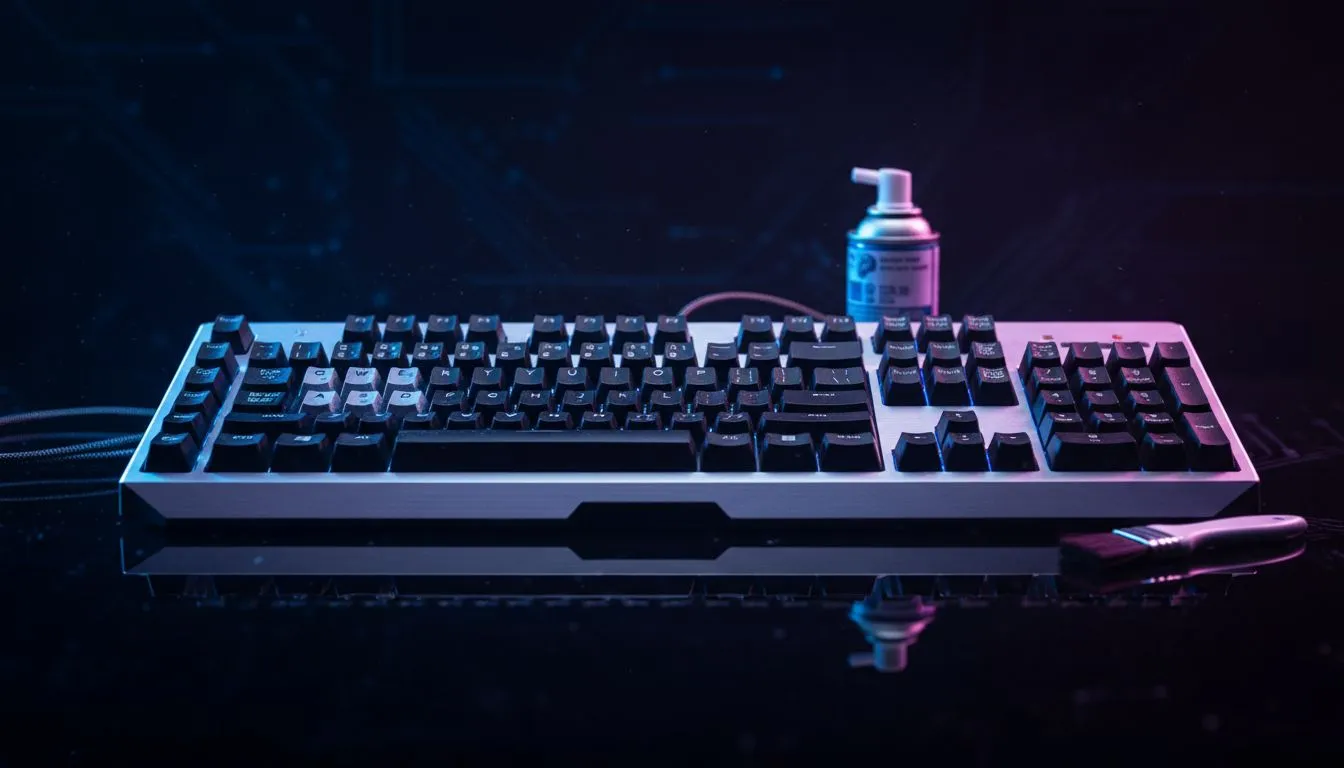
Living in South Africa means battling a never-ending war against dust. Whether you are in the windy Cape or the dry Highveld, your setup takes a beating. Maintaining a Clean Gaming Keyboard: South Africa Dusty Climate Guide routine is essential for longevity. Dust doesn't just look bad... it clogs switches and ruins your tactile experience. Let's keep your gear clicking perfectly 🔧.
Our local climate is unique. We deal with fine red dust and high humidity that can turn debris into a sticky residue. Even if you find the best gaming keyboard deals at Evetech, neglect will lead to double-typing or dead keys. Regular cleaning ensures your R2,000 investment lasts for years instead of months. It is about protecting your hardware from the harsh South African elements.
Start by unplugging everything. If you have a keyboard mouse combo, treat both components with care. Use a keycap puller to remove the keys carefully. Soak them in warm water with a drop of mild dish soap to remove oils. Avoid harsh chemicals that might strip the colour or finish off your keycaps. Use a soft brush to clear the base plate of any loose particles ⚡.
Place a simple microfibre cloth over your keyboard when you aren't using it. This small habit prevents the 'overnight settling' of dust that plagues South African homes, especially during the dry winter months. It keeps your switches crisp and reduces the need for deep cleaning.
Some designs handle dust better than others. Many competitive players prefer wired gaming keyboards because they offer a consistent connection. Others want the freedom of wireless gaming keyboards to keep their desk clutter-free. Even if you are looking for the cheapest gaming keyboard in South Africa, choosing one with a 'floating key' design makes it much easier to blow out dust with compressed air.
Consistency is key to a healthy setup. A quick blast of air once a week can prevent major build-up. If you notice a key sticking, do not force it. This is usually a sign that sugar or dust has entered the switch housing. Proper maintenance keeps your response times low and your frustration levels even lower. Your gear works hard for you... it deserves a little bit of care in return 🚀.
Ready to Find Your Perfect Match? The battle against dust is easier with the right gear. For maximum performance, choice, and value in South Africa, Evetech is hard to beat. Explore our massive range of keyboard specials and find the perfect machine to conquer your world.
Wipe surface dust weekly and perform a deeper clean with key removal every 3–6 months; adjust based on dust levels and 'gaming keyboard maintenance schedule'.
Yes—use short bursts of compressed air to dislodge debris; hold the keyboard at an angle and avoid prolonged blasts to protect switches.
Yes for most mechanical keyboards—use a keycap puller and document layout first; follow 'clean mechanical keyboard south africa' tips to avoid damage.
Turn keyboard upside down, shake gently, use compressed air and a soft brush for crevices—this 'clean keyboard without removing keys' method reduces risk.
Use compressed air, soft brushes, isopropyl alcohol wipes (70%+), microfiber cloths and a keycap puller—see 'best keyboard cleaning tools SA' for local options.
Power off, use 70% isopropyl alcohol on a microfiber cloth, avoid soaking switches; this 'disinfect gaming keyboard safely' method protects electronics.
Store with a dust cover, keep windows closed during dust storms, use routine wipes, and follow 'prevent keyboard dust buildup' practices for SA climates.
Clean gaming keyboard quickly and safely in dusty or humid conditions with step-by-step tips, tool checklist, and maintenance routines to prevent corrosion and switch failure. 🧼💨
Read more
Best gaming keyboard features to prioritize when building a high-end setup: mechanical switches, low latency, hot-swap, RGB, macros, durability and ergonomics 🎮⌨️
Read more
Custom actuation point keyboard setup guide: learn to set per-key actuation on your analog gaming keyboard for faster, precise inputs and better control 🎮⚙️
Read more
Cable management for home entertainment helps you eliminate cable clutter quickly and safely. Learn routing, concealment, and product picks to tidy your setup fast 📺🔌
Read more
conference room setup Microsoft Teams Zoom: Upgrade AV, camera, mic, and network to ensure seamless meetings, clear audio, and crisp video 🎯🔧
Read more
• Audit setup • Link accounts • Configure ViewBoard • Test workflows Integrate Google Workspace with ViewSonic ViewBoard to enable secure SSO, calendar and Drive sync, and smooth collaborative whiteboarding 🔗📋
Read more
Discover webcams that automatically adjust light and color for crystal-clear video calls 🎥✨. Boost your streaming quality today!
Read more
Discover webcams that blend into your workflow 🎯 Capture moments while you work, stream, or create. Upgrade your setup with smart, multitasking tech!
Read more
Dedicated media keys give streamers one-touch control to mute, switch scenes, clip highlights, and adjust audio — cutting task time and boosting consistency 🎛️⚡
Read more
PBT vs ABS keycaps: Clear, local guide for South African gamers—compare feel, sound, durability and where to buy. Find the best material for your budget and playstyle 🎮🇿🇦
Read more
- Multi-Function Digital Dial: define benefits - Show gamer setups and macros - Offer buying and setup tips Multi-Function Digital Dial puts programmable control at your fingertips for faster actions and smoother streaming. 🎮⚙️
Read more
- Explain benefits; - Show the science; - Compare options; - Recommend picks. Magnetic wrist rest for gaming cuts wrist strain and boosts comfort during long sessions 🕹️✨
Read more