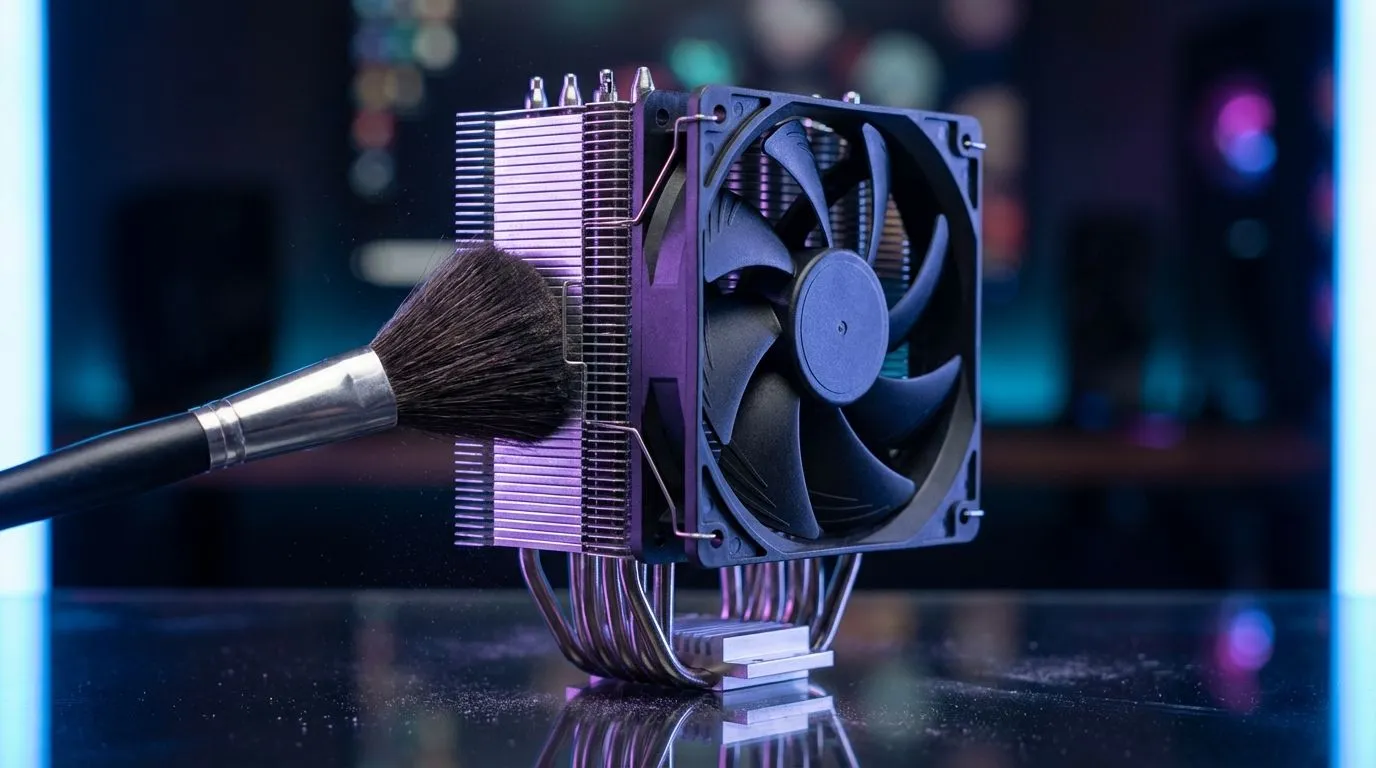
Why Regular PC Maintenance Matters for South African Gamers
Is your PC sounding like a jet engine taking off from OR Tambo? In our dusty South African climate... especially during those dry Highveld winters... dust buildup is inevitable. It acts like a thermal blanket, trapping heat and forcing your components to throttle. If you have noticed your FPS dropping during a summer heatwave, your first step should be a thorough CPU coolers inspection. Keeping your hardware clean ensures longevity and peak performance.
The Essential Cleaning PC Fans: Heatsink Dust Removal Guide
Before you start, ensure your PC is completely powered off and unplugged. Static electricity is a real threat, so touch a grounded metal object before touching any internal parts. For most users, high-quality Air Coolers are the primary line of defence against heat. Over time, the fine fins on these heatsinks become clogged with "dust bunnies" that block airflow entirely.
Step 1: Accessing the Fans
Open your side panel and locate your cooling solution. If you are using standard 120mm Fans, you might find it easier to unscrew them from the heatsink for a deeper clean. 🔧
Step 2: The Cleaning Process
Use a can of compressed air... usually costing around R150 at local shops... to blow out the debris. Always hold the fan blades still with your finger. If you let them spin freely from the air pressure, you risk damaging the bearings or generating a small electrical charge. ⚡
Maintenance Pro Tip ⚡
Use a wooden toothpick or a soft-bristled paintbrush to gently dislodge stubborn dust clumps between the heatsink fins. Avoid metal tools as they can scratch the aluminium or copper surfaces, potentially impacting thermal transfer efficiency.
When Cleaning Isn't Enough
Sometimes, no amount of cleaning can fix a noisy or failing bearing. If your temperatures remain high after a full Cleaning PC Fans: Heatsink Dust Removal Guide session, it might be time for an upgrade. Reliable brands like Deepcool offer fantastic thermal performance for the price. If you are on a tighter budget but still need professional-grade cooling, EINAREX provides excellent alternatives that fit most standard cases. 🚀
Improving Your Airflow
Once your heatsink is clear, consider your case airflow. Ensure your intake fans aren't blocked by dust filters. Cleaning these filters every few weeks can significantly reduce the amount of work you have to do inside the chassis later. ✨
Ready to Restore Your PC’s Performance?
Don't let dust and heat kill your hardware. Whether you need a fresh set of fans or a massive heatsink upgrade, we have the best deals in South Africa. Explore our massive range of CPU Coolers and keep your rig running cool and quiet today.