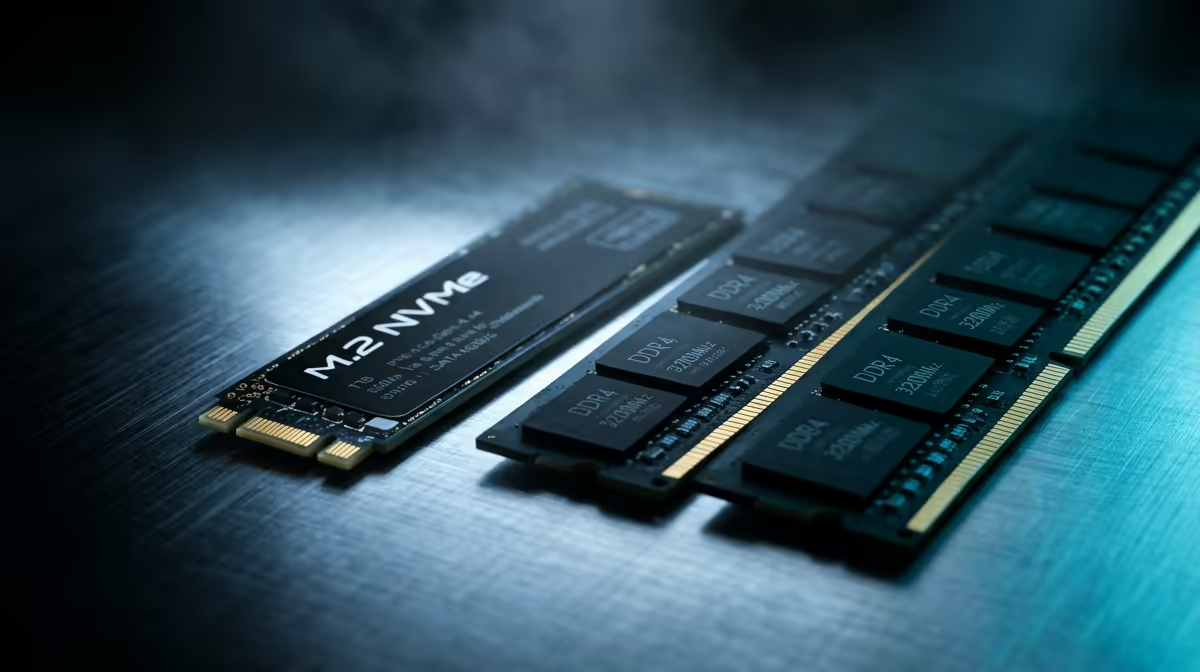
ADATA LEGEND 900 1TB at R948 suits SA buyers who want a clean SSD upgrade with enough listed 1TB space for Windows, games, and work files without overspending. Most upgrade trouble starts when the SSD plan and RAM kit plan are treated as one job: the drive needs the right slot and screw, while memory needs the right capacity and speed support from the board.
Start with the drive that fixes the real bottleneck
The ADATA LEGEND 900 1TB at R948 is the practical first fix when the machine feels slow because apps, game folders, and project files are fighting for space. Its listed 1TB capacity gives the upgrade a clear role: move the active workload onto the SSD, then check that the old drive is not still being used as the main boot or install location.
WD Blue SN5000 at R998 is a sensible pick when the issue is not just speed, but reliability after the upgrade. If the PC boots once and then disappears from BIOS, reseat the SN5000, tighten the mount gently, and confirm the slot is enabled before blaming Windows.
Student desk upgrade checks before you close the laptop
Samsung 990 PRO at R4,648 makes more sense on a demanding student or creator desk where the system is expected to handle heavier file movement and frequent installs. Before closing the bottom cover, confirm the SSD appears in BIOS, run one restart, and only then reinstall the screws.
Ready to choose the right SSD?
Keep WD Blue SN5000 at R998 on the list for common upgrade problems buyers them; its listed spec is the detail to test against that brief.