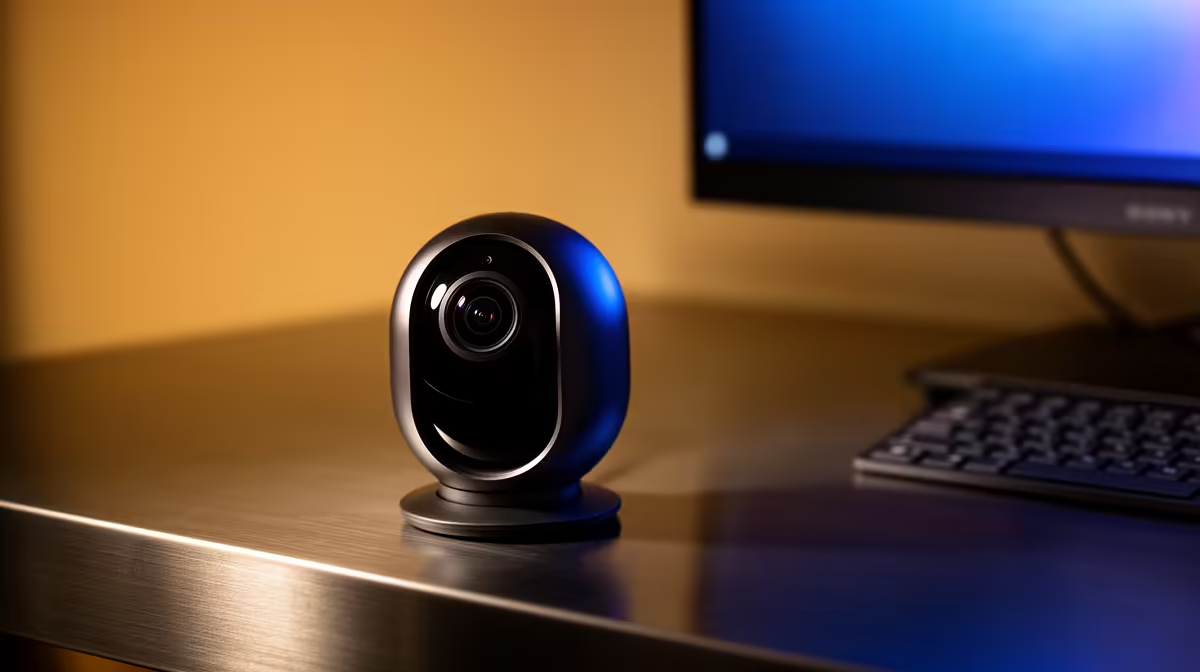
A good indoor pet-camera setup for a home office covers the pet area without recording private work, client calls or neighbouring property. It needs stable Wi-Fi, safe cable placement, controlled access and a clear storage plan. More cameras are not automatically better.
Choose one useful viewpoint
For R451, the verified TP-Link Tapo C212 offers pan-and-tilt Wi-Fi coverage for indoor monitoring. Confirm its current storage, account and notification features before purchase. Place it where the pet cannot chew the cable or knock over the unit. Aim away from computer screens, whiteboards and windows that reveal activity outside the property.
Secure the camera network
Use a unique password, supported firmware and multi-factor authentication where available. Put smart-home devices on a separate network when the router supports it. The Cudy WR6500H Wi-Fi 7 router is verified at R1,394 as a current network comparison, but wall layout and placement still determine coverage.
Test live view and alerts while the home office runs a video meeting. Reduce motion zones that trigger on curtains, office chairs or screen light. Decide how long clips remain stored and who may view them. Follow POPIA duties when footage identifies workers, visitors or household members.
Keep the camera off during confidential meetings if its view or microphone creates risk. Check the feed from outside the home, then test what happens when internet access fails. Review permissions and old footage every month.
Planning home-office pet monitoring? > Compare Evetech cameras and routers against privacy, placement and network conditions.