


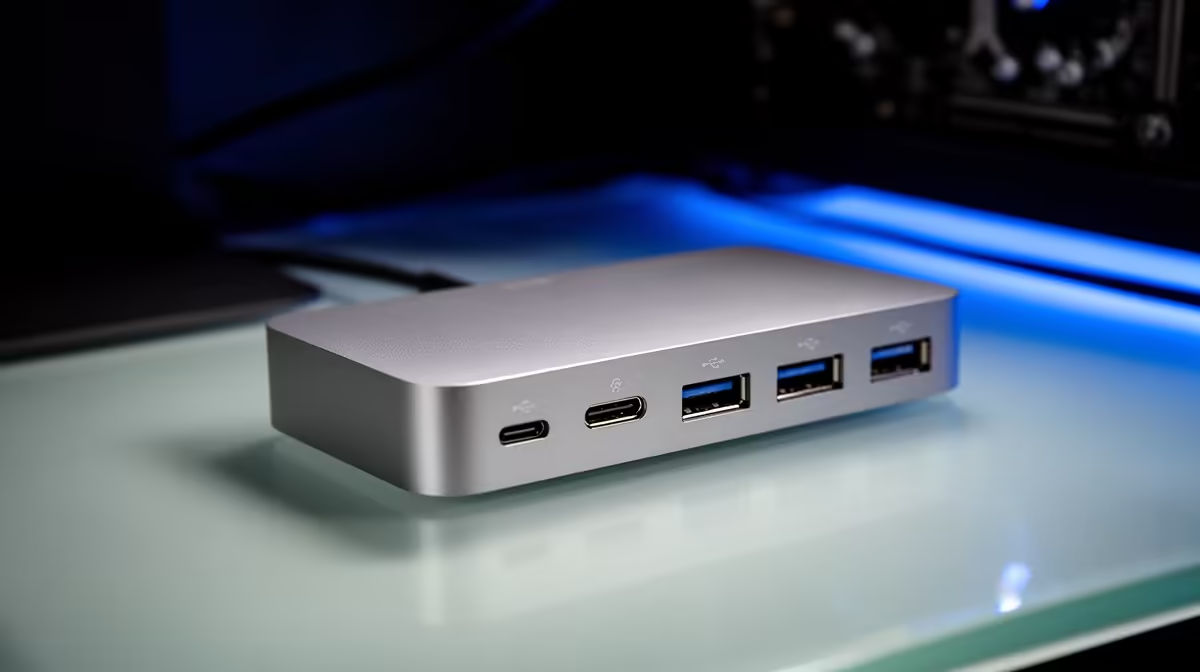
A docking station should match the handful of connections you use every day, and in South Africa that focus keeps you from paying for ports you will never plug into. This guide is written for first-year student setup without, with concrete Rand bands and specs so you can decide fast.
Quick Answer
Pick the dock by the ports you use daily, not the port count. For a laptop you want 100 W USB-C power delivery, an HDMI 2.0 or DisplayPort for dual displays at 60 Hz, and a couple of USB 3.2 lines, which lands around R1,500 to R4,000 at Evetech.
Display Output and Resolution
Check whether the dock drives your monitor at full resolution and refresh. HDMI 2.0 handles 4K at 60 Hz; older HDMI 1.4 caps at 30 Hz and looks choppy on the desktop. For dual screens confirm the dock and your laptop both support it before you buy.
Cable Length and Desk Layout
A longer captive cable adds reach for a tower under the desk, but past a point it can drop USB 3.2 speeds. For most setups a 20 cm to 30 cm cable keeps full bandwidth while staying tidy. Decide reach against speed for your layout.
Count the Ports You Actually Use
List your real connections: external monitor, charger, keyboard, mouse, maybe ethernet. A dock with 100 W power delivery charges most ultrabooks over one cable while driving a screen. Paying for twelve ports you never touch is wasted money; match the dock to your daily plug-in routine.
FAQ
What power delivery does a laptop dock need?
Match your laptop's charger: most ultrabooks want 65 W to 100 W. A 100 W dock charges while driving a monitor over one cable, so you leave the brick at home.
USB ports or compatibility, which matters more?
Compatibility first: a dock that does not match your laptop's USB-C or Thunderbolt standard loses features no matter how many ports it has. Confirm the standard, then count the ports you truly use.
Does cable length matter on a dock?
A longer captive cable adds desk flexibility but can drop USB 3.2 speeds past a point. For most setups a 20 cm to 30 cm cable keeps full bandwidth; prioritise the right ports first.
buy, confirm the current Evetech stock and warranty path, then match the docking station to your space and the features you actually use day to day.









