


Clean Gaming Keyboard: Guide for Dusty & Humid Conditions
Clean gaming keyboard quickly and safely in dusty or humid conditions with step-by-step tips, tool checklist, and maintenance routines to prevent corrosion and switch failure. 🧼💨
Read moreDiscover essential CPU cooler care tips to prevent overheating in South Africa's unique climate. Our guide covers everything from cleaning dust to reapplying thermal paste, ensuring your PC runs at peak performance. Keep your rig frosty and extend its lifespan! ❄️💻
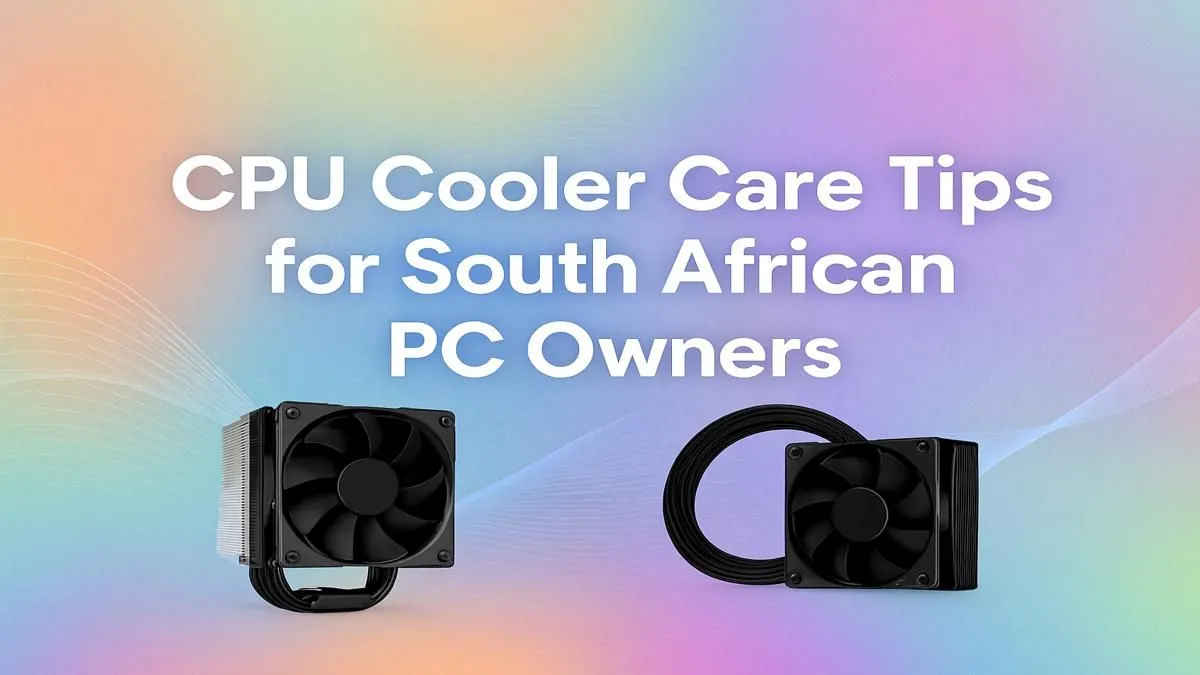
Is your gaming rig starting to sound like a jet engine during a Durban summer? You're not alone. The South African heat, combined with unpredictable load shedding cycles, puts immense stress on your PC's most vital components. Proper CPU cooler care isn't just about noise; it's about unlocking the performance you paid for and extending your hardware's life. These essential CPU cooler care tips will help you keep your machine frosty and your framerates high. ❄️
Your CPU is the brain of your PC, and like any high-performance engine, it generates a lot of heat. When it gets too hot, it automatically slows down to protect itself—a process called thermal throttling. Suddenly, your smooth 144 FPS in Apex Legends drops to a stuttery mess. In our climate, dust and heat are constant battles. Regular maintenance ensures your CPU coolers operate at peak efficiency, preventing performance loss and potential long-term damage.
Dust is the ultimate enemy of a cool PC. It acts like a blanket, trapping heat and forcing your fans to work harder and louder. Cleaning your cooler every 3-6 months is one of the most effective CPU cooler care tips you can follow.
Most gamers rely on traditional air coolers for their simplicity and reliability. Cleaning them is straightforward:
The principle is the same for All-In-One (AIO) liquid coolers, but your focus is the radiator. This component acts like your car's radiator, and if its fins are clogged with dust, it can't dissipate heat effectively. Hold the fans still with one finger while you blow compressed air through the radiator fins to dislodge any build-up.
When using a can of compressed air, never shake it or tilt it upside down. This can cause the liquid propellant to spray out, which can damage your components. Keep the can upright and use short, sharp bursts for the best and safest results.
Effective cooling is a team effort. Your CPU cooler can only do so much if other parts of the system aren't helping.
Thermal paste is the critical go-between that transfers heat from your CPU to your cooler's base plate. Over time (usually 3-5 years), it can dry out and become less effective. If you've cleaned your cooler and your temperatures are still high, it might be time for a reapplication. This is a core part of a system's effective thermal solutions and a cheap way to restore performance.
Your PC case needs a clear path for air to flow in and out. Ensure your intake fans (usually at the front) are pulling in cool air and your exhaust fans (at the back and top) are pushing hot air out. A well-planned airflow strategy can lower your CPU temperatures by several degrees, making your cooler's job much easier. 💨
Sometimes, maintenance isn't enough. If you've upgraded to a more powerful CPU, your old stock cooler might not be able to keep up. Consistently high temperatures (over 85°C under load) or fans that are constantly screaming are clear signs it's time for something better. Investing in a quality cooler is one of the smartest upgrades you can make for your PC's health and performance. Luckily, you can often find great deals on CPU coolers to give your rig the cooling power it deserves.
Ready to Beat the Heat? A cool PC is a happy PC, especially in South Africa. Don't let thermal throttling ruin your gaming experience. Explore our massive range of CPU coolers and find the perfect solution to keep your rig running cool and fast.
In South Africa's often dusty and warm climate, a deep clean every 3-6 months is ideal. If you live in a very dusty area or have pets, a quick check monthly is wise.
Look for consistently high CPU temperatures (over 85°C), unusual fan noises like grinding or rattling, frequent system crashes, or your PC slowing down during tasks.
Absolutely. Use a soft brush to dislodge stubborn dust and an anti-static cloth or a small data-vac to remove it. Avoid using a standard household vacuum cleaner.
High-quality thermal paste typically lasts 2-4 years. It's a key part of an AIO cooler maintenance guide and should be replaced if you see a steady rise in temps.
Both work well. High-end air coolers are reliable and low-maintenance. AIOs can offer better cooling potential but require checks for pump noise or fluid levels over time.
Dust acts as an insulator, trapping heat. A clogged cooler can't dissipate heat effectively, leading to thermal throttling, reduced performance, and potential component damage.
Not at all! After cleaning the old paste off with isopropyl alcohol, you just apply a pea-sized dot to the center of the CPU and reinstall the cooler. It's a simple fix.
High humidity can make air less effective at absorbing heat, slightly reducing cooling efficiency. More importantly, it can cause dust to clump and stick inside your PC.
Clean gaming keyboard quickly and safely in dusty or humid conditions with step-by-step tips, tool checklist, and maintenance routines to prevent corrosion and switch failure. 🧼💨
Read more
Best gaming keyboard features to prioritize when building a high-end setup: mechanical switches, low latency, hot-swap, RGB, macros, durability and ergonomics 🎮⌨️
Read more
Custom actuation point keyboard setup guide: learn to set per-key actuation on your analog gaming keyboard for faster, precise inputs and better control 🎮⚙️
Read more
Cable management for home entertainment helps you eliminate cable clutter quickly and safely. Learn routing, concealment, and product picks to tidy your setup fast 📺🔌
Read more
conference room setup Microsoft Teams Zoom: Upgrade AV, camera, mic, and network to ensure seamless meetings, clear audio, and crisp video 🎯🔧
Read more
• Audit setup • Link accounts • Configure ViewBoard • Test workflows Integrate Google Workspace with ViewSonic ViewBoard to enable secure SSO, calendar and Drive sync, and smooth collaborative whiteboarding 🔗📋
Read more
Discover webcams that automatically adjust light and color for crystal-clear video calls 🎥✨. Boost your streaming quality today!

Discover webcams that blend into your workflow 🎯 Capture moments while you work, stream, or create. Upgrade your setup with smart, multitasking tech!

Dedicated media keys give streamers one-touch control to mute, switch scenes, clip highlights, and adjust audio — cutting task time and boosting consistency 🎛️⚡

PBT vs ABS keycaps: Clear, local guide for South African gamers—compare feel, sound, durability and where to buy. Find the best material for your budget and playstyle 🎮🇿🇦

- Multi-Function Digital Dial: define benefits - Show gamer setups and macros - Offer buying and setup tips Multi-Function Digital Dial puts programmable control at your fingertips for faster actions and smoother streaming. 🎮⚙️

- Explain benefits; - Show the science; - Compare options; - Recommend picks. Magnetic wrist rest for gaming cuts wrist strain and boosts comfort during long sessions 🕹️✨