


Clean Gaming Keyboard: Guide for Dusty & Humid Conditions
Clean gaming keyboard quickly and safely in dusty or humid conditions with step-by-step tips, tool checklist, and maintenance routines to prevent corrosion and switch failure. 🧼💨
Read moreUnlock peak performance with custom mechanical keyboard switches! This guide explores the art of modding, from lubing and filming to spring swapping. Learn how to transform your typing and gaming experience with simple, effective mods. Ready to build your dream keyboard? ⌨️✨
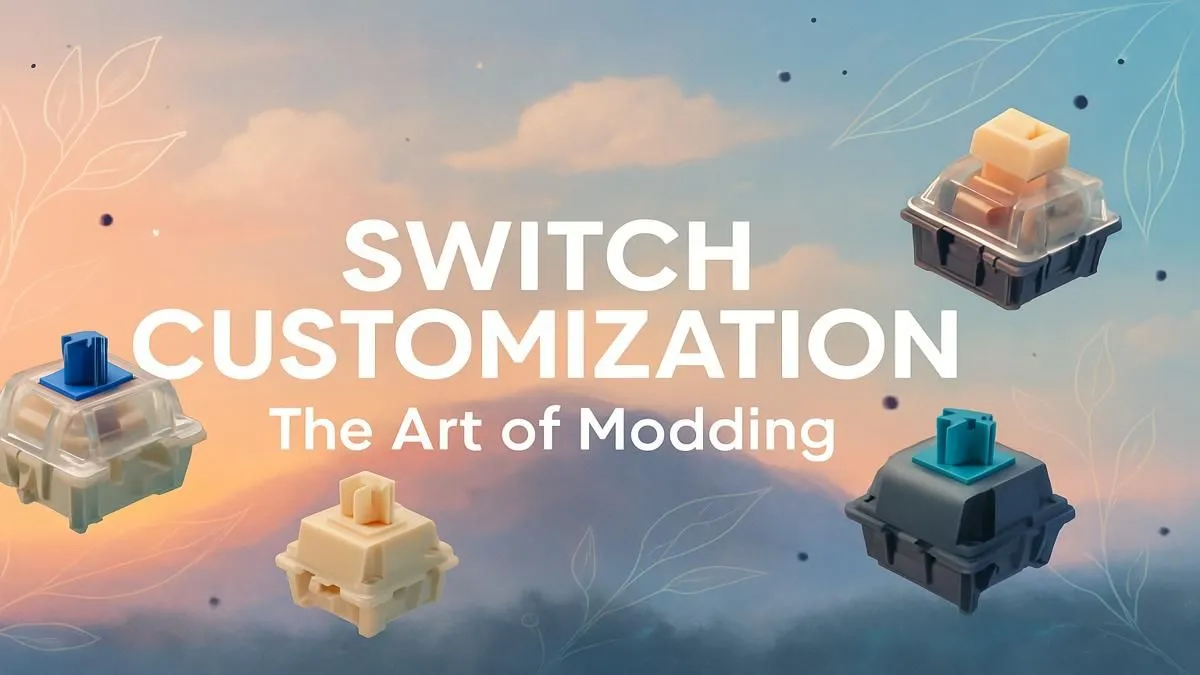
Tired of that mushy, generic keyboard feeling during a clutch Valorant moment? You're not alone. For many South African gamers, the keyboard is just a tool. But what if it could be more? An extension of your personality, perfectly tuned to your touch? Welcome to the world of custom mechanical keyboard switches, where you control the feel, the sound, and the performance. It's easier than you think to get started on your modding journey. 🔧
Let's be honest, the keyboard that came with your PC or the one you grabbed in a hurry gets the job done. Many standard keyboard and mouse combos are designed for general use, not for a specific feel. The magic of a mechanical keyboard lies in the individual switch beneath each key. Going custom means you're no longer stuck with the manufacturer's choice.
You get to decide everything. Do you want a smooth, silent press for lightning-fast reactions in Apex Legends? Or a satisfying "clack" that confirms every single keystroke while you're coding or typing? This level of personalisation is the core of the keyboard modding hobby. While our selection of the best gaming keyboard deals offers incredible out-of-the-box performance, nothing beats the feeling of a board built just for you.
The journey into custom mechanical keyboard switches starts with understanding the three main families. Each offers a distinct experience, and your preference is completely personal. There's no right or wrong answer... only what feels best for you.
Imagine a smooth, uninterrupted press from top to bottom. That's a linear switch. They are quiet, fast, and require consistent force, making them a favourite for competitive FPS and action gamers who need rapid, repeated keystrokes without any tactile interference.
Tactile switches are the happy medium. As you press the key, you'll feel a small but noticeable bump partway down. This bump provides feedback that the keystroke has been registered, making them fantastic for typing and gaming alike. They offer a more deliberate feel than linears without being loud.
The loudest of the bunch! Clicky switches provide that classic, typewriter-esque sound. They have a tactile bump just like tactile switches, but this bump is paired with a sharp, audible "click" sound. They are incredibly satisfying for typists who love auditory feedback but might not be ideal for office environments or late-night gaming sessions. ⌨️
Ready to explore the options? You can browse our selection of keyboard switches to see popular models from brands like Gateron, Cherry MX, and more.
Getting into keyboard modding in South Africa has never been easier. The key is starting with a "hot-swappable" keyboard. This means the switches aren't soldered to the circuit board (PCB) and can be pulled out and replaced with simple tools, usually included with the keyboard.
If you're starting from scratch, finding one of the many great budget-friendly gaming keyboards that features a hot-swap PCB is the perfect entry point.
The process is simple:
For an even smoother and more refined feel, try 'lubing' your new switches before you install them. This involves applying a thin layer of specialised lubricant (like Krytox 205g0) to the internal components of the switch. It reduces friction and scratchiness, resulting in a buttery-smooth keystroke and a deeper sound profile. It's a bit time-consuming, but the results are incredible.
Choosing your custom mechanical keyboard switches is the biggest step, but the fun doesn't stop there. The final touches are what make the keyboard truly yours.
A new set of keycaps can completely change the look and even the sound profile of your board. With different materials (like PBT or ABS), profiles (like Cherry or SA), and countless colour schemes, you can find awesome custom keycap sets to match your setup's aesthetic.
Finally, don't forget about comfort. Long sessions of gaming or typing can lead to wrist strain. Pairing your newly modded keyboard with one of our ergonomic wrist rests provides crucial support, ensuring you can play and work comfortably for hours on end. 🚀
Ready to Build Your Dream Keyboard? From the satisfying 'thock' of a linear switch to the crisp click of a tactile, your perfect keyboard feel is waiting. Whether you're starting your first mod or looking for a complete setup, Evetech is your build lab. Explore our entire range of PC components and start your customisation journey today.
Absolutely. Modding switches by lubing or filming can dramatically improve their sound and feel, reducing scratchiness and wobble for a smoother, premium typing experience.
The main goal when you lube keyboard switches is to reduce friction between the stem and housing. This creates a smoother keystroke, eliminates scratchiness, and deepens the sound.
Yes, our keyboard switch filming guide shows that films tighten the housing, reducing stem wobble. This results in a more solid, consistent feel and a deeper sound signature.
Spring swapping allows you to customize the actuation force of your switches. You can choose lighter springs for faster typing or heavier ones for more deliberate keystrokes.
The best linear switches for gaming often have a light actuation force and smooth travel, like Gateron Yellows or Cherry MX Reds, allowing for rapid, effortless key presses.
Choose linear switches for a smooth, consistent press without a bump, which is ideal for gaming. Opt for tactile switches if you prefer a noticeable bump for feedback while typing.
Clean gaming keyboard quickly and safely in dusty or humid conditions with step-by-step tips, tool checklist, and maintenance routines to prevent corrosion and switch failure. 🧼💨
Read more
Best gaming keyboard features to prioritize when building a high-end setup: mechanical switches, low latency, hot-swap, RGB, macros, durability and ergonomics 🎮⌨️
Read more
Custom actuation point keyboard setup guide: learn to set per-key actuation on your analog gaming keyboard for faster, precise inputs and better control 🎮⚙️
Read more
Cable management for home entertainment helps you eliminate cable clutter quickly and safely. Learn routing, concealment, and product picks to tidy your setup fast 📺🔌
Read more
conference room setup Microsoft Teams Zoom: Upgrade AV, camera, mic, and network to ensure seamless meetings, clear audio, and crisp video 🎯🔧
Read more
• Audit setup • Link accounts • Configure ViewBoard • Test workflows Integrate Google Workspace with ViewSonic ViewBoard to enable secure SSO, calendar and Drive sync, and smooth collaborative whiteboarding 🔗📋
Read more
Discover webcams that automatically adjust light and color for crystal-clear video calls 🎥✨. Boost your streaming quality today!

Discover webcams that blend into your workflow 🎯 Capture moments while you work, stream, or create. Upgrade your setup with smart, multitasking tech!

Dedicated media keys give streamers one-touch control to mute, switch scenes, clip highlights, and adjust audio — cutting task time and boosting consistency 🎛️⚡

PBT vs ABS keycaps: Clear, local guide for South African gamers—compare feel, sound, durability and where to buy. Find the best material for your budget and playstyle 🎮🇿🇦

- Multi-Function Digital Dial: define benefits - Show gamer setups and macros - Offer buying and setup tips Multi-Function Digital Dial puts programmable control at your fingertips for faster actions and smoother streaming. 🎮⚙️

- Explain benefits; - Show the science; - Compare options; - Recommend picks. Magnetic wrist rest for gaming cuts wrist strain and boosts comfort during long sessions 🕹️✨