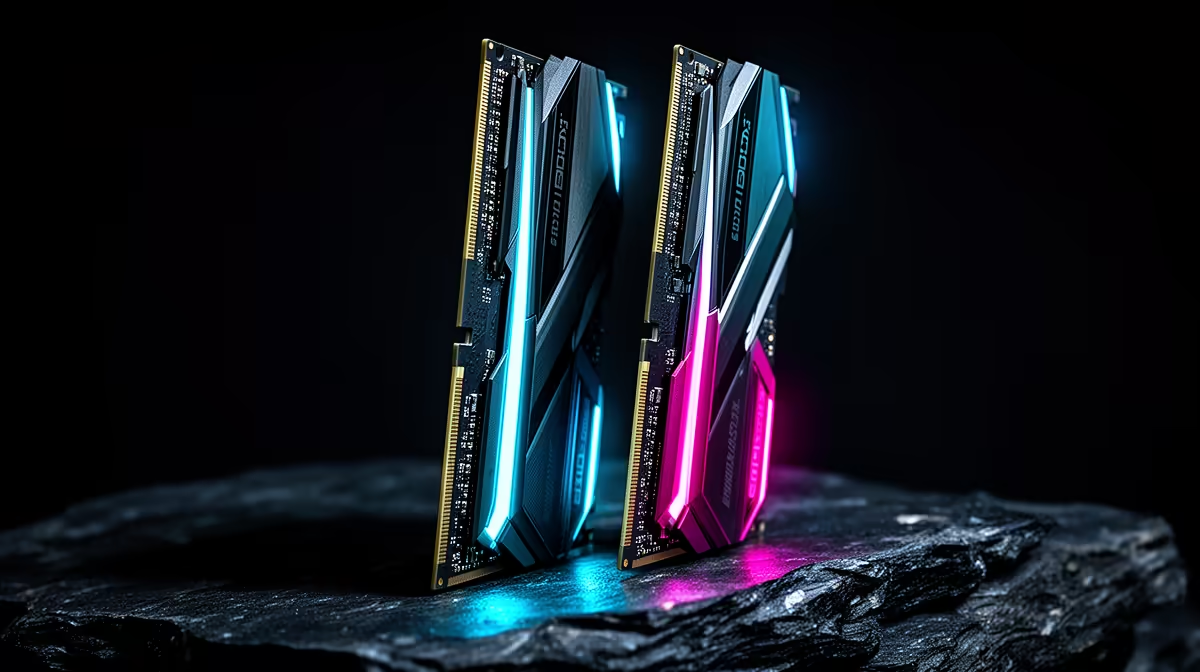
When ddr5 build starts crashing-ing right after a GPU driver update, the timing points straight at software. This SA fix guide walks the checks in order so you do not waste a courier trip or a warranty claim on a setting you can change at home.
Quick Answer
After a GPU driver update, a hard crash or freeze almost always traces to a stale driver, a mismatched display setting, or a half-applied update, not failed hardware. Do a clean driver reinstall with DDU, drop the refresh to 144Hz to test, and roll back the update if it persists. Nine out of ten cases clear without buying a single part.
Work Through The Causes In Order
Start with the driver, because GPU driver update most often leaves a corrupt install behind. Boot into Safe Mode, run Display Driver Uninstaller to strip the old GPU driver fully, then install the latest stable package fresh. Next, confirm the update finished: open Windows Update history and the BIOS post screen to rule out a half-applied flash. Only after that should you suspect power delivery or a 12V-2x6 cable that worked loose.
When It Really Is Hardware
If a clean driver and a confirmed update still leave you with a hard crash or freeze, test memory with MemTest86 for one full pass and watch GPU temps under load. A 750W or larger 80+ Gold supply matters for a modern card pulling 250-360W during spikes; an undersized unit shows up as crashes only under load. Evetech stocks vetted PSUs, DDR5, and coolers if a test points to a genuine fault.
Pro Tip
Before any update, note your working driver version and create a Windows restore point so a clean roll-back takes minutes, not an afternoon.
FAQ
Could a GPU driver update really break a stable PC?
Yes, but almost always at the software layer. A corrupt driver, a changed refresh setting, or a half-applied flash explains most post-update crashes, and each is reversible at home.
Should I roll back the update?
Try a clean reinstall first. If a hard crash or freeze only began after the update and a fresh driver does not fix it, roll the update back, then reapply it once a corrected version ships.
How do I know it is the power supply?
PSU faults usually crash only under heavy load, not at the desktop. Test with a known-good 750W 80+ Gold unit, or check whether dropping graphics load stops the crashes.
Stabilise your build the right way
Run the clean-driver and update checks first, then shop Evetech for a vetted 750W PSU, DDR5, or cooling if testing points to real hardware.