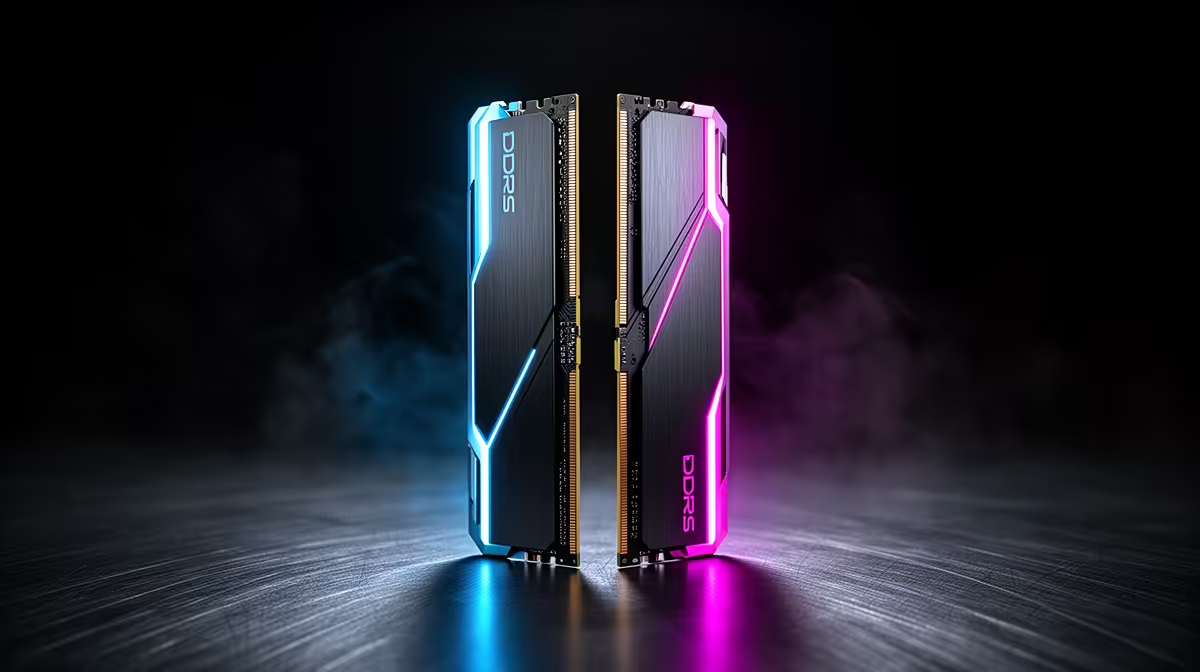
RAM is one of the easiest upgrades when console gamers moving to PC, but speed, capacity and dual-channel layout matter more than the brand on the heatsink.
Quick Answer
For console gamers moving to PC, a 32 GB DDR5-6000 kit such as the G.Skill Trident Z5 DDR5-6400 (R1,600 to R2,800 for a 32 GB kit) is the smart buy - DDR5-6000 CL30 as the AM5 sweet spot is the AM5 sweet spot and 32 GB has headroom past current titles. A 16 GB kit (R900 to R1,500 for 16 GB) still games fine but fills up faster when streaming or with browser tabs open.
Capacity, speed and channels that matter
Buy 32 GB (R1,600 to R2,800 for a 32 GB kit) if budget allows - it future-proofs streaming and modern titles - and always in two sticks for dual channel. Target DDR5-6000 CL30 as the AM5 sweet spot on AM5; faster kits add cost for little gain. A G.Skill Trident Z5 DDR5-6400 or Kingston Fury Beast DDR5-5600 covers this. Single-stick 'upgrade slots' kits leave you in single channel until you add a matching stick.
Filling slots the right way for console gamers moving to PC
If you plan to expand later, buy a matched 2x16 GB kit rather than two odd single sticks - mismatched modules can drop to a slower shared speed. Check your board's QVL for the supported DDR5 speed before buying. Evetech stocks matched kits locally with warranty so you avoid mixing mismatched modules.
FAQ
Is 16 GB or 32 GB enough for gaming?
16 GB (R900 to R1,500 for 16 GB) runs almost every game today, but 32 GB (R1,600 to R2,800 for a 32 GB kit) gives real headroom for streaming, mods and many background apps. For console gamers moving to PC, 32 GB is the future-proof choice and not much more money.
What DDR5 speed should I buy?
On AM5 Ryzen, DDR5-6000 CL30 as the AM5 sweet spot hits the best balance of speed and stability. Faster kits cost more for little real-world gain. Two sticks (dual channel) always beat one stick of the same total capacity.
Where can I buy DDR5 RAM in SA?
Evetech stocks Corsair, G.Skill and Kingston DDR5 kits from about R900 to R2,800, with local warranty - check your motherboard's supported speed first.
RAM as a matched kit (2x16 GB) rather than two single sticks - it guarantees dual-channel speed and avoids the mismatched-module slowdown that single sticks added later can cause.