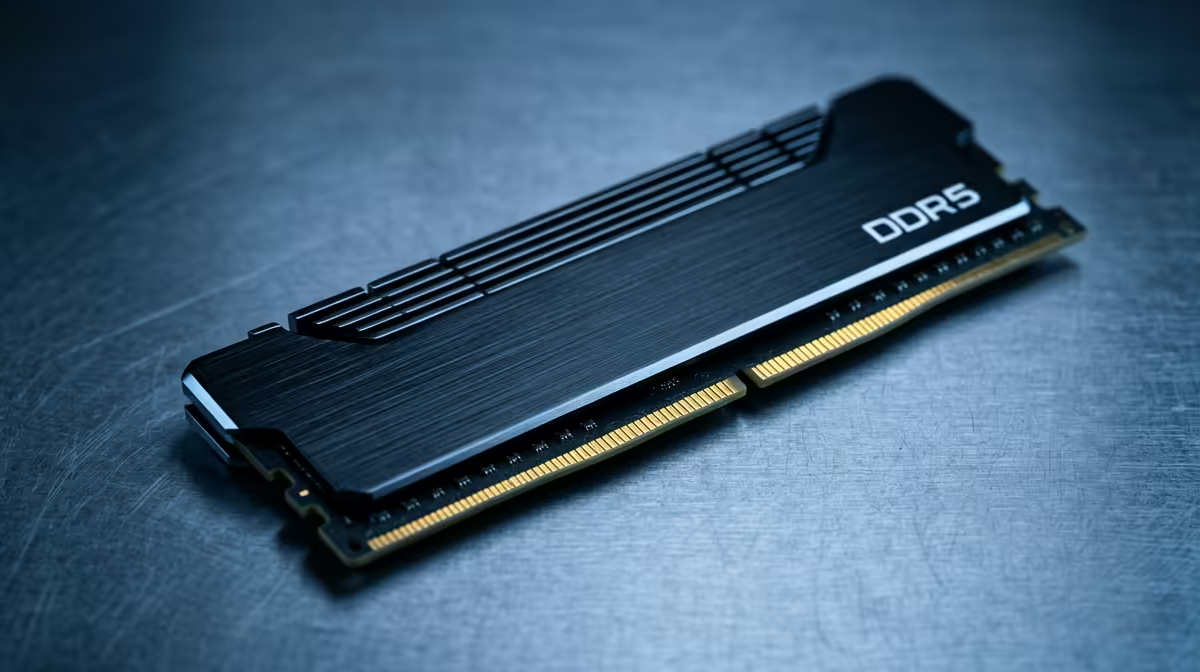
A DDR5 RAM kit for new PC builders is decided by capacity first, then speed and timings. The right amount of memory removes stutter, while chasing the fastest clocks past a sensible point gives diminishing returns for most buyers.
Quick Answer
For new PC builders, a 32GB (2x16GB) DDR5-6000 kit, priced around R1,400 to R2,600, is the current sweet spot for both Ryzen 7000/9000 and modern Intel. Buy a dual-channel kit and enable the XMP or EXPO profile; capacity and dual-channel matter more than chasing extreme speeds.
Capacity Comes First
16GB is the bare minimum and 32GB is the comfortable standard for new PC builders today; heavy creative or data work benefits from 64GB. Always buy a matched dual-channel kit (two sticks) rather than a single large stick, because dual-channel roughly doubles memory bandwidth and noticeably improves frame consistency.
Speed, XMP And EXPO for new PC builders
DDR5-6000 is the value sweet spot on AM5 and current Intel; going to DDR5-7200 costs more and helps mostly in synthetic tests. Crucially, RAM runs at slow JEDEC defaults until you enable XMP (Intel) or EXPO (AMD) in the BIOS, so for new PC builders you must switch on the rated profile or you leave speed on the table.
Timings, Compatibility And What To Ignore
Lower CAS latency helps a little, but capacity and dual-channel matter far more than shaving a couple of cycles. Check your motherboard's QVL or supported speed so the kit posts reliably. Skip paying a big premium for extreme RGB or DDR5-8000 kits unless you have a specific, tested need; the everyday gain is small.
FAQ
How much RAM do I need?
32GB is the comfortable standard for gaming and multitasking; 16GB is a tight minimum. Heavy video, 3D or data work benefits from 64GB. Always buy a matched dual-channel kit.
How much XMP or speed do I need?
DDR5-6000 with EXPO or XMP enabled is the sweet spot for AM5 and modern Intel. Faster kits cost more for small real-world gains, so 6000 hits the best price-to-performance point.
Why is my RAM running slow?
By default it runs at JEDEC speeds. You must enable the XMP (Intel) or EXPO (AMD) profile in the BIOS to reach the rated speed printed on the kit.
32GB dual-channel DDR5-6000 kit and enable its EXPO or XMP profile in the BIOS, or your fast RAM will run at slow defaults.