

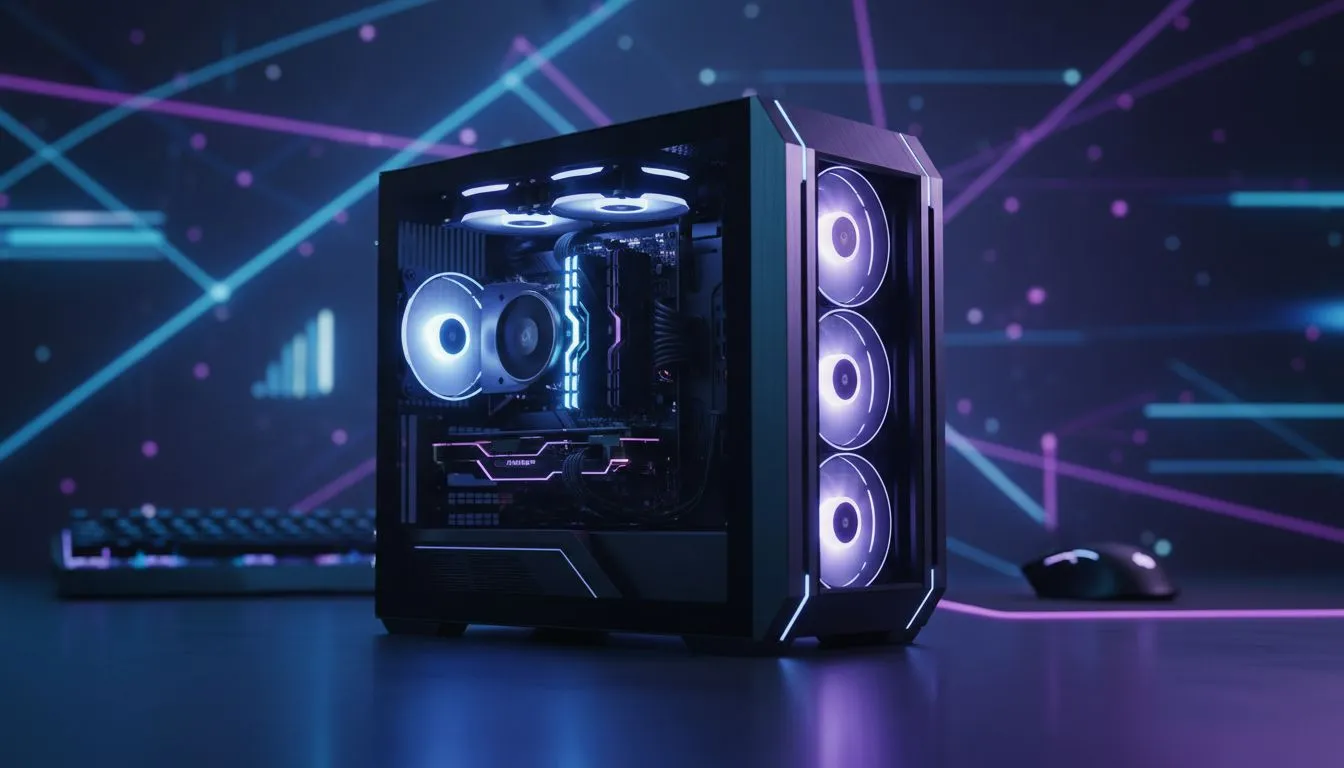
Tired of 200ms ping ruining your clutch moments in Valheim or Minecraft? Most South African gamers rely on crowded public lobbies, but there is a better way. Hosting dedicated game servers at home gives you total control over your world, your rules, and most importantly, your latency. It is time to ditch the lag and build a hosting powerhouse right in your living room 🚀.
Why You Need a Home Server Setup
Public servers are often hosted in Europe or the US, leading to frustrating delays for us down south. By running your own hardware, you ensure everyone in your local squad enjoys sub-20ms pings. Plus, you can keep the server running 24/7, so your friends can grind even when you are offline... no more waiting for the host to log in.
Choosing the Right Hardware for Your Server
You do not need a massive rack-mounted monster to get started. Many modern titles run perfectly on compact, efficient hardware. For those looking to build a custom solution, exploring diskless NAS storage options is a great way to manage high-speed data across your network without the bulk of a traditional PC. Starting a budget-friendly server build in South Africa can often cost less than R6,000... which is a bargain for the performance gain.
The Power of Mini PCs
If space is at a premium, Mini PCs have become the gold standard for home hosting. Brands like Minis Forum offer incredible multi-core performance in a chassis smaller than a lunchbox. These units are perfect for dedicated game servers at home because they consume very little power. This keeps your monthly electricity bill manageable while providing a 24/7 gaming environment for your community ✨.
Managing Your Data and Backups
Reliability is key when hosting for a group. You do not want to lose hundreds of hours of progress because of a drive failure. Using high-quality enclosures from Orico allows you to swap drives easily and maintain a robust backup schedule. A dedicated server is only as good as its uptime... so invest in cooling and stable storage to keep the action going 🔧.
Network Pro Tip ⚡
Always set a static IP for your server machine and use port forwarding on your router. This ensures your friends can always find your server even after a power cut or router reboot. It is the secret to a seamless "always-on" experience for your gaming community without needing a third-party subscription.
Ready to Host Like a Pro? Ditch the lag and take control of your gaming experience with the best hardware in South Africa. From high-speed storage to compact server solutions, we have everything you need to build a lag-free environment. Explore our massive range of PC components and start your dedicated server journey today.











