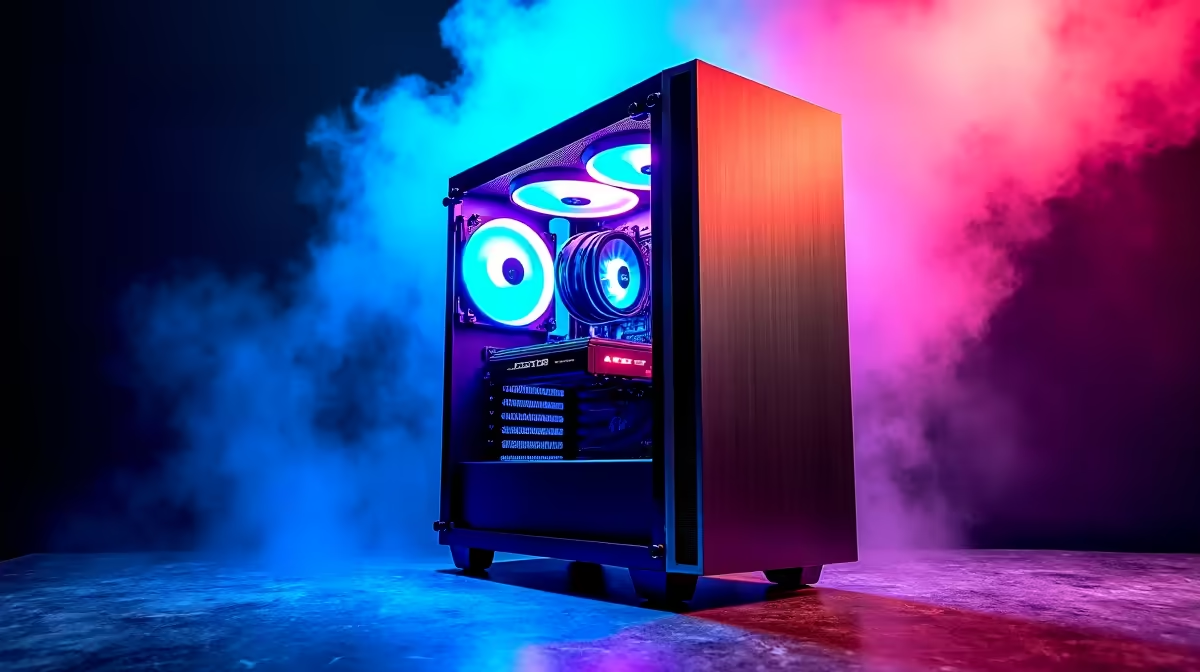
So, you've heard the buzz around AI models like DeepSeek and now you’re wondering… what kind of PC do I need to run this stuff? It’s not just about grabbing the most expensive parts. Building a smart DeepSeek PC build in South Africa is about balance and finding the best deals. Forget the confusing jargon; this guide will show you exactly what to focus on to create a powerful, future-proof machine without wasting a cent. 🚀
Core Components for Your DeepSeek PC Build
When you're building a PC for AI and machine learning, the hierarchy of components shifts a little. While a balanced system is always key, one component does the vast majority of the heavy lifting.
The GPU: The Brains of the Operation 🧠
For any AI-focused task, the Graphics Processing Unit (GPU) is king. This is where you should allocate the biggest slice of your budget. The parallel processing power that makes GPUs incredible for gaming also makes them perfect for training and running complex AI models.
In the AI space, NVIDIA currently has a significant edge due to its CUDA platform, which is widely supported by machine learning frameworks. For a serious DeepSeek PC build, looking at the VRAM (video memory) is crucial. More VRAM allows you to work with larger, more complex models. Many of our powerful NVIDIA GeForce gaming PCs come equipped with high-VRAM cards that are perfect for a dual-purpose gaming and AI rig.
While NVIDIA is the popular choice, don't discount AMD. Their recent offerings are incredibly powerful, and with growing support for their ROCm platform, they represent fantastic value. For gamers who also want to experiment with AI, our range of high-performance AMD Radeon gaming PCs offer an excellent price-to-performance ratio.
Why VRAM is King 👑
For AI models, think of VRAM as your digital workspace. A model's parameters have to be loaded into the GPU's memory to be processed. If the model is larger than your available VRAM, performance drops dramatically as the system has to swap data with slower system RAM. For a good DeepSeek PC, aim for a GPU with at least 12GB of VRAM, with 16GB or more being ideal.
CPU, RAM, and Storage: The Essential Support Team
While the GPU does the hard math, the rest of your system needs to keep it fed with data.
- CPU (Processor): You don't need the absolute top-of-the-line CPU, but a modern processor with 6 or more cores (like a recent Intel Core i5 or AMD Ryzen 5) is essential. It handles data preparation, system operations, and keeps everything running smoothly so your GPU can focus on its main task.
- RAM (System Memory): 32GB is the new sweet spot. This gives you enough headroom to run the OS, background apps, and the AI software itself without creating bottlenecks.
- Storage: A fast NVMe SSD is non-negotiable. Loading large datasets and models from a traditional hard drive is painfully slow. An NVMe drive will slash your loading times and make the entire system feel snappier. ✨
The DIY Route vs. a Pre-Built Workstation
Building a PC yourself can be rewarding and allows for total customisation. However, for those who need a machine for mission-critical work and want guaranteed stability, a purpose-built system is often the smarter choice.
A dedicated workstation is designed and tested for long, intensive workloads—exactly what you'll be doing with AI. These systems often feature optimised cooling, enterprise-grade components, and professional support. If your DeepSeek PC build is more for work than for play, exploring pre-built Workstation PCs can save you time and potential headaches, ensuring you get a rock-solid machine right out of the box. 🔧
Ready to Build Your AI Powerhouse?
Crafting the perfect DeepSeek PC build requires the right parts at the right price. Whether you're a DIY expert or prefer a professionally assembled rig, we've got you covered. Explore our huge range of PC components and computers and start creating your ultimate machine today.