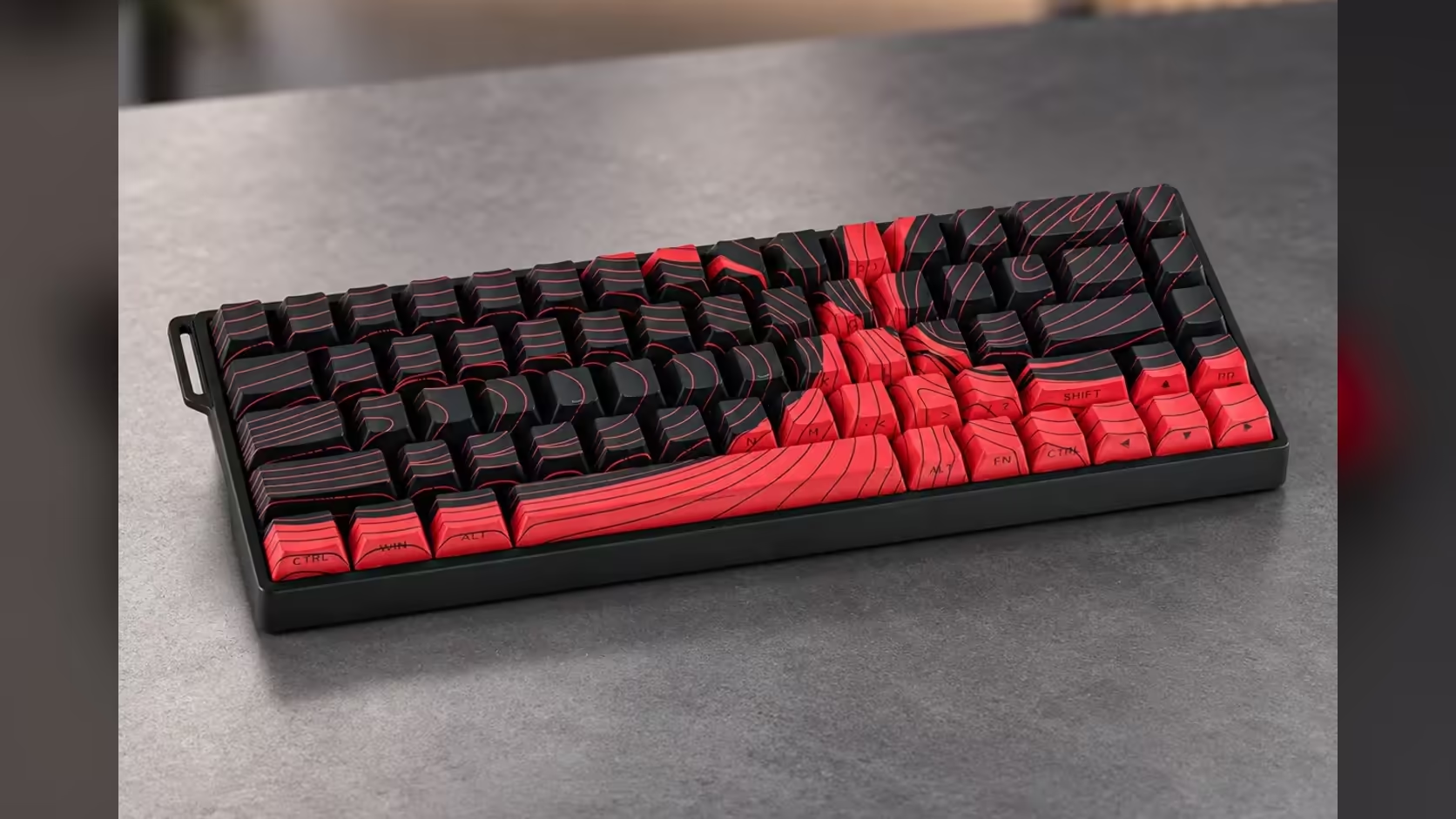
Most keys do one thing. Press, it fires, release, it stops. DKS on the WIN68 MAX breaks that rule: because a magnetic switch reports where the key is at every moment, one key can send one action partway down and a different action deeper in the same press. It is one of the extra modes that separate the MAX from the WIN68 HE, and it rewards a bit of planning before you start clicking settings.
Quick Answer
DKS, short for dynamic keystroke, lets one key on the AULA WIN68 MAX trigger different actions at different depths or stages of a single press. Each key gets its own DKS mapping in AULA's web driver, the same place SOCD and Mod-Tap are configured. The Wing Chun switch's 3.4mm of travel gives enough room to separate the stages, and testing in a practice area is the key to getting it right. Evetech lists the WIN68 MAX at R699.
🧠 How dynamic keystroke works in principle
A mechanical switch only knows two states: up or down. A Hall Effect switch like the Wing Chun in the MAX tracks the magnet in its stem continuously across its 3.4mm stroke. DKS uses that depth reading to split one press into stages.
On magnetic keyboards in general, DKS setups tie actions to moments in the stroke, such as when the key starts moving down, when it reaches the bottom, when it starts rising and when it returns to rest. AULA's product page lists DKS as a mode without detailing how many stages its driver offers or how they are labelled, so treat the driver itself as the authority on what can be set.
🛠️ Setting it up, step by step
The exact menus live in AULA's browser-based driver, which AULA states supports Windows. The process below is about planning and testing rather than button names.
Step 1: pick a key with a natural two-part motion
DKS works best where two actions often follow each other. A classic example is a movement key that also triggers a secondary action when pressed all the way, or a single key that walks with a light press and sprints with a full press. Avoid keys you type with, because a deep press while writing would fire the second action.
Step 2: write down what each stage should do
Before touching settings, decide:
- What should happen on a light press.
- What should happen on a full press.
- Whether anything should happen as the key comes back up.
Having it on paper stops you building a setup that fights the game's own controls.
Step 3: settle the actuation point before anything else
The MAX lets you place actuation anywhere between 0.1mm and 3.4mm per key. For DKS, give yourself separation: a shallow initial stage that still leaves clear travel before the deep stage. Setting the initial stage too close to the bottom makes the two actions blur together.
Step 4: assign DKS in the driver
Open AULA's web driver, choose the key and apply DKS, then map the actions you planned. Save the settings to the board so they travel with it.
Step 5: test somewhere harmless
Load a practice mode, a training range or even a text editor if the actions are keystrokes. Press slowly and watch when each action fires, then press at game speed. Adjust depths until the light press never trips the deep action by accident.
🎮 Where it helps, and where to be careful
DKS suits actions that are always paired. Leaning and then crouching, walking and then sprinting, or tapping a utility and then committing to it are the kinds of combinations players experiment with.
Two cautions matter:
- Game rules. Some competitive games and tournaments restrict inputs that send more than one action from a single press. Rules differ between titles and change over time, so check the current rules for any game you play competitively before relying on DKS.
- Accidental deep presses. If you rest heavily on keys, the deep stage can fire when you did not mean it. Setting the initial stage a little deeper, or using DKS only on keys you press deliberately, reduces the risk.
🔩 The hardware that makes it possible
The MAX pairs DKS with Wing Chun magnetic switches, 36gf at the trigger point and 49gf at full depth, giving a gradually firming stroke that helps you feel where the stages sit. Rapid Trigger is rated at 0.01mm, the dead zone can be removed, and the wired USB-C link runs at up to 8000Hz. The board is a 65% layout with 68 keys and hot-swappable keycaps and switches.
If a DKS key would benefit from a different feel, the hot-swap sockets let you try another magnetic switch from the keyboard switches range on that key alone. You will find the WIN68 MAX among Evetech's gaming keyboards, and Evetech handles its 2 Years Local Warranty should a DKS-heavy key ever give trouble.
Frequently Asked Questions
Where should a DKS setup begin?
Start by choosing a key with two naturally linked actions and writing down what the light and full presses should do before opening the driver.
How are the depth stages measured?
By the magnetic sensor tracking the key's position through its 3.4mm stroke. The driver decides at which stage each action fires.
Can one key lean and crouch?
That is the kind of pairing DKS is designed for, provided the game accepts inputs mapped this way.
Is DKS permitted in every game?
No guarantee. Rules vary by game and event, so read the current rules before using DKS in ranked or tournament play.
Is DKS available on the WIN68 HE?
No. DKS is one of the extra modes on the MAX edition only.
What if a light press sets off the deep action?
Increase the gap between stages in the driver, or move the initial actuation point deeper, and test again at game speed.
Want one key to do twice the work?
Explore magnetic keyboards with advanced key modes in Evetech's gaming keyboard range and build the setup your game calls for.