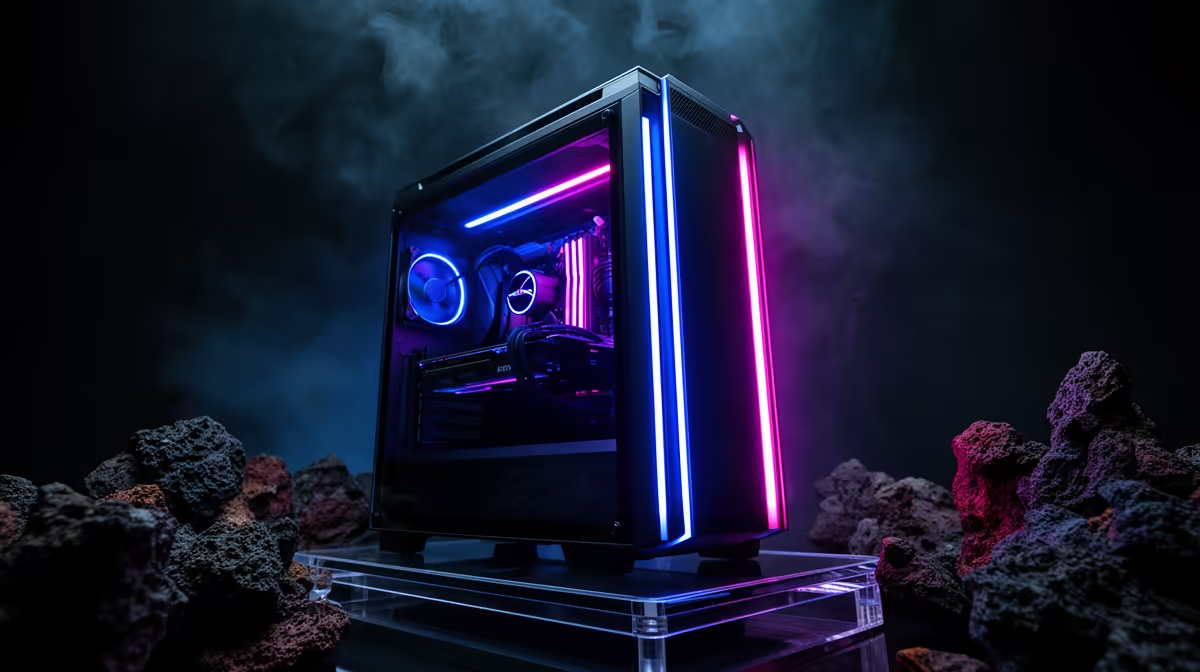
Getting DOOM Eternal running smoothly in South Africa is about matching parts to your screen.
Quick Answer
Yes - DOOM Eternal runs beautifully on a R20,000 build using RTX 4060 Ti or RX 7700 XT and Ryzen 5 7600. Mid-range cards hit 144fps or more at 1440p with ease, so you can aim for high frame rates rather than just scraping past minimum specs.
Upgrade room later
Buy a 650W PSU and a roomy case now so the next GPU drops in without a rebuild. DOOM Eternal rarely needs more than 32GB DDR5, so RAM is the cheapest later top-up if you multitask.
What the game actually asks for
DOOM Eternal's id Tech 7 engine is famously well-optimised and Vulkan-fast. At R20,000 you can comfortably run 1440p medium-high with 120-165fps at 1080p, while keeping 32GB DDR5 of headroom for background apps. Mid-range cards hit 144fps or more at 1440p with ease.
Where your rand goes
On a R20,000 build the sensible split is roughly half on the RTX 4060 Ti or RX 7700 XT, a quarter on the Ryzen 5 7600 and the rest on 32GB DDR5, a 650W PSU and the case. Skip flashy extras until the core is locked.
What to buy
If your R20,000 budget is fixed, lock the RTX 4060 Ti or RX 7700 XT and Ryzen 5 7600 first, then spend whatever is left on storage and a better PSU. Mid-range cards hit 144fps or more at 1440p with ease at sensible settings, so resist overspending on a GPU the game cannot use. The build that runs DOOM Eternal well today and takes one GPU upgrade later is the one most SA gamers should pick.
FAQ
Is RTX 4060 Ti or RX 7700 XT enough for DOOM Eternal?
Yes. DOOM Eternal's id Tech 7 engine is famously well-optimised and Vulkan-fast, so the RTX 4060 Ti or RX 7700 XT comfortably clears the targets at the settings most SA gamers actually use.
Do I need a high-refresh monitor for DOOM Eternal?
It helps. A 165Hz 1080p or 144Hz 1440p panel lets you see the extra frames this build produces; on a 60Hz screen you would leave performance on the table.
What SSD size should I get for DOOM Eternal?
The 1TB NVMe in this build fits the OS plus a few large installs. DOOM Eternal loads faster from NVMe, so avoid putting it on a slow hard drive.
Buyer Tip
Before you pay, confirm the PSU wattage and case clearance match the GPU you want for DOOM Eternal build, then check Evetech stock so nothing arrives back-ordered.