


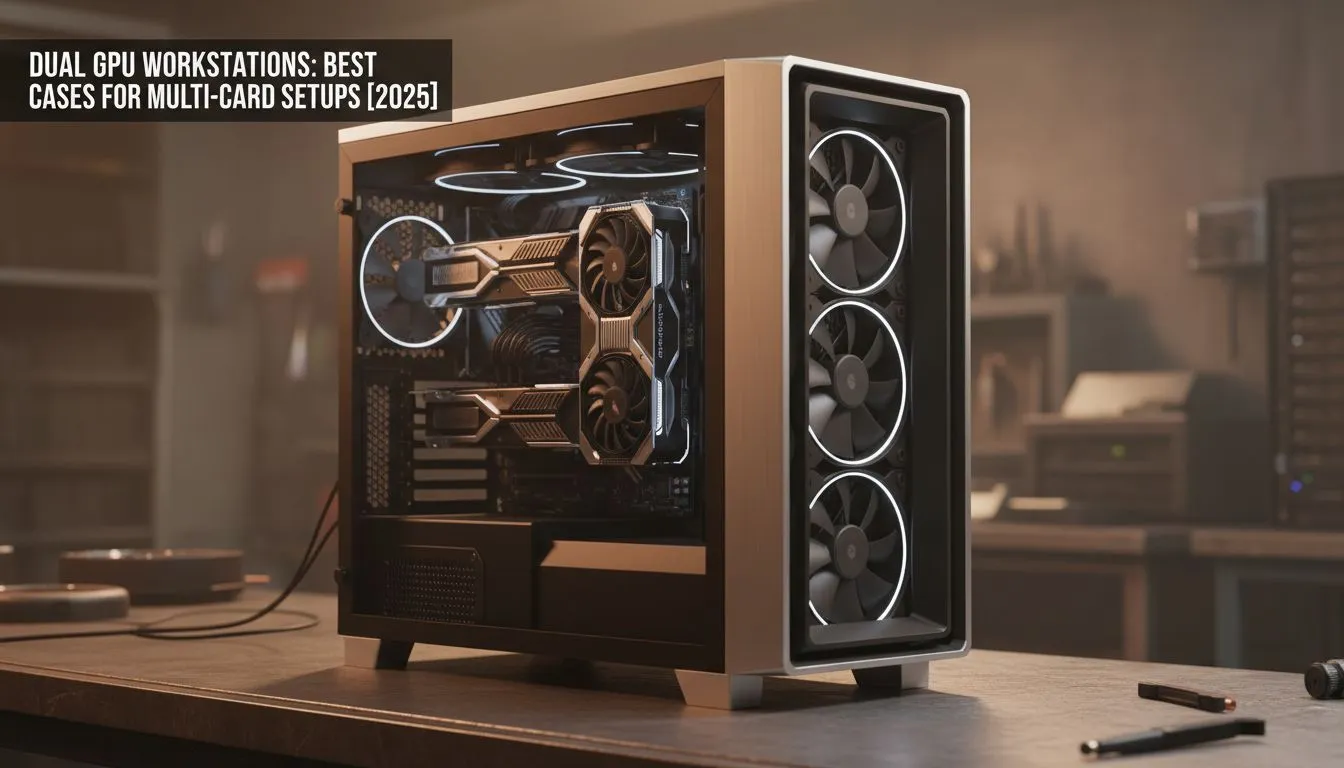
So, you’re building one of the most powerful machines in South Africa... a dual GPU workstation. Whether you're a 3D artist in Cape Town rendering massive scenes, a data scientist in Joburg training complex AI, or a gamer chasing ultimate 4K performance, you know two GPUs mean serious business. But all that power generates immense heat. Cramming two high-end cards into a standard case is a guaranteed way to throttle performance and waste your investment.
Why Your Standard Case Won't Cut It for a Dual GPU Setup
The biggest challenge for any multi-card setup isn't raw power; it's heat management. Two powerful graphics cards sitting side-by-side create a "heat sandwich," where the top card struggles to breathe, sucking in hot air exhausted by the one below it. A standard PC case simply isn't designed for this intense thermal load.
This leads to thermal throttling, where your expensive GPUs automatically reduce their clock speeds to avoid overheating. The result? You get significantly less performance than you paid for. A proper workstation case provides the two things you need most: space and airflow. Without them, you're leaving performance on the table. Finding the right fit from the huge variety of computer cases is the first, most crucial step.
Key Features for a Multi-Card Workstation Case 🔧
When shopping for a chassis to house your dual GPU workstation, don't get distracted by flashy RGB alone. Focus on these core functional features.
Uncompromising Airflow
This is non-negotiable. Look for cases with a full mesh front panel, as this allows for maximum cool air intake. You'll also need support for multiple 140mm or 120mm fans at the front, top, and rear. The goal is to create a powerful wind tunnel that constantly moves cool air over your GPUs and exhausts the hot air immediately. Liquid cooling support for large radiators (360mm or more) is also a massive plus.
Size, Layout, and Compatibility
Your case needs to be physically large enough. Check for these specs:
- Motherboard Support: E-ATX support is highly recommended as these boards offer better spacing between PCIe slots.
- PCIe Slots: You'll need a case with at least 8 horizontal expansion slots. Vertical GPU mounting is a fantastic feature, as it allows you to move one card away from the other, but ensure there's still enough clearance from the side panel.
- PSU Clearance: A dual GPU setup requires a high-wattage power supply (think 1000W+), which are often longer than standard units. Ensure the case's PSU shroud can accommodate it.
Airflow Pro Tip 🌬️
For dual GPU workstations, aim for positive air pressure. This means having slightly more intake fan airflow than exhaust. It helps force hot air out of every crevice, especially the tight space between your GPUs, and minimises dust buildup by preventing air from being sucked in through unfiltered gaps. It's a small tweak that makes a huge difference to your temperatures.
Top Case Recommendations for Dual GPU Builds in 2025
Finding the perfect case depends on your budget and specific needs. Here are a few great starting points available right here in South Africa.
The Premium Airflow Champion ✨
For those who want the absolute best in thermal performance and build quality, certain brands stand out. Brands like Fractal Design focus on function-first design, engineering their chassis for exceptional airflow and ease of building. Their larger cases often feature modular interiors and wide-open layouts, making them ideal for complex, multi-card setups where every degree counts. If your budget allows, exploring the range of Fractal Design PC cases is a fantastic investment in your workstation's longevity and performance.
The Value Powerhouse 🚀
You don't always have to break the bank to get excellent features. Brands like Gamdias have become incredibly popular for offering brilliant aesthetics and solid thermal performance at a competitive price point. Many of their mid-tower and full-tower cases include mesh fronts, pre-installed fans, and generous internal volume, making them a superb choice for a powerful dual GPU workstation. You can find a wide variety of stylish and functional Gamdias gaming cases that are more than capable of handling a demanding build.
If you're building on a tighter budget, you can still find a chassis that will get the job done without compromising too much on airflow. By focusing on models with mesh fronts, you can secure a solid foundation for your build. There are some excellent Gamdias cases under R1500 that provide a fantastic starting point for a cost-effective yet powerful multi-GPU system.
Ready to Build Your Powerhouse? Choosing the right chassis is the foundation of a stable and powerful dual GPU workstation. Don't let your high-end components suffocate. Explore our massive range of computer cases and find the perfect enclosure to keep your multi-card setup cool and running at peak performance.











