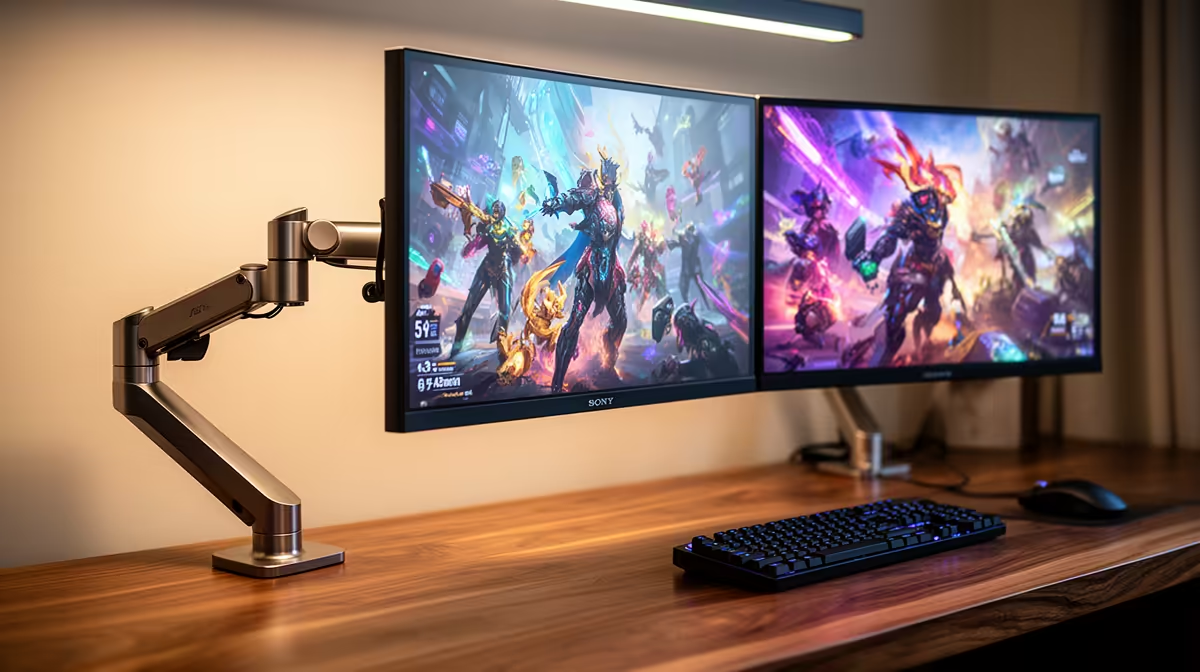
Yes, the MSI MAG 274F 200Hz at R3,006 suits a gamer who also needs a second screen for drone mapping timelines, browser dashboards, and reference panels without making the desk feel slow or mismatched. A gaming monitor makes sense here because high refresh helps play feel smoother, while the extra panel space keeps maps, notes, exports, and chats visible instead of buried behind one full-screen window.
A practical dual-screen pick
The MSI MAG 274F gives you 200Hz at R3,006, which is a strong middle ground for a main play screen. Keep it centred for matches, then use the second screen for that workload so you can watch progress, compare imagery, or keep a checklist open while the main display stays focused.
The ViewSonic VX2779A at R2,350 pushes 240Hz, so it is the sharper choice if fast movement matters more than resolution. Pairing it with the Dell SE2726H 144Hz at R1,797 can create a sensible split: the faster panel for play, the Dell for documents, telemetry notes, or a browser map view.
SA home office and gaming room workflow
For a shared study, creator desk, or gaming room, the AOC 27in QHD 200Hz at R3,200 is the cleaner productivity-first option because QHD gives more working room than a basic 27-inch layout while still keeping a 200Hz feel. If budget is tighter, the Dahua LM25 200Hz at R1,850 keeps the refresh rate high without forcing the whole setup around one expensive screen.
Ready to choose the right gaming monitor?
Compare the listed gaming monitor range by refresh rate, screen size, and price before settling on your dual-screen setup.