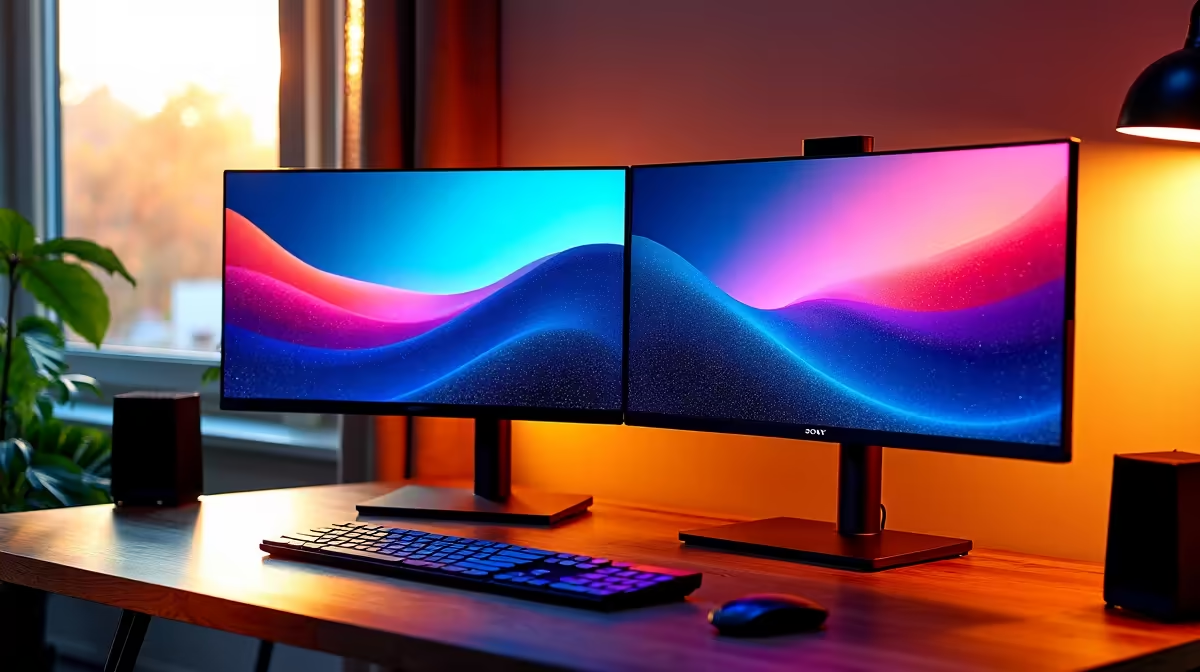
Dell SE2726H 27in FHD 144Hz at R1,797 suits a remote worker who wants a larger main monitor for spreadsheets, video calls, browser tabs, and documents without making the desk feel overbuilt. A dual-screen setup is worth it when the workday involves constant switching between email, dashboards, meetings, and reference material, but the better choice is usually one comfortable primary screen plus a sensible second display.
Practical dual-screen choices for remote work
The Dell SE2726H 27in FHD 144Hz at R1,797 is the stronger lead option if the desk has space for a bigger visual workspace. The 27in size helps keep a document, CRM page, or spreadsheet readable, while the 144Hz spec makes daily scrolling and cursor movement feel smoother during long sessions.
The Dell SE2426H 23.8in FHD at R1,532 works well as a second screen because it keeps the setup affordable and compact. A 23.8in FHD panel is enough for Teams, Outlook, a browser preview, or notes beside the main display, especially when the desk is shared with a laptop stand and keyboard.
Remote work desk reality in SA homes
For a spare-room desk, dining-table work corner, or bedroom office, the Dahua LM27 100Hz at R1,500 is a useful budget-friendly way to add a bigger FHD screen. Its 100Hz spec is a practical middle ground for everyday admin, online meetings, and research without pushing the setup into gaming-room territory.
The MSI PRO MP275W at R1,850 is also sensible where the screen needs to look clean in a home office. At this price, it fits a professional desk setup where the display may sit in view during client calls or shared household work hours.
Ready to choose the right monitor?
Keep Dell SE2726H 27in FHD 144Hz at R1,797 on the list for dual monitor setup right choice; its listed spec is the detail to test against that brief.