


Fix Dead pixel checks on Ryzen 7 9800X3D build
Dead pixel on Ryzen 7 9800X3D build needs careful display-chain checks, not a single-part blame. Test the screen, cable, port, scaling, drivers, and setup context before replacing hardware.
Read moreBuilding your first PC? Discover the best easy install PSUs with flexible cables for a hassle-free setup in 2025! ✨ We've handpicked power supplies that simplify cable management, making your beginner build smooth and stress-free. Get ready for a clean, efficient PC interior! 🛠️
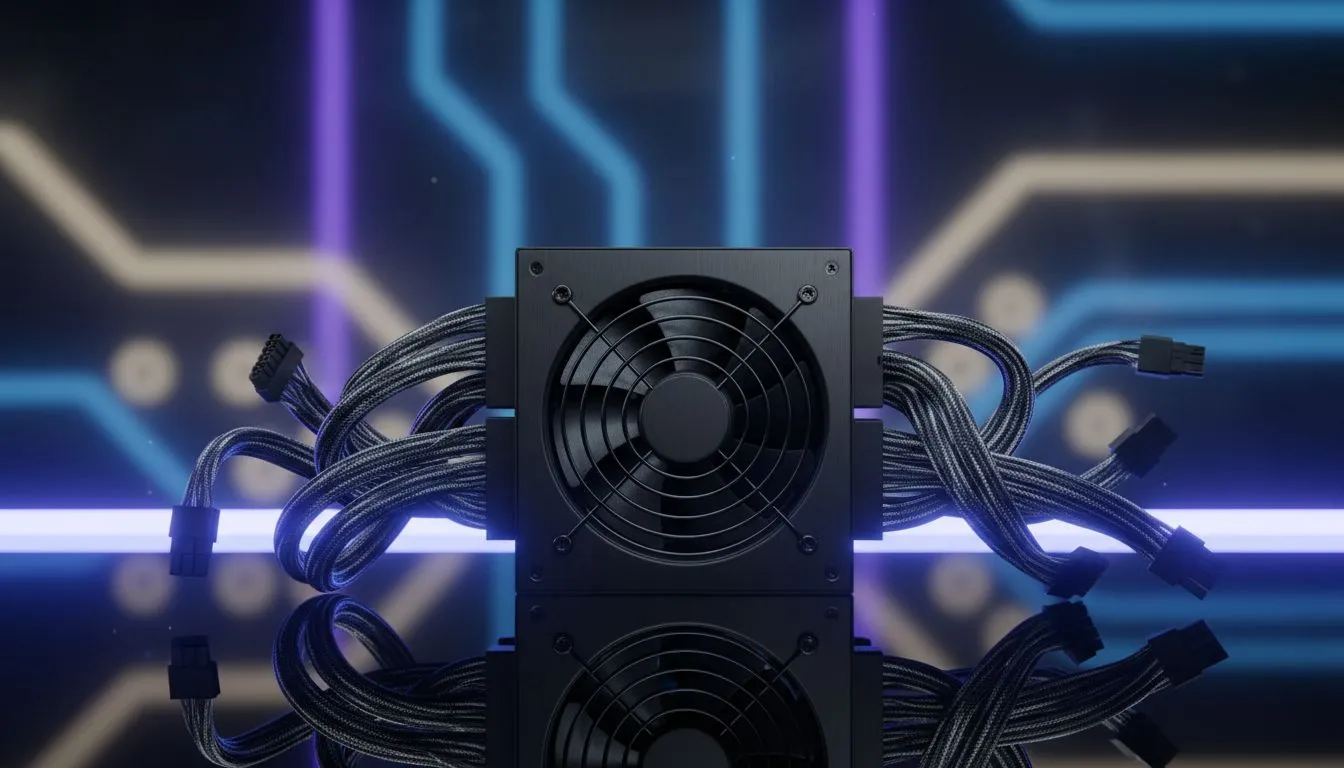
Building your first PC in South Africa should be epic, not a nightmare of stiff cables and cramped cases. We've all been there... wrestling with a power supply unit (PSU) that just won't cooperate. What if the most intimidating part of your build could be the easiest? This guide is for you. We're diving into the best flexible cable power supplies that make installation a breeze, even for total beginners. Let's get your rig powered up without the pain. ✨
So, what's the big deal with cables? When you're working inside a PC case, space is a luxury. Traditional PSU cables are often thick, stiff, and bundled together in a way that makes them incredibly difficult to bend and route. This is where the magic of a modern, easy-install PSU comes in.
The key is modularity. A fully modular PSU lets you connect only the cables you actually need, instantly reducing clutter. When you combine this with high-quality, flexible cables (often individually sleeved), the building experience transforms completely. Suddenly, you can route power to your motherboard and GPU through the tightest channels with minimal effort. This not only looks cleaner but also massively improves airflow inside your case. For a first-timer, choosing a unit like a top-tier Corsair power supply can be the difference between frustration and a feeling of pure accomplishment.
Before you install your motherboard, route the main CPU and 24-pin motherboard power cables through the case cutouts. It’s much easier to do this with an empty case than trying to squeeze them in later. Using zip ties or Velcro straps as you go will keep the 'rat's nest' from ever forming!
When you're shopping for a beginner-friendly PSU, a few key specs matter more than others. Don't get lost in the jargon; focus on these three things to find the perfect match for your build.
We touched on it already, but it's worth repeating: go fully modular. It means zero unnecessary cables are permanently attached to the PSU. You simply plug in what your components require. This makes the physical installation of the PSU itself much simpler and leaves you with a tidy case that’s easier to work in. Many excellent options from brands like GAMDIAS offer this feature at competitive prices.
How much power do you need? For most entry-level to mid-range gaming PCs in 2025, a quality 650W to 750W PSU is the sweet spot. It provides enough headroom for future upgrades without being overkill. Use an online PSU calculator if you're unsure, but don't overspend on a massive 1200W unit unless you're building a top-of-the-line rig with a power-hungry GPU.
Look for a sticker that says "80 PLUS Bronze" or higher. This is a certification for energy efficiency. A more efficient PSU wastes less energy as heat, which means it runs cooler, quieter, and can even save you a bit on your Eskom bill over time. For a great balance of price and performance, choosing a reliable 80 PLUS certified model is a smart move that pays for itself.
An easy install PSU isn't just about convenience; it's about starting your PC building journey on the right foot. By prioritising flexible, modular cables and a solid efficiency rating, you're investing in a smoother build process and a more reliable, cooler-running machine for years to come.
Ready to Power Up Your Build? Choosing the right power supply is the first step to a stable, reliable, and beautiful PC. Don't let tricky cables stand in your way. Explore our wide range of easy-to-install PSUs and find the perfect heart for your new rig today.
Easy install PSUs often feature modular designs, clear labeling, and user-friendly connectors. This simplifies cable management and reduces clutter, making your first build smoother and less confusing.
Flexible PSU cables bend easily, allowing for much better cable management and routing in tight spaces. This leads to a cleaner PC interior, improved airflow, and a less frustrating build experience.
For beginners, a fully modular PSU is generally best. It allows you to connect only the cables you need, drastically simplifying cable management and reducing clutter compared to semi-modular options.
Flexible cables allow for tighter routing against the case, keeping them out of the path of fans and open spaces. This reduces obstructions, ensuring better airflow for optimal component cooling.
The ideal PSU wattage depends on your components. For most beginner builds with mid-range CPUs and GPUs, a 650W to 750W power supply provides ample power and upgrade headroom.
Yes, many reputable brands offer budget-friendly easy install PSUs with flexible or ribbon-style cables. Focus on good efficiency ratings for reliable performance without breaking the bank.
Pre-sleeved cables offer a premium aesthetic and are often more flexible, making them easier to route and manage. They enhance the look of your build without requiring extra customization effort.
Dead pixel on Ryzen 7 9800X3D build needs careful display-chain checks, not a single-part blame. Test the screen, cable, port, scaling, drivers, and setup context before replacing hardware.
Read more
AM5 motherboard upgrade dead pixel checks should verify the screen before the platform. This how to fix dead pixel after a AM5 motherboard upgrade guide covers colour tests, ports, cables, BIOS screens, and SA support proof.
Read more
Ultrawide monitor upgrade stuck pixel checks should confirm the panel before blaming the new setup. Test full-width colours, cables, ports, GPU drivers, and scaling in your SA gaming workspace.
Read more
Wi-Fi 7 router upgrades should not change text rendering directly. To fix blurry text after a Wi-Fi 7 upgrade, check display scaling, GPU drivers, remote desktop quality, browser zoom, monitor cables, and PC settings.
Read more
A wireless mouse upgrade should not change monitor refresh rate, but it can expose stutter or input feel issues. Check Windows Hz, receiver placement, drivers, and SA gaming setup basics before replacing gear.
Read more
Wireless gaming headset setups in South Africa do not have a monitor refresh rate. Treat the issue as a display setting problem, then check Windows, GPU drivers, cable bandwidth, and any audio app overlay on the same PC.
Read more
RTX 5090 on a 1200W PSU has usable headroom when the supply is strong and the build is measured. For SA gamers, OC potential depends on CPU draw, cooling, cabling, stability targets, and how much safety margin you keep.

How to fix low FPS on gaming laptop starts with power mode, drivers, heat, and game settings. Use this South Africa-focused checklist to confirm charger use, GPU selection, RAM pressure, and cooling before changing parts or tweaking every setting.

Real world difference between b850 b650 mmo live service games sits in stability, networking, storage, and upgrade room. SA players should compare LAN quality, USB layout, RAM support, and SSD slots for always-updated games.

Dead Pixel on Wi-Fi 7 Router is likely a display-path or source-title issue, so check the screen, cable, driver state, and related system symptoms before blaming the device itself.

Put the headphones in pairing mode, open Bluetooth and devices in Windows 11, then add the headset. If it fails, remove the old pairing and check charge, range and drivers.

Microsoft says upcoming Windows 11 work will target memory use on 8GB PCs and improve boot and sign-in responsiveness. There is no public release date or measured uplift yet.

Windows 11 does not show CPU temperature in its standard Settings pages. Use your CPU maker's supported utility or a trusted monitor, then read idle and loaded temperatures in context.

The Colorful MEOW X16 Pro pairs a Ryzen 7 8745HX with a 115W RTX 5060 Laptop GPU. It is a China-only launch for now, so local RTX 5060 pricing is the practical benchmark.

Industry reports point to another roughly 10 percent Intel processor increase from 5 October, but Intel has not published a consumer price list confirming the scope. South African buyers should treat it as a risk signal, not a guaranteed Rand change.

Tests reported audio capture and local-network scanning on a specific LG television with its screen off. LG says supported standby modes can keep voice and connected-device features active, so owners should review model-specific settings.

Thermalright's AXP120-X77 is a 77 mm top-down cooler with six heatpipes and a slim 120 mm fan. Local availability is not confirmed, so compact-PC builders should verify case height, memory clearance and socket support before comparing it with stocked coolers.

One-sided sound can come from balance settings, a dirty or loose connector, Bluetooth pairing data, firmware, the source device or a failed cable or driver. A short swap test isolates the cause before you reset software or replace the headset.