


Clean Gaming Keyboard: Guide for Dusty & Humid Conditions
Clean gaming keyboard quickly and safely in dusty or humid conditions with step-by-step tips, tool checklist, and maintenance routines to prevent corrosion and switch failure. 🧼💨
Read moreBuilding the perfect editing PC in South Africa? This guide breaks down every essential component, from CPU to storage, for smooth 4K video and photo editing. 🎬 Discover the best specs to boost your workflow and create without limits. Let's build your dream machine! 💻
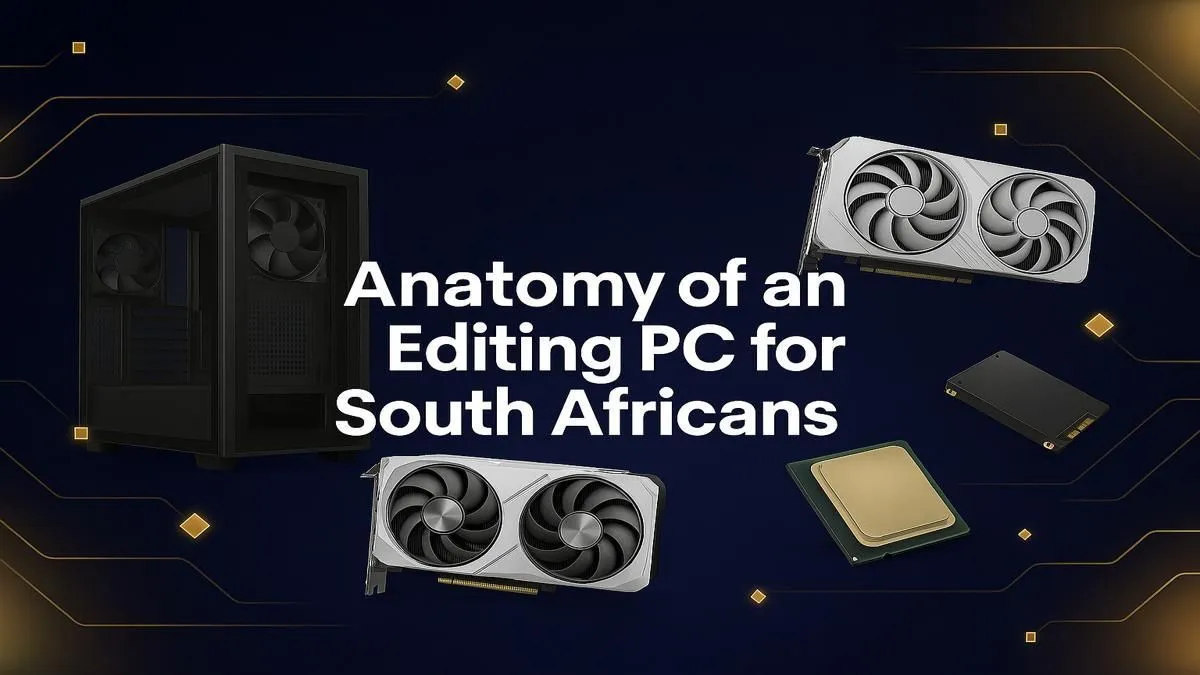
Is your timeline stuttering more than a load-shedding schedule? For content creators across the country, a sluggish computer isn't just annoying... it's a bottleneck that kills creativity and costs money. Building or buying the right editing PC in South Africa is the single biggest upgrade you can make to your workflow. Forget endless render times and laggy playback. This guide will walk you through the essential components you need to build a creative powerhouse.
The Central Processing Unit (CPU) is the engine of your editing machine. It handles everything from software responsiveness to final render times. When choosing a processor for an editing PC in South Africa, the debate often comes down to core count versus clock speed.
For years, the choice was simple. Today, it's more nuanced. Both brands offer incredible performance, but they excel in slightly different areas.
Ultimately, the best choice depends on your primary software. Check benchmarks for your specific applications to see which brand pulls ahead.
Don't make the mistake of thinking a powerful graphics card is only for gaming. Modern editing software leverages the GPU to accelerate a huge range of tasks, from real-time playback of 4K footage to applying colour grades and effects. This is called hardware acceleration. ⚡
A capable NVIDIA GeForce RTX or AMD Radeon RX card can dramatically reduce render times and eliminate timeline stutter. Look for a GPU with at least 8GB of VRAM (Video RAM) if you're working with 4K video or complex visual effects. The more VRAM you have, the better your PC can handle high-resolution textures and multiple video layers without choking.
For a massive speed boost, use separate NVMe SSDs. Install your OS and editing software on one drive, keep your active project files and media cache on a second, and use a third for your exports. This prevents bottlenecks by allowing the PC to read and write simultaneously without fighting for resources on a single drive.
Your CPU and GPU might get all the glory, but without enough RAM and fast storage, even the best editing PC will feel slow.
RAM (Random Access Memory) is your computer's short-term memory. It's where your active project files, software, and OS data live while you're working.
The type of storage drive you use has a massive impact on overall system performance.
Building a powerful content creation machine doesn't have to break the bank. The key is balance. There's no point pairing a top-of-the-line CPU with a weak graphics card or slow RAM. Focus on a balanced system that meets your specific needs.
For those just starting out or working with a tighter budget, you can still get incredible performance. Many modern components offer amazing value, allowing you to build a very capable editing PC in South Africa without spending a fortune. For example, you can find excellent, well-balanced systems by exploring high-performance PCs under R20,000, which provide a perfect entry point into smooth 1080p or even light 4K editing. 🔧
Ready to Stop Rendering and Start Creating? Choosing the right components for an editing PC in South Africa can feel complex, but the performance boost is massive. Stop fighting laggy timelines and start your creative flow. Explore our massive range of customisable PCs and build the perfect machine to conquer your next project.
A good video editing PC balances a powerful multi-core CPU, a dedicated GPU for rendering, at least 32GB of fast RAM, and speedy M.2 NVMe SSD storage for your OS and projects.
For smooth 4K video editing, 32GB of RAM is the recommended minimum. For complex projects with heavy effects or multitasking, 64GB or more is ideal for optimal performance.
Yes, many gaming PCs are excellent for editing as they have powerful CPUs and GPUs. However, a dedicated editing build often prioritizes more CPU cores and higher RAM capacity.
Both offer fantastic options. AMD Ryzen CPUs often excel in multi-threaded tasks like rendering, while Intel Core CPUs provide strong single-core speed for timeline responsiveness.
The ideal setup uses a fast M.2 NVMe SSD for your OS and apps, a second large NVMe SSD for active project files, and a larger HDD or SATA SSD for long-term storage and archiving.
While not as critical as for video, a dedicated GPU accelerates many filters and effects in software like Photoshop, making a mid-range card a worthwhile investment for a smoother workflow.
Clean gaming keyboard quickly and safely in dusty or humid conditions with step-by-step tips, tool checklist, and maintenance routines to prevent corrosion and switch failure. 🧼💨
Read more
Best gaming keyboard features to prioritize when building a high-end setup: mechanical switches, low latency, hot-swap, RGB, macros, durability and ergonomics 🎮⌨️
Read more
Custom actuation point keyboard setup guide: learn to set per-key actuation on your analog gaming keyboard for faster, precise inputs and better control 🎮⚙️
Read more
Cable management for home entertainment helps you eliminate cable clutter quickly and safely. Learn routing, concealment, and product picks to tidy your setup fast 📺🔌
Read more
conference room setup Microsoft Teams Zoom: Upgrade AV, camera, mic, and network to ensure seamless meetings, clear audio, and crisp video 🎯🔧
Read more
• Audit setup • Link accounts • Configure ViewBoard • Test workflows Integrate Google Workspace with ViewSonic ViewBoard to enable secure SSO, calendar and Drive sync, and smooth collaborative whiteboarding 🔗📋
Read more
Discover webcams that automatically adjust light and color for crystal-clear video calls 🎥✨. Boost your streaming quality today!
Read more
Discover webcams that blend into your workflow 🎯 Capture moments while you work, stream, or create. Upgrade your setup with smart, multitasking tech!
Read more
Dedicated media keys give streamers one-touch control to mute, switch scenes, clip highlights, and adjust audio — cutting task time and boosting consistency 🎛️⚡
Read more
PBT vs ABS keycaps: Clear, local guide for South African gamers—compare feel, sound, durability and where to buy. Find the best material for your budget and playstyle 🎮🇿🇦
Read more
- Multi-Function Digital Dial: define benefits - Show gamer setups and macros - Offer buying and setup tips Multi-Function Digital Dial puts programmable control at your fingertips for faster actions and smoother streaming. 🎮⚙️
Read more
- Explain benefits; - Show the science; - Compare options; - Recommend picks. Magnetic wrist rest for gaming cuts wrist strain and boosts comfort during long sessions 🕹️✨
Read more