Quick Answer
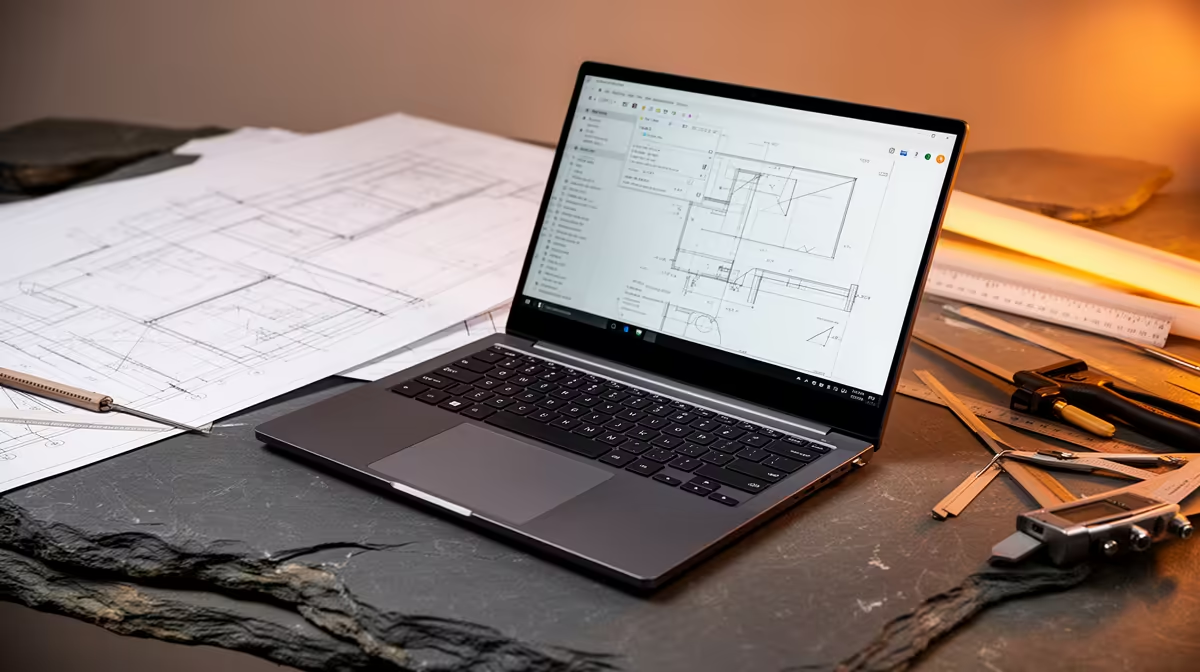
Kitting out Fourways digs for Wits Engineering? The right buy is a laptop with a strong multi-core CPU, 16GB RAM and an RTX 4050/4060 for SolidWorks and ANSYS viewports, in the R18,000-R26,000 band. It runs MATLAB, SolidWorks, ANSYS, AutoCAD and simulation workloads day in, day out. The MSI Thin 15 family is currently stocked at Evetech in this spec.
The laptop: match it to Engineering
The laptop: spec it for the coursework. Engineering runs on MATLAB, SolidWorks, ANSYS, AutoCAD and simulation workloads, which rewards a strong multi-core CPU, 16GB+ RAM and a dedicated GPU for CAD viewports. A 1080p IPS screen at 250+ nits and a backlit keyboard make long nights in Fourways digs easier on the eyes. Add a R1,200-R1,800 powered USB-C hub so one cable links a monitor, charger and Ethernet at your desk.
The Fourways digs desk setup
The digs setup in Fourways. A small desk kit transforms a res room: a 24-27 inch monitor (about R2,500-R4,500), a mechanical keyboard and a decent chair protect your posture across a degree. Get a Vumatel fibre line if your digs allows it (50-100Mbps, roughly R500-R800/month); otherwise a 5G router on a fast package is a solid Fourways fallback.
Commuter notes
Commuting from Fourways. Many Wits students travelling in from Fourways put battery and weight first, since the laptop spends hours in a bag between home and campus. Aim for 7+ hours of real battery and a sub-2.1kg chassis, and keep a spare 65W USB-C charger in your bag so you never reach a tutorial flat.
FAQ
What laptop suits a Wits Engineering student in Fourways?
A 16GB-RAM machine in the R18,000-R26,000 band such as the MSI Thin 15 class. Match RAM and SSD to the coursework first; the brand matters less than securing 16GB and a fast NVMe drive.
What do I need for a Fourways digs desk setup?
A 24-27 inch monitor (R2,500-R4,500), a USB-C hub, a keyboard and mouse, and a fibre or 5G connection. The extras total roughly R5,000-R8,000 on top of the laptop, easily spread across your first term.
Is fibre or 5G better for Fourways student digs?
Fibre wins if your digs has a Vumatel or Openserve line: lower latency and uncapped data from about R500/month. Where fibre is not installed, a 5G router on a fast package is the better fallback in Fourways.
digs, sort the laptop (16GB RAM, fast SSD) first, then add a monitor and a fibre or 5G line - check your res allows a fixed line before signing up.