Quick Answer
Replace the fan if it grinds, wobbles, or will not hold speed; a quick clean and reseat fixes most sudden airflow drops without spending a cent. When you do buy, a solid 120mm fan runs R250 to R450 and a 140mm R350 to R600, both worth it if temps stay high after cleaning.
Read The Numbers: CFM, Static Pressure, And dBA
Airflow is measured in CFM and noise in dBA, and they pull against each other. A balanced 120mm fan around 60 CFM at 28dBA suits most cases. High static pressure matters for pushing air through a dense radiator or filter, while high CFM suits open intake mounts. NSFAS pays a R5,200 device allowance, which on its own does not cover even the cheapest R8,000 laptop, so accessories like this are usually a separate budget line.
Size, Mounting, And Airflow Direction
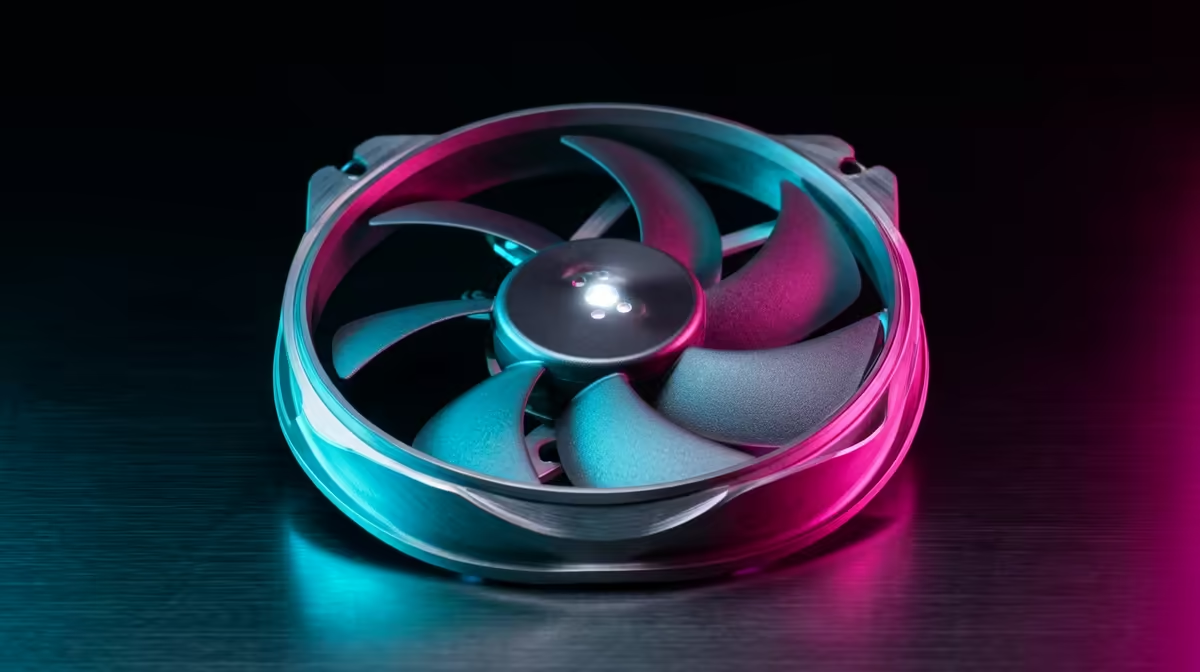
Confirm your case takes 120mm or 140mm fans before buying, since 140mm units move more air at lower RPM and noise but need the mounting holes. Set up positive pressure with slightly more intake than exhaust to keep dust out, and make sure arrows on the fan frame face the airflow direction you intend. Two well-placed fans beat four random ones.
When A Fan Swap Is Worth It
A fan refresh is worth it when cleaning does not fix high temps, noise, or stutter from throttling. Spending R800 to R1,500 on two or three quality fans can buy a meaningful temperature drop and a quieter machine, which is far cheaper than a new cooler or card.
FAQ
How much do good case fans cost in SA?
A quality 120mm fan runs about R250 to R450 and a 140mm around R350 to R600. Refreshing intake and exhaust with two or three quality fans typically costs under R2,000, which is cheap insurance against throttling.
How do I know if a fan needs replacing or just cleaning?
Clean and reseat first; dust and a loose mount cause most sudden airflow drops. If the fan still rattles, stalls, or temps stay above roughly 80C under load after cleaning, replace it.
Do I want high CFM or high static pressure?
Use high CFM fans on open intakes where air flows freely, and high static pressure fans on radiators and dense dust filters where air must be pushed through. Many cases benefit from a mix of both.
run a quick monitoring tool under load to log CPU and GPU temps, then target the hottest path with one front-intake and one rear-exhaust 120mm fan rated under 30dBA.