


Clean Gaming Keyboard: Guide for Dusty & Humid Conditions
Clean gaming keyboard quickly and safely in dusty or humid conditions with step-by-step tips, tool checklist, and maintenance routines to prevent corrosion and switch failure. 🧼💨
Read moreReady to fix rudder pedal problems for good? This guide helps SA flight sim enthusiasts troubleshoot and solve common issues like jitter, spiking, and calibration errors. Get back to smooth, precise flying with our expert tips and step-by-step solutions! ✈️🔧
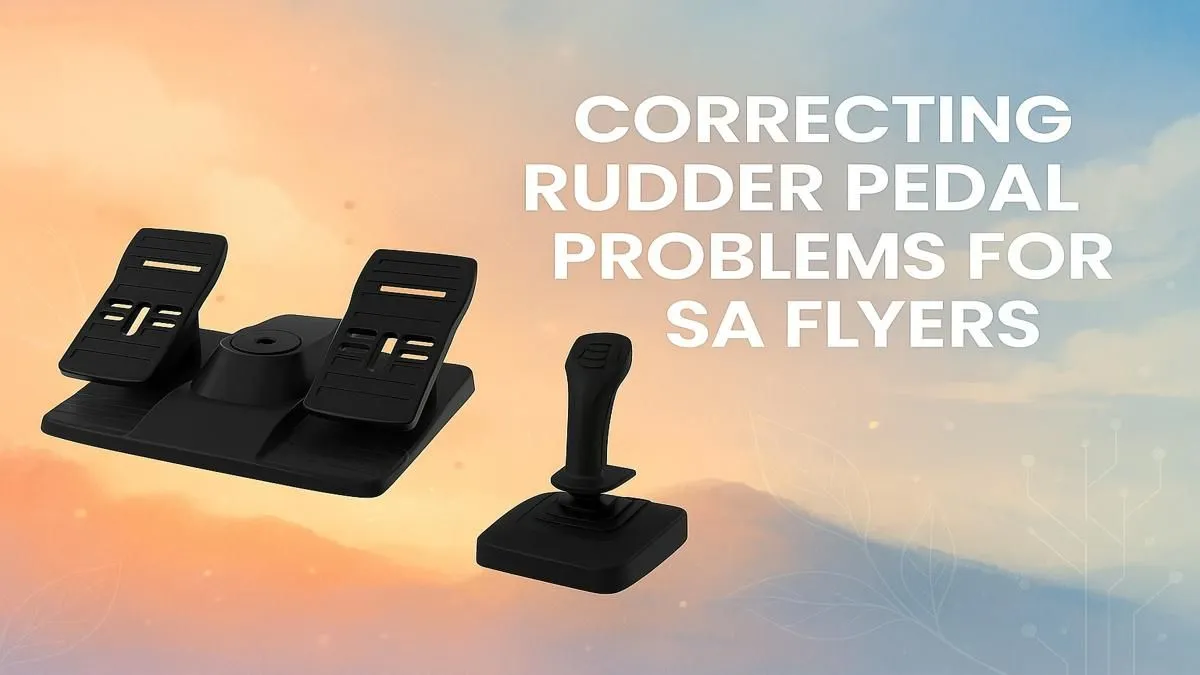
You're on final approach into Cape Town International, wings steady, glide slope perfect... until your aircraft suddenly yaws hard to the left. Your rudder pedals are acting up again. Sound familiar, boet? For many South African flight sim pilots, frustrating rudder pedal problems can ruin an otherwise perfect flight. Don't stress. This guide will help you diagnose and fix rudder pedal problems so you can get back to smooth landings and precise taxiing. ✈️
Before you can fix the problem, you need to know what you're looking for. Most rudder pedal issues fall into a few categories:
Understanding these symptoms is the first step to a successful rudder pedal fix.
Let's work through the solutions, from the simplest physical checks to the more complex software tweaks. Follow these steps to fix your rudder pedal problems and get your virtual aircraft flying straight.
Always start with the hardware itself. It's often the simplest things that cause the biggest headaches.
If the physical inspection doesn't solve it, the issue is likely software-related. Calibration is key.
First, search for "Set up USB game controllers" in the Windows Start Menu. Select your rudder pedals, click "Properties," and then go to the "Settings" tab to calibrate them. This process resets the centre point and range of motion for your hardware.
After calibrating in Windows, you must do it inside your flight simulator (like MSFS 2020 or X-Plane). Go to the control settings and look for options to adjust sensitivity, dead zones, and reactivity. This is where you can fine-tune the pedals to your liking. An immersive view on one of our stunning curved monitors can make spotting subtle calibration changes much easier.
When setting your dead zone, increase it just enough to eliminate any 'jitter' or drift when your feet are off the pedals. For sensitivity, a negative curve (e.g., -20%) will make the initial pedal movements less sensitive, which is perfect for small, precise adjustments during takeoff and landing.
Sometimes, you can do everything right, and the hardware is simply at the end of its life. Potentiometers wear out, and older pedals can lose their precision. If you've tried everything and still can't fix your rudder pedal problems, it might be time for an upgrade.
Modern flight sim gear offers incredible accuracy and durability. Brands like Thrustmaster use advanced magnetic sensors (H.E.A.R.T) that don't degrade over time, eliminating spiking and jitter for good.
Of course, the best peripherals in the world won't help if your PC can't keep up. A smooth, stutter-free simulation requires a powerful rig, especially for a demanding title like MSFS 2020. If your frame rates drop during complex approaches, one of our purpose-built Microsoft Flight Simulator Gaming PCs could be the ultimate solution. Paired with a high-quality display from our wide range of PC monitors, you'll have a cockpit that's the envy of every virtual pilot in South Africa.
Ready for the Ultimate Cockpit Upgrade? Fixing rudder pedal problems is a great first step, but a truly immersive flight experience relies on a solid foundation of quality hardware. From responsive controls to stutter-free visuals, Evetech has everything a South African pilot needs. Explore our massive range of PC components and build your dream flight sim rig today.
High sensitivity often comes from incorrect calibration or a small dead zone. Try recalibrating your pedals in your flight sim software and slightly increasing the dead zone setting to fix rudder pedal jitter.
To fix flight sim rudder pedal jitter, clean the potentiometer sensor inside the pedal unit with contact cleaner. Also, ensure your USB port provides stable power and check for software conflicts.
A dead zone is a small area around the center of the pedal's axis where no input is registered. Setting a proper rudder pedal dead zone helps prevent unwanted movement from minor jitters or 'spiking'.
You can calibrate rudder pedals through your sim's control settings (like MSFS or X-Plane) or using Windows' built-in 'Game Controllers' tool (joy.cpl). Follow the on-screen prompts to set the full range of motion.
Rudder pedal spiking is usually caused by a dirty or worn-out potentiometer. Dust and debris can interfere with the sensor, causing erratic input signals. A thorough cleaning often resolves this issue.
Yes, absolutely. Rudder pedals are a separate controller and can be used with a joystick, yoke, or even just a keyboard and mouse for controlling the yaw axis and toe brakes in your aircraft.
Clean gaming keyboard quickly and safely in dusty or humid conditions with step-by-step tips, tool checklist, and maintenance routines to prevent corrosion and switch failure. 🧼💨
Read more
Best gaming keyboard features to prioritize when building a high-end setup: mechanical switches, low latency, hot-swap, RGB, macros, durability and ergonomics 🎮⌨️
Read more
Custom actuation point keyboard setup guide: learn to set per-key actuation on your analog gaming keyboard for faster, precise inputs and better control 🎮⚙️
Read more
Cable management for home entertainment helps you eliminate cable clutter quickly and safely. Learn routing, concealment, and product picks to tidy your setup fast 📺🔌
Read more
conference room setup Microsoft Teams Zoom: Upgrade AV, camera, mic, and network to ensure seamless meetings, clear audio, and crisp video 🎯🔧
Read more
• Audit setup • Link accounts • Configure ViewBoard • Test workflows Integrate Google Workspace with ViewSonic ViewBoard to enable secure SSO, calendar and Drive sync, and smooth collaborative whiteboarding 🔗📋
Read more
Discover webcams that automatically adjust light and color for crystal-clear video calls 🎥✨. Boost your streaming quality today!
Read more
Discover webcams that blend into your workflow 🎯 Capture moments while you work, stream, or create. Upgrade your setup with smart, multitasking tech!
Read more
Dedicated media keys give streamers one-touch control to mute, switch scenes, clip highlights, and adjust audio — cutting task time and boosting consistency 🎛️⚡
Read more
PBT vs ABS keycaps: Clear, local guide for South African gamers—compare feel, sound, durability and where to buy. Find the best material for your budget and playstyle 🎮🇿🇦
Read more
- Multi-Function Digital Dial: define benefits - Show gamer setups and macros - Offer buying and setup tips Multi-Function Digital Dial puts programmable control at your fingertips for faster actions and smoother streaming. 🎮⚙️
Read more
- Explain benefits; - Show the science; - Compare options; - Recommend picks. Magnetic wrist rest for gaming cuts wrist strain and boosts comfort during long sessions 🕹️✨
Read more