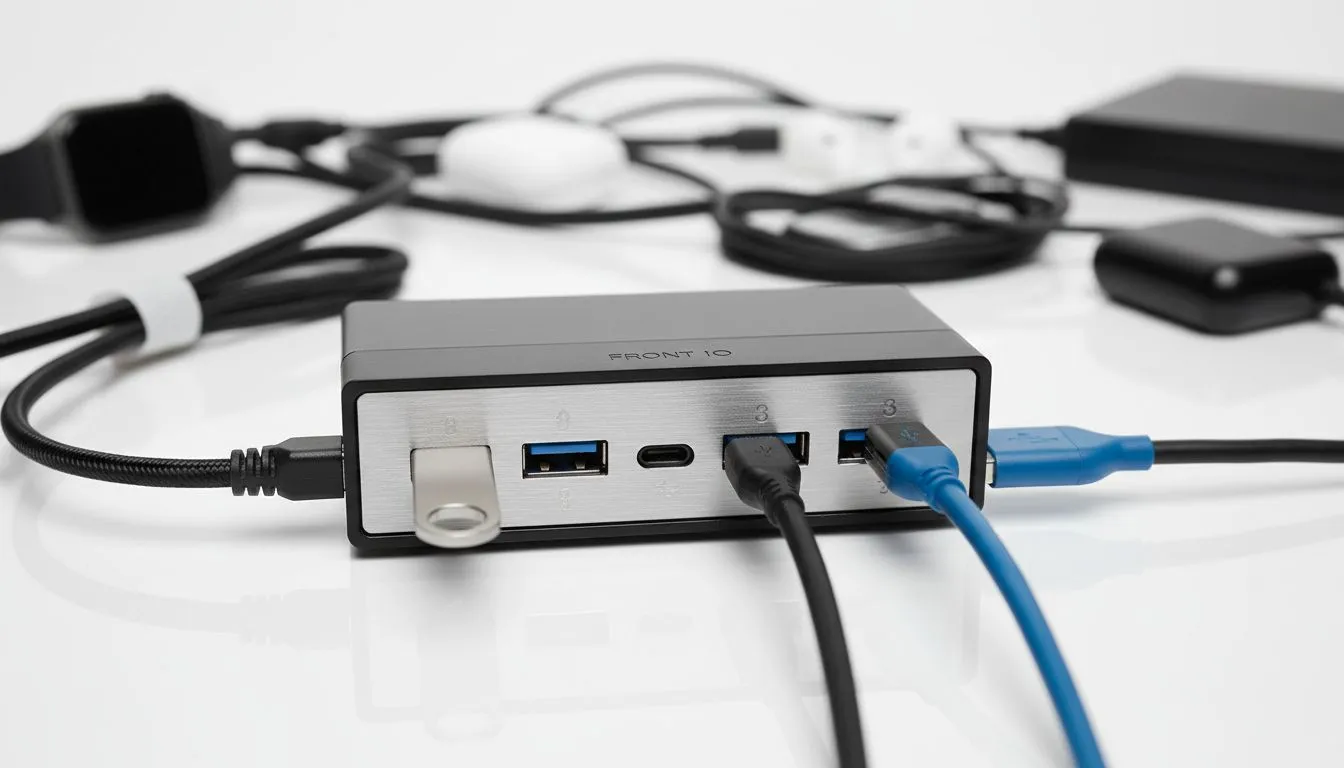
Why Front I/O USB-C and USB 3.0 Matter for Your Rig
Ever tried fumbling behind your PC in the dark to plug in a flash drive? It is a frustrating nightmare. Front I/O USB-C and USB 3.0 ports are the unsung heroes of a modern South African gaming setup. They bring high-speed connectivity right to your fingertips. Whether you are transferring 4K footage or charging a headset, matching your ports to your peripherals saves time... and your back. 🔧
Understanding the Speed of Front I/O USB-C and USB 3.0
Not all ports are created equal. USB 3.0... now technically known as USB 3.2 Gen 1... offers speeds up to 5Gbps. This is perfect for standard external hard drives or high-polling rate keyboards. However, if you are a content creator in Jo'burg or Cape Town, you likely use external NVMe SSDs. These devices crave the 10Gbps or 20Gbps bandwidth often found in modern USB-C front panels.
When you browse the latest computer cases, pay close attention to the internal headers. A case might have a USB-C port on the outside, but your motherboard needs the specific Type-E header to make it functional. Without it, that sleek port is just a hollow plastic ornament.
Matching Premium Cases to High-End Peripherals
If you have invested in a high-end smartphone or a professional camera, your case should reflect that tech. Many Fractal Design PC cases are designed with a focus on clean aesthetics and high-bandwidth Front I/O. They ensure that your desktop remains the central hub for all your gear without requiring you to crawl under your desk every time you want to sync data. ⚡
Hardware Compatibility Pro Tip ⚡
Before buying a new chassis, check your motherboard manual for a "USB 3.2 Gen 2 Front Panel Header." This is a small, rectangular socket distinct from the wider 19-pin USB 3.0 header. If your board lacks this, you can still use the port by purchasing a PCIe expansion card that adds the necessary internal header to your system.
Affordable Connectivity for Every Gamer
You do not need to spend a fortune to get decent front-panel access. Brands like Gamdias have made high-speed ports accessible to everyone. Looking through the range of Gamdias gaming cases reveals options that prioritise airflow alongside modern connectivity. 🚀
Even if you are sticking to a strict budget, there are fantastic options available. You can find several gaming cases under R1500 that include at least two USB 3.0 ports. This is essential for connecting your gaming controller or a high-speed Wi-Fi dongle without latency issues.
Future-Proofing Your Desktop Setup
The industry is moving toward a single-cable future. USB-C is becoming the standard for everything from power delivery to video output. By ensuring your next chassis supports Front I/O USB-C and USB 3.0, you are protecting your investment for years to come. It is about more than just speed... it is about the convenience of a reversible plug and the peace of mind that your local build can handle whatever new peripheral you buy next. ✨
Ready to Find Your Perfect Match?
Matching your case to your peripherals is the secret to a seamless desktop experience. Whether you need the blistering speed of Type-C or the reliability of USB 3.0, we have the right chassis for your build. Explore our massive range of computer cases and find the perfect machine to conquer your world.