


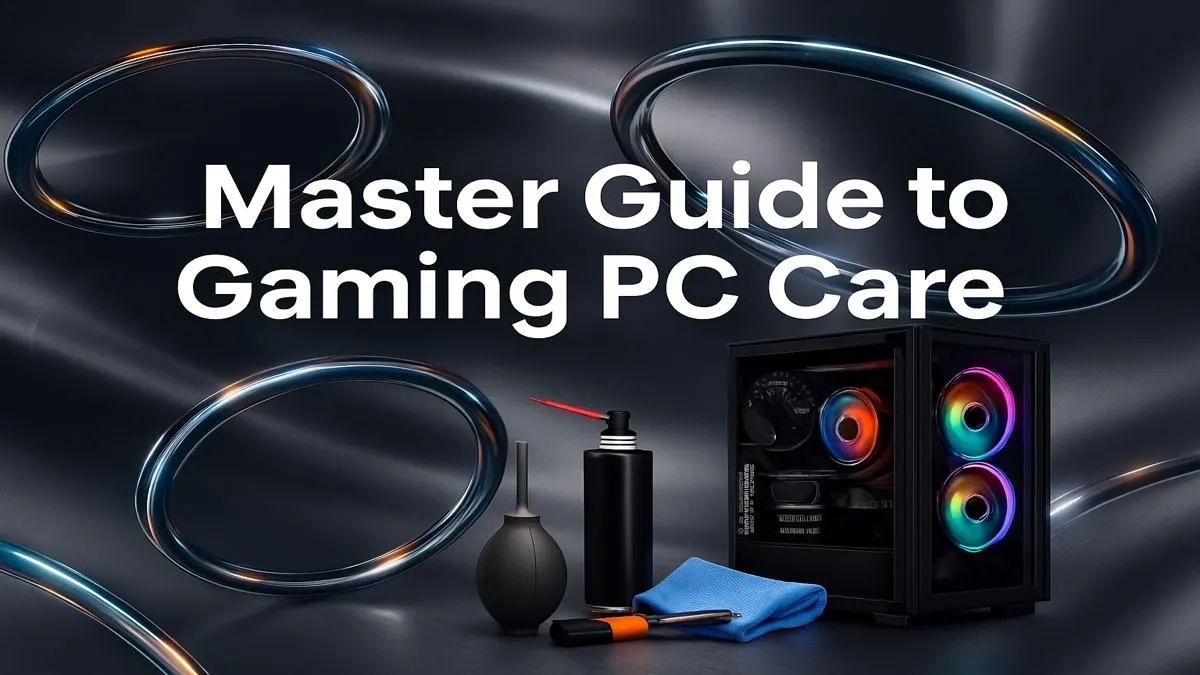
Is your rig feeling a bit... sluggish? Stuttering in the middle of a tense firefight in Warzone or dropping frames when you’re exploring the streets of Night City? Before you start pricing new components, let's talk about a simpler fix: proper gaming PC maintenance. A little TLC can restore that 'out-of-the-box' speed and keep your machine running at its absolute peak, saving you a fortune and a lot of frustration. Let's get started. 🔧
The Physical Clean-Up: Dust is Your Enemy
Let's be honest, South Africa can be a dusty place. That dust doesn't just sit on your desk; it gets pulled directly into your PC case, clogging up fans and insulating components that desperately need to stay cool. Overheating is the number one cause of performance throttling and can even shorten the lifespan of your hardware.
Effective PC maintenance starts here. At least every three to six months, you should:
- Power Down Completely: Unplug your PC from the wall. Don't just shut it down.
- Open the Case: Take your PC to a well-ventilated area (outside is great).
- Use Compressed Air: Use short, controlled bursts to blow dust out of your fans, heatsinks, and dust filters. Never use a vacuum cleaner, as it can create static electricity that damages components.
- Wipe it Down: Use a microfibre cloth to gently wipe down surfaces.
This simple routine is crucial for maintaining your gaming PC, ensuring optimal airflow even on the most affordable budget gaming PCs.
Software and Driver Optimisation
Keeping your PC's internals clean is only half the battle. The digital side of gaming PC maintenance is just as important for squeezing out every last frame. Your PC's performance relies on a complex ecosystem of software, and keeping it tidy is key.
Keep Your Drivers Updated
Your graphics card is the heart of your gaming rig. NVIDIA, AMD, and Intel are constantly releasing new drivers that optimise performance for the latest games, fix bugs, and improve stability. Use GeForce Experience or AMD Software: Adrenalin Edition to keep your drivers up to date. This single step can provide a massive performance uplift, especially for the GPUs found in powerful PCs over R20k that are designed to run AAA titles.
Tidy Up Your System
- Manage Startup Programs: Too many apps launching at startup can cripple your boot times and hog background resources. Press
Ctrl + Shift + Escto open Task Manager, go to the "Startup" tab, and disable anything you don't need running immediately. - Windows Updates: Don't ignore them! These updates often include crucial security patches and performance improvements for the operating system.
Quick Performance Boost ⚡
Use the built-in Windows Disk Cleanup tool or press Win + R, type %temp%, and hit Enter. Select all files (Ctrl + A) and delete them (skip any that are in use). This clears out thousands of temporary files that can slow down your system over time. It's a simple step in your PC maintenance routine that makes a real difference!
The Deeper Dive: Cables and Components
For those who are a bit more comfortable under the hood, a deeper check-up once a year can prevent bigger problems down the line. Good cable management isn't just about making your PC look good with its RGB lighting; it's about maximising airflow. Messy cables can block fans and create pockets of hot air.
If you're not confident managing a web of cables, that's one of the huge benefits of our professional pre-built PC deals, which come expertly assembled for peak thermal performance from day one. Taking a moment to check that all connections are secure and that cables are neatly tied away is a fantastic step in advanced PC maintenance. ✨
Knowing When Maintenance Isn't Enough
You can be the most diligent owner, but eventually, technology moves on. If you've cleaned every speck of dust and optimised every driver, but your PC still struggles to run new games at acceptable settings, it might be time for an upgrade.
Signs it might be time for a new rig include:
- Your CPU is constantly at 100% usage while gaming.
- You can't install the latest graphics drivers for your old GPU.
- You don't have enough RAM to even launch modern titles.
The good news is that you don't have to break the bank. There are many great value gaming PCs under R20k that offer incredible performance for the price. Regularly checking the latest gaming PC deals can help you spot the perfect moment to invest in your next-gen experience. 🚀
Ready for a Fresh Start? Proper gaming PC maintenance can work wonders, but sometimes a new rig is the only way to conquer the latest titles. If your PC is starting to show its age, explore our best gaming PC deals and find the perfect machine to dominate for years to come.










