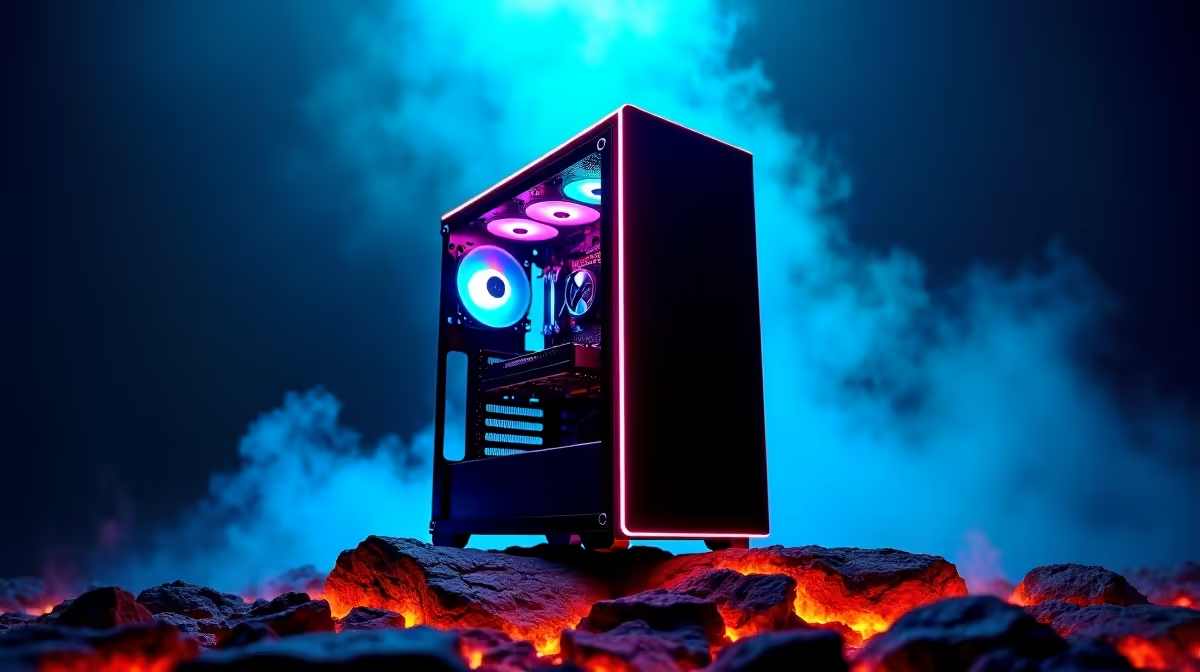
You just dropped R10,000 on a sweet new gaming rig. It’s tearing through Apex Legends and the fans are whisper-quiet. But fast forward six months… and you’re noticing stutters. What gives? Like any high-performance machine, your PC needs a tune-up. This gaming PC maintenance guide is your secret weapon to keeping that rig running like the day you unboxed it, ensuring every rand you spent continues to deliver peak performance.
Why Your Gaming PC Needs Regular Maintenance
Think of your gaming PC like a performance car. You wouldn't skip an oil change, right? Dust, software clutter, and outdated drivers are the digital sludge that slowly kills your frame rate. Regular gaming PC maintenance isn't just about cleaning; it's a crucial process that:
- Boosts Performance: Prevents thermal throttling (when your components get too hot and slow down).
- Extends Lifespan: Reduces wear and tear on sensitive parts like fans and processors.
- Saves Money: Helps you avoid costly repairs or premature upgrades down the line.
Even the most well-assembled budget gaming PCs benefit immensely from a little TLC.
The Physical Clean-Up: Dust is Your Enemy 🔧
Dust is the number one enemy of cool components. It insulates parts, traps heat, and chokes your fans. A simple physical clean every 3-6 months can make a massive difference.
Step 1: Prep Your Area
Power down completely. Unplug the power cable from the wall and hold the power button for a few seconds to discharge any remaining electricity. Find a well-ventilated area—your garage or balcony is perfect.
Step 2: Open the Case
Remove the side panel (usually the left one). If you're unsure, consult your case manual. This gives you direct access to the guts of your machine.
Step 3: Blow Out the Dust
Using short, controlled bursts from a can of compressed air, blow dust out of your case. Focus on:
- Case Fans: Front, top, and rear.
- CPU Cooler: The heatsink and fan on your processor.
- GPU Fans: The fans on your graphics card.
- Power Supply: Blow air through the vents to clear the internal fan.
Compressed Air Pro Tip 💨
Never shake the can or tilt it upside down while spraying. This can release liquid propellant, which can damage your components. Hold the can upright and use the included straw for precise bursts of air. Also, gently hold fan blades with a finger to stop them from spinning too fast.
A clean PC is a happy PC, a principle we apply to all our great pre-built PC deals before they ship.
Digital Deep Clean: Optimise Your Software
Once the hardware is spotless, it's time to declutter the digital side. This part of our PC maintenance guide ensures your software is as efficient as your hardware.
Update Your Drivers
Your graphics card driver is the most important. Head to the NVIDIA or AMD website and download the latest version for your GPU. This single step can provide significant performance boosts in new games.
Manage Startup Programs
Press Ctrl + Shift + Esc to open Task Manager, go to the "Startup" tab, and disable any programs you don't need running the moment you boot up. Things like Discord and Steam are fine, but unnecessary updaters or launchers can slow you down.
Free Up Drive Space
A nearly full SSD or HDD can slow down your system. Run Windows' built-in Disk Cleanup tool to remove temporary files. Uninstall old games you no longer play to free up precious gigabytes for the next big release. ✨
When is it Time for an Upgrade?
Sometimes, even the best maintenance can't help you run the latest AAA title at ultra settings. If your R10,000 rig is starting to show its age and you've done all the maintenance you can, it might be time to think about an upgrade. The jump to one of our powerful PCs under R20k can offer a huge leap in performance, often doubling your frame rates.
For those who want to be set for years to come, exploring high-performance rigs above R20k will unlock 4K gaming and high-refresh-rate experiences that are simply breathtaking. Proper gaming rig maintenance will keep these beasts running optimally, too.
Ultimately, keeping your PC in top shape ensures you get the most value from your investment. Whether you're maintaining your current machine or looking for your next one, be sure to check out the best gaming PC deals for the latest hardware at unbeatable prices.
Ready for a Performance Boost?
Whether it's a simple clean-up or a full-blown upgrade, taking care of your gaming PC is key. If you're ready to step up your game, explore our massive range of gaming PCs and find the perfect machine to dominate the competition.