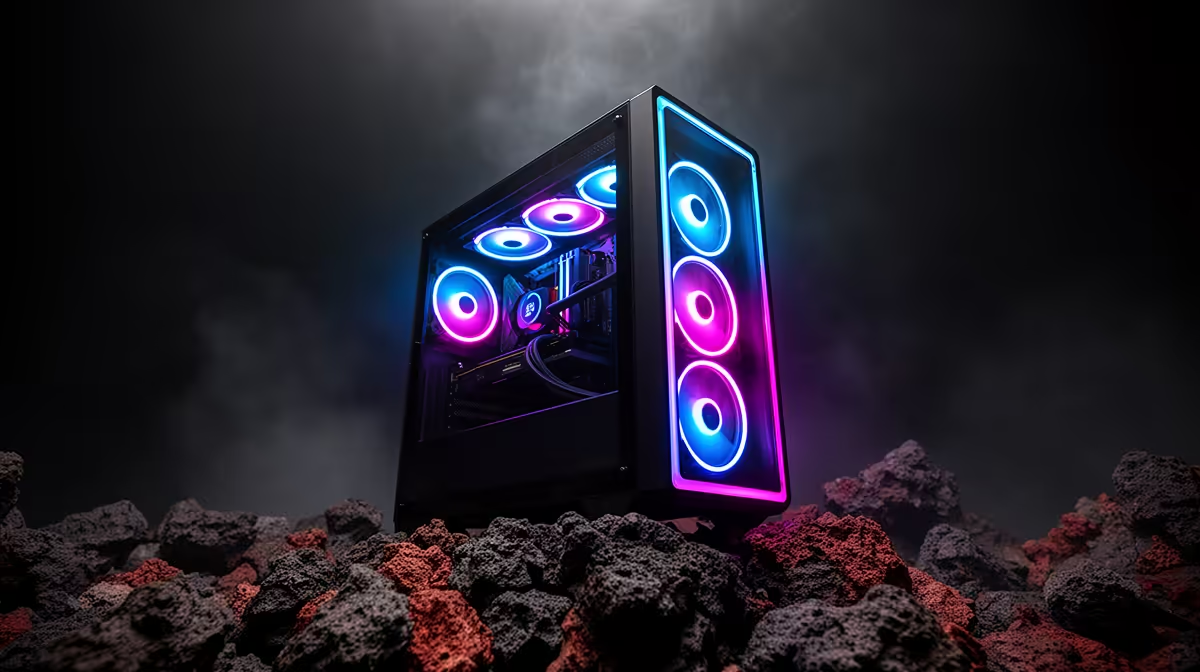
Is your gaming rig feeling a bit... sluggish? That buttery-smooth 144 FPS you bragged about now stutters at the worst possible moment. Before you start pricing new hardware, let's talk about the unsung hero of peak performance: proper gaming PC maintenance. This isn't just about dusting off your case; it's a crucial ritual for any serious South African gamer looking to protect their investment and dominate the lobby. Let's get your machine running like new.
Why Regular PC Maintenance is a Big Deal in ZA
In South Africa, we deal with unique environmental factors. From the Highveld's fine dust to the coast's humidity, our PCs are constantly under attack. This build-up acts like a blanket, trapping heat and forcing your components to work harder, which shortens their lifespan and throttles performance. A solid gaming PC maintenance routine isn't just about speed; it's about protecting the thousands of Rands you've invested in your setup and ensuring you get every single frame you paid for.
Consistent performance is key, especially in fast-paced titles. You wouldn't want lag spikes costing you a Victory Royale in Fortnite, would you?
The Physical Clean-Up: Your First Line of Defence 🔧
This is the most satisfying part of any PC maintenance schedule. Getting hands-on with your machine connects you to the hardware and delivers immediate results. Before you start, always power down your PC, switch off the PSU at the back, and unplug it from the wall. Safety first!
Clearing Out Dust & Debris
Dust is the number one enemy of performance. It clogs fans and suffocates heatsinks, leading to thermal throttling—where your CPU and GPU slow down to avoid overheating.
- Get Some Air: A can of compressed air is your best friend. Use short, controlled bursts to blow dust out of your case fans, GPU fans, CPU cooler, and power supply. Always keep the can upright.
- Focus on Filters: Most modern cases have removable dust filters. Slide them out, give them a good rinse under a tap, and let them dry completely before putting them back.
- Wipe Down: Use a microfibre cloth to gently wipe down surfaces and cables.
A clean system runs cooler, which is essential for maintaining high frame rates in graphically demanding games like Cyberpunk 2077 with all its ray-tracing glory.
Checking Fans & Airflow
Make sure all your fans are spinning freely. A dead fan can create a hot spot in your case, impacting overall temperatures. Proper airflow is vital for keeping your rig cool during intense firefights in games like PUBG where every frame counts.
Airflow Pro Tip ⚡
For optimal cooling, aim for a 'positive pressure' setup. This means you have slightly more air being pulled into the case by intake fans than being pushed out by exhaust fans. This simple configuration helps minimise dust build-up by forcing air out of small gaps and cracks, rather than sucking it in.
Software Tune-Ups for a Faster Rig 🚀
A physically clean PC is only half the battle. Over time, your Windows installation can get bogged down with unnecessary files and programs. A little digital housekeeping can feel like a fresh install.
Update Everything... Especially Your GPU
Your graphics card driver is one of the most important pieces of software on your PC. Companies like NVIDIA and AMD release frequent updates that include performance optimisations and bug fixes for new games. Keeping it updated is non-negotiable for a smooth experience in titles like Call of Duty: Warzone 2.0. Don't forget to update Windows and other essential drivers, too.
Tame Your Startup Programs
Does your PC take ages to boot? Too many programs launching at startup could be the culprit.
- Press
Ctrl + Shift + Esc to open Task Manager. - Click on the "Startup" tab.
- Disable any non-essential applications from launching on boot (e.g., Spotify, Discord) you can always open them manually.
This frees up valuable RAM and CPU cycles, ensuring your system is ready for action, whether you're loading into a competitive Overwatch 2 match or exploring the vast world of GTA V.
Clear Out Digital Junk
Temporary files, old downloads, and shader caches can eat up gigabytes of storage space. Use Windows' built-in Disk Cleanup tool to safely remove this clutter. A clean drive not only gives you more space for games but can also improve system responsiveness. This is true even for less demanding games, as a well-maintained system can run heavily-modded versions of Minecraft without a hitch.
Advanced Gaming PC Maintenance
For those who want to push performance even further, consider these steps every year or two.
- Reapply Thermal Paste: The thermal paste between your CPU and its cooler can dry out over time, reducing its effectiveness. Replacing it can lower your CPU temperatures significantly.
- Monitor Your Temps: Use software like HWMonitor to keep an eye on your component temperatures. If they're creeping up even after a clean, it might be time for more advanced solutions, especially when running intensive simulations like Microsoft Flight Simulator.
By following this complete ZA guide to gaming PC maintenance, you'll ensure your rig stays cool, quiet, and powerful for years to come.
Ready for Next-Gen Performance?
Maintenance is key, but sometimes the latest games demand more power. If your rig is still struggling after a tune-up, it might be time for an upgrade. Explore our range of custom-built gaming PCs and build the machine that will conquer today's and tomorrow's biggest titles.