


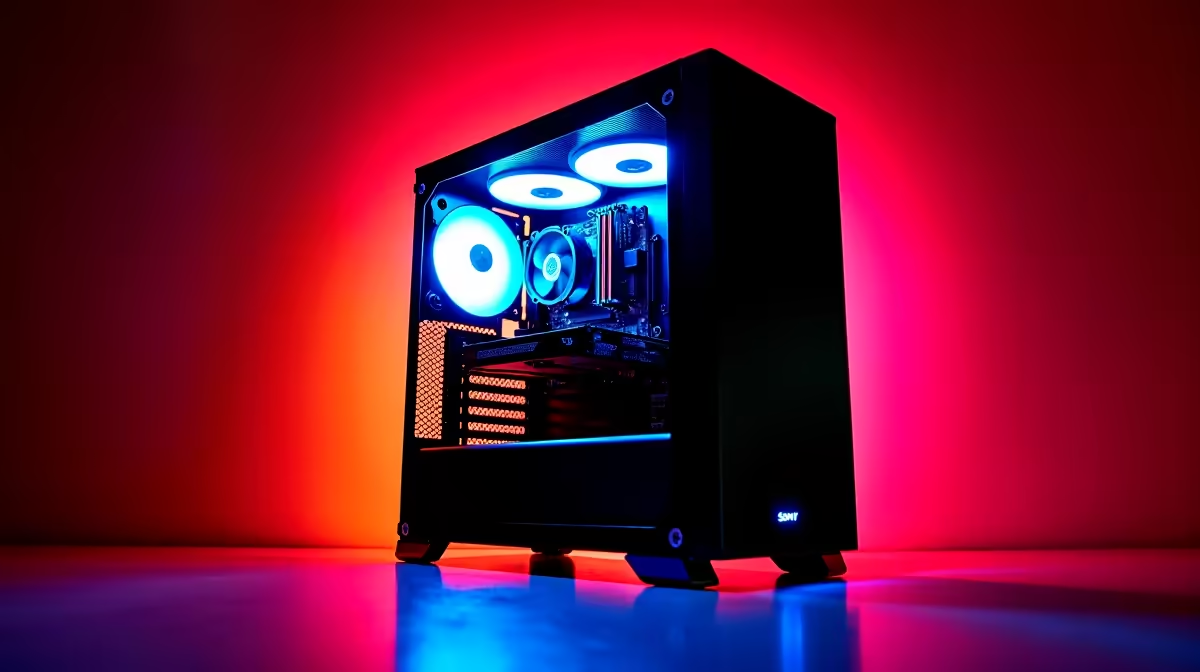
Quick Answer
At R25,000 a Gauteng esports rig moves into 1440p high-refresh territory: a Ryzen 7 7700 or Ryzen 5 7600X with an RTX 4060 Ti or RX 7700 XT, 32GB DDR5 and a 1440p 165Hz panel. That delivers 300fps+ in CS2 and 200fps+ in Valorant while still pushing AAA games at 1440p.
What R25,000 Actually Buys
This is the tier where you stop compromising. A sensible split is around R5,500 on the CPU, R8,500-R9,500 on an RTX 4060 Ti or RX 7700 XT 12GB, R2,500 on 32GB DDR5-6000, plus a B650 board, 1TB Gen4 NVMe, a 650W PSU and a quality case. The 12GB+ VRAM matters because it keeps you future-proof for 1440p.
Frame Rates At 1080p And 1440p
Competitive 1080p settings push CS2 past 300fps and Valorant past 240fps, fully feeding a 240Hz panel. Step up to 1440p high and you still hold 165fps+ in most esports titles and 90-120fps in AAA games. Gauteng players should run a wired connection to keep ping low to local Joburg servers during ranked sessions.
Stock, Warranty And Collection
Confirm live availability before committing, since 12GB cards move quickly. Keep your invoice and serials for warranty, and test display output, fan curves and your main titles in the first week. Collection in the Joburg and Pretoria metros is usually faster than waiting on a courier.
FAQ
Is R25,000 overkill for esports?
For pure 1080p esports it is generous, but the headroom means you never drop below your monitor refresh and you can game at 1440p too. It is the sweet spot if you want competitive frames now and AAA capability without a future rebuild.
Which GPU is best at R25,000 for esports?
An RTX 4060 Ti or RX 7700 XT both clear esports frame targets easily. The RX 7700 XT generally offers more VRAM and raw 1440p frames per rand; the 4060 Ti adds stronger NVENC encoding if you also stream.
How much RAM do I need for competitive gaming?
16GB is the floor, but 32GB DDR5 is the smart choice at R25,000. It removes stutter when you have a browser, Discord and game capture running alongside the title, which is common for competitive players.
monitor's full refresh rate in Windows display settings and your GPU control panel after building - many high-Hz panels ship defaulted to 60Hz out of the box.











