


Clean Gaming Keyboard: Guide for Dusty & Humid Conditions
Clean gaming keyboard quickly and safely in dusty or humid conditions with step-by-step tips, tool checklist, and maintenance routines to prevent corrosion and switch failure. 🧼💨
Read moreGPU length compatibility matters before buying or upgrading. This guide shows how to measure your case, read specs, and confirm a graphics card fit step-by-step. 🖥️🔧
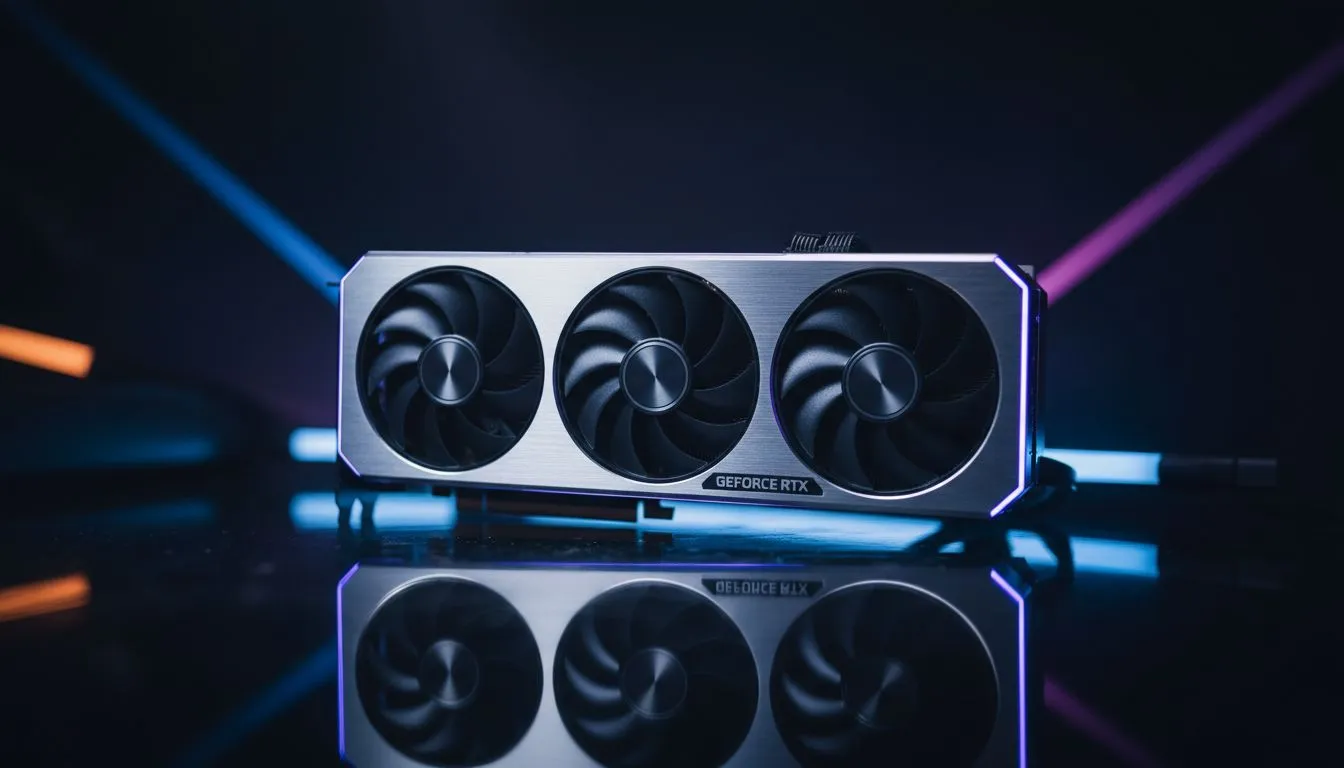
There is nothing quite like the heartbreak of unboxing a beastly new graphics card only to find it simply will not fit into your chassis. With modern cards growing to massive proportions, checking your GPU length compatibility is the most vital step before hitting that checkout button. Whether you are building from scratch or upgrading your current rig, a few quick measurements can save you a massive headache... and a trip to the courier office. 🔧
Before you commit to a purchase, you need to know exactly how much "real estate" you have inside your tower. Most manufacturers list a "Max GPU Length" or "VGA Clearance" spec in their manuals. If you are looking for a premium housing that makes these specs easy to find, the range of Fractal Design PC cases is world-renowned for providing clear, detailed clearance data for enthusiast builders.
If you already own your case and cannot find the manual, grab a physical tape measure. Start from the expansion slot bracket at the rear of the case and measure horizontally toward the front. If you have intake fans or a liquid cooling radiator mounted at the front, measure up to those components... not the metal frame of the case itself. ⚡
Always leave at least 20mm to 30mm of extra space between the end of your GPU and your front fans. This "buffer zone" prevents air turbulence and ensures your card isn't choking on its own heat. If your card is 320mm long, aim for a case with at least 350mm of clearance.
You do not necessarily need to spend a fortune on a massive full-tower to accommodate modern hardware. There are plenty of clever mid-tower designs that optimise internal space. For example, you can find several gaming cases under R1500 that offer surprisingly generous clearance for triple-fan cards without breaking the bank.
If you are looking for something that combines aggressive aesthetics with enough room for those chunky 40-series cards, the broader selection of Gamdias gaming cases provides excellent options for South African gamers who want style and functionality. 🚀
While GPU length compatibility is the primary concern, do not overlook the width. High-end cards often require 12VHPWR adapters that shouldn't be bent too tightly against the side panel. If your case is too narrow, you might find yourself unable to close the glass window.
If your current setup feels a bit cramped, it might be time to browse our full range of computer cases to find a modern chassis designed for the "brick-sized" GPUs of today. Upgrading your case is often cheaper than trying to fix a thermal throttling issue caused by a cramped, poorly ventilated box. ✨
Ready to Find Your Perfect Match? Don't let a small case limit your gaming potential. Whether you need a massive full-tower or a compact airflow specialist, we have the right fit for your build. Explore our massive range of computer cases and ensure your next GPU upgrade is a perfect fit.
Measure from the GPU bracket to the end of the cooler or PCB, then compare that number to your case's max GPU length to confirm fit.
Check your case spec for 'max GPU length' or measure inside from rear bracket to drive-cage; many mid-towers support 300–360 mm.
Compare the triple-fan GPU length and cooler overhang to your case clearance and any drive cages. Check dual-fan vs triple-fan GPU length differences.
Yes. A full PSU shroud reduces usable depth. Measure from the rear bracket to the shroud edge and compare to the GPU length.
Measure radiator plus fan thickness and subtract from internal depth to get remaining GPU clearance, then compare with your GPU length.
A PCIe riser can reposition a long GPU, but verify airflow, mounting support, and warranty terms before modifying your build.
Manufacturer spec sheets and product pages list GPU length in millimetres. Retail listings and unboxing videos also show exact GPU length.
Clean gaming keyboard quickly and safely in dusty or humid conditions with step-by-step tips, tool checklist, and maintenance routines to prevent corrosion and switch failure. 🧼💨
Read more
Best gaming keyboard features to prioritize when building a high-end setup: mechanical switches, low latency, hot-swap, RGB, macros, durability and ergonomics 🎮⌨️
Read more
Custom actuation point keyboard setup guide: learn to set per-key actuation on your analog gaming keyboard for faster, precise inputs and better control 🎮⚙️
Read more
Cable management for home entertainment helps you eliminate cable clutter quickly and safely. Learn routing, concealment, and product picks to tidy your setup fast 📺🔌
Read more
conference room setup Microsoft Teams Zoom: Upgrade AV, camera, mic, and network to ensure seamless meetings, clear audio, and crisp video 🎯🔧
Read more
• Audit setup • Link accounts • Configure ViewBoard • Test workflows Integrate Google Workspace with ViewSonic ViewBoard to enable secure SSO, calendar and Drive sync, and smooth collaborative whiteboarding 🔗📋
Read more
Discover webcams that automatically adjust light and color for crystal-clear video calls 🎥✨. Boost your streaming quality today!
Read more
Discover webcams that blend into your workflow 🎯 Capture moments while you work, stream, or create. Upgrade your setup with smart, multitasking tech!
Read more
Dedicated media keys give streamers one-touch control to mute, switch scenes, clip highlights, and adjust audio — cutting task time and boosting consistency 🎛️⚡
Read more
PBT vs ABS keycaps: Clear, local guide for South African gamers—compare feel, sound, durability and where to buy. Find the best material for your budget and playstyle 🎮🇿🇦
Read more
- Multi-Function Digital Dial: define benefits - Show gamer setups and macros - Offer buying and setup tips Multi-Function Digital Dial puts programmable control at your fingertips for faster actions and smoother streaming. 🎮⚙️
Read more
- Explain benefits; - Show the science; - Compare options; - Recommend picks. Magnetic wrist rest for gaming cuts wrist strain and boosts comfort during long sessions 🕹️✨
Read more