


Clean Gaming Keyboard: Guide for Dusty & Humid Conditions
Clean gaming keyboard quickly and safely in dusty or humid conditions with step-by-step tips, tool checklist, and maintenance routines to prevent corrosion and switch failure. 🧼💨
Read moreGraphics card installation issues can cause no display, crashes, or errors — this guide helps you quickly diagnose power, seating, driver, BIOS, and compatibility problems. 🛠️🔍
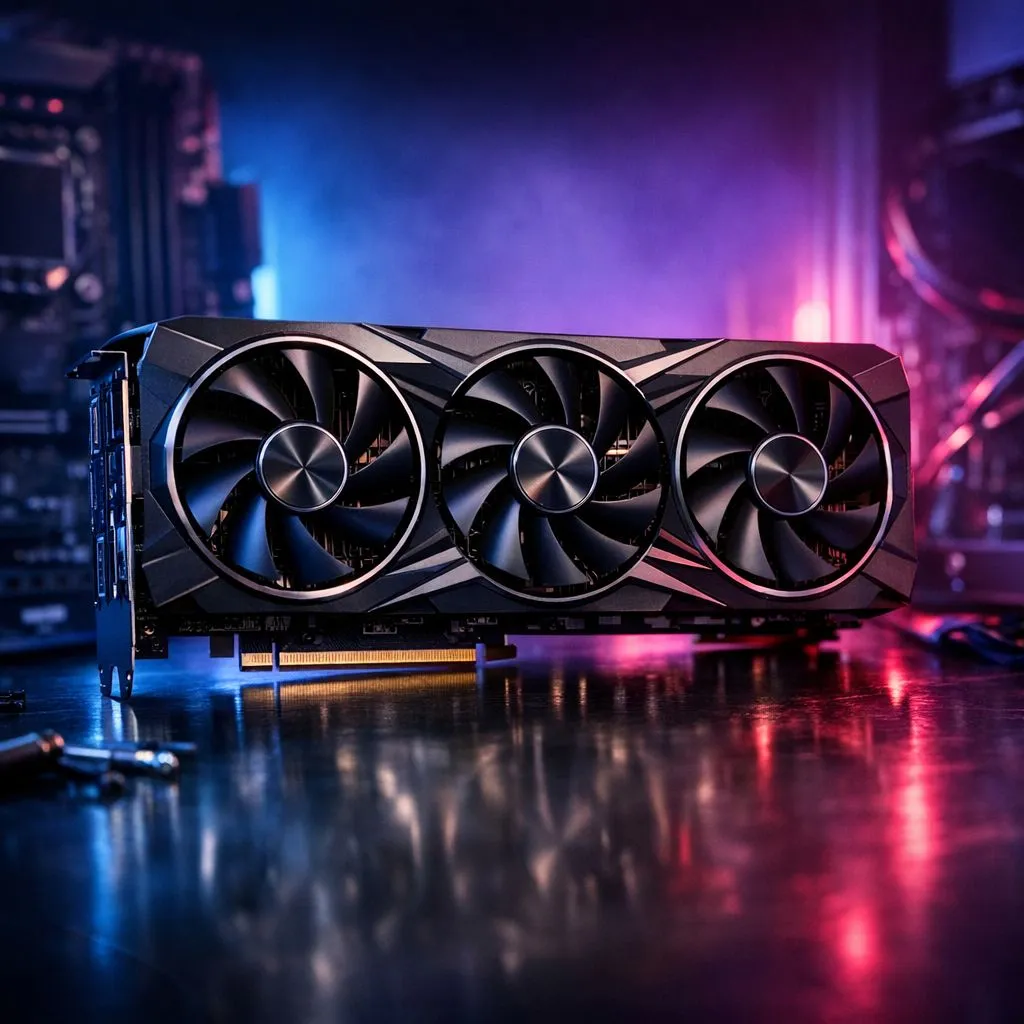
You’ve finally unboxed that beastly GPU, but your monitor stays dark. It is a frustrating moment for any South African gamer. Whether you are building a new rig or upgrading an old one, graphics card installation issues can happen to the best of us. Most problems are solved with a few quick checks. Let’s look at how to get your display up and running. 🔧
The most common culprit is a card that isn't seated properly. Even a tiny gap in the PCIe slot prevents the system from booting. Ensure the latch clicks into place. If you are browsing our broad graphics card inventory, you’ll notice modern cards are heavy. They often need a support bracket to prevent sagging, which can strain the slot over time.
Next, look at your power cables. High-end GeForce graphics cards often require two or three 8-pin connectors. Using a "pigtail" cable (one cable with two ends) might not provide enough stable juice. Always use separate cables from your PSU for each port on the card to ensure stability during heavy gaming sessions.
Always listen for the audible 'click' when seating your GPU into the PCIe slot. If you do not hear it, the card might not be fully engaged. This is a primary cause of a PC failing to POST after an upgrade.
If the hardware is snug but you still see no signal, your motherboard might need a BIOS update. Older boards sometimes struggle to recognise newer Radeon graphics cards without a firmware refresh. Check your motherboard manufacturer’s website for the latest version.
Software conflicts are another headache. If you are switching brands... for example, moving from an old card to a new model from the MSI graphics cards range... use a tool like Display Driver Uninstaller (DDU). This wipes every trace of old drivers. It prevents the "black screen" loops that occur when leftover files clash with your new hardware. ⚡
Do not overlook the simple things. Is your HDMI or DisplayPort cable plugged into the motherboard instead of the GPU? It happens to everyone at least once. Ensure your monitor is set to the correct input source. If you are pushing high refresh rates at 1440p or 4K, an old, low-quality cable might fail to carry the signal. Testing with a different cable can save you hours of unnecessary stress. 🚀
Ready to Find Your Perfect Match? Troubleshooting can be a mission, but starting with the right hardware makes everything smoother. Explore our massive range of graphics cards and find the perfect machine to conquer your world.
Check power cables, reseat the card, enable PCIe in BIOS, and update drivers. 'pc not detecting gpu' often means power or BIOS configuration issues.
Verify monitor cable/input, ensure PSU power connectors are attached, reseat the GPU, and update drivers to fix 'no display after gpu install'.
Use DDU in safe mode to remove old drivers, then install the latest manufacturer drivers to resolve typical 'gpu driver installation problems'.
Some GPUs idle with fans off. Check power connectors and detection; if fans never spin under load, inspect 'gpu fan not spinning after installation' signs.
Yes. Disable onboard graphics, set PCIe to the correct mode, and update BIOS—'bios settings for new gpu' can block detection.
Check PCIe slot version, PSU wattage, physical clearance, and BIOS support to avoid 'gpu compatibility with motherboard' issues.
Reseat the card, try another PCIe slot, swap power cables, test with another PSU or system, and update drivers when 'gpu seated but not working'.
Clean gaming keyboard quickly and safely in dusty or humid conditions with step-by-step tips, tool checklist, and maintenance routines to prevent corrosion and switch failure. 🧼💨
Read more
Best gaming keyboard features to prioritize when building a high-end setup: mechanical switches, low latency, hot-swap, RGB, macros, durability and ergonomics 🎮⌨️
Read more
Custom actuation point keyboard setup guide: learn to set per-key actuation on your analog gaming keyboard for faster, precise inputs and better control 🎮⚙️
Read more
Cable management for home entertainment helps you eliminate cable clutter quickly and safely. Learn routing, concealment, and product picks to tidy your setup fast 📺🔌
Read more
conference room setup Microsoft Teams Zoom: Upgrade AV, camera, mic, and network to ensure seamless meetings, clear audio, and crisp video 🎯🔧
Read more
• Audit setup • Link accounts • Configure ViewBoard • Test workflows Integrate Google Workspace with ViewSonic ViewBoard to enable secure SSO, calendar and Drive sync, and smooth collaborative whiteboarding 🔗📋
Read more
Discover webcams that automatically adjust light and color for crystal-clear video calls 🎥✨. Boost your streaming quality today!
Read more
Discover webcams that blend into your workflow 🎯 Capture moments while you work, stream, or create. Upgrade your setup with smart, multitasking tech!
Read more
Dedicated media keys give streamers one-touch control to mute, switch scenes, clip highlights, and adjust audio — cutting task time and boosting consistency 🎛️⚡
Read more
PBT vs ABS keycaps: Clear, local guide for South African gamers—compare feel, sound, durability and where to buy. Find the best material for your budget and playstyle 🎮🇿🇦
Read more
- Multi-Function Digital Dial: define benefits - Show gamer setups and macros - Offer buying and setup tips Multi-Function Digital Dial puts programmable control at your fingertips for faster actions and smoother streaming. 🎮⚙️
Read more
- Explain benefits; - Show the science; - Compare options; - Recommend picks. Magnetic wrist rest for gaming cuts wrist strain and boosts comfort during long sessions 🕹️✨
Read more