

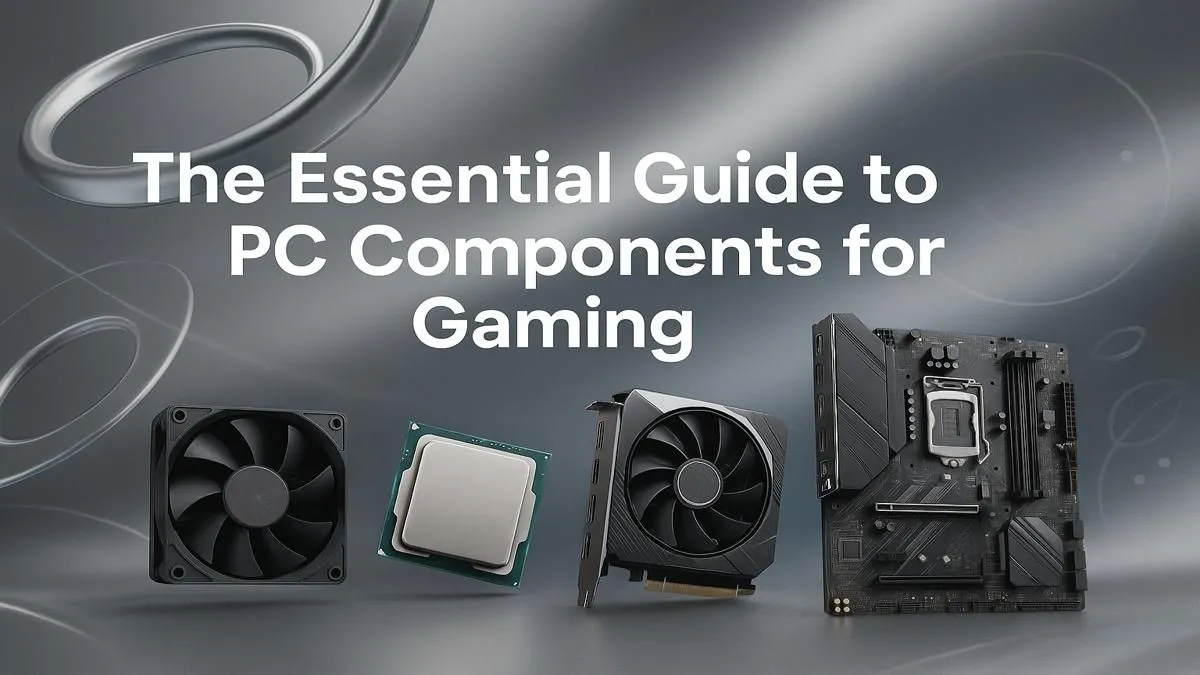
So, you’re ready to build your own gaming PC? Lekker! The thrill of picking your own parts is huge, but staring at a list of acronyms can feel like decoding a secret language. Don’t stress. This guide breaks down the essential PC components for gaming, helping you understand what really matters for hitting those high frame rates. We'll turn that mountain of options into a clear path toward your ultimate gaming rig. 🚀
The Core Trio: CPU, GPU, and RAM
Think of these three as your squad's core roles: the strategist, the heavy-hitter, and the support. Getting the balance right between these PC components for gaming is the secret to a smooth, powerful experience.
The CPU: Your PC's Brain 🧠
The Central Processing Unit (CPU) is the brain of your operation. It handles game logic, physics, and instructions that tell the rest of your system what to do. For gaming, clock speed (measured in GHz) and core count are key metrics.
- Intel vs. AMD: Both brands offer fantastic gaming CPUs. For years, Intel was the go-to, but AMD's Ryzen series offers incredible performance and value. The best choice often comes down to your budget and the current deals available.
- Game Impact: While the GPU does the heavy lifting for graphics, a strong CPU is vital for strategy games and massive open-world titles. It ensures your system can handle the complex calculations needed for a game like Microsoft Flight Simulator without bottlenecking your performance.
The GPU: The Graphics Powerhouse
This is it... the most crucial of all PC components for gaming. The Graphics Processing Unit (GPU) renders the beautiful images you see on screen. A more powerful GPU means higher resolutions, more detail, and smoother frame rates (FPS).
- NVIDIA vs. AMD: Like the CPU battle, this is a two-horse race. NVIDIA's GeForce RTX cards are famous for features like Ray Tracing and DLSS, while AMD's Radeon RX cards are incredibly competitive on raw performance and price.
- Performance Goals: A mid-range card is perfect for crushing 1080p competitive titles like Counter-Strike 2, while a high-end GPU is what you'll need for breathtaking 4K experiences in visually demanding games like Cyberpunk 2077.
RAM: The High-Speed Workspace
Random Access Memory (RAM) is your PC’s short-term memory. It holds the data your game is actively using, allowing for quick access. Not enough RAM, and your game will stutter, especially when loading new areas or in frantic firefights. For modern gaming, 16GB is the gold standard, giving you enough headroom for the game itself, Discord, and a few browser tabs. It's an essential component for keeping massive maps like in Call of Duty: Warzone 2.0 running smoothly.
Budget Balancing Pro Tip ⚡
When choosing PC components for gaming, avoid creating a bottleneck. Don't pair a top-of-the-line R25,000 GPU with an entry-level CPU. A balanced system, where the CPU and GPU are in a similar performance tier, will always deliver a better overall experience than a lopsided one. Aim to spend roughly 30-40% of your total component budget on the GPU.
The Foundation: Motherboard & Storage
If the CPU, GPU, and RAM are your star players, the motherboard and storage are the stadium they play in. These foundational components for a gaming PC are vital for stability and speed.
The Motherboard: The Central Hub
The motherboard connects everything. All your other components plug into it, allowing them to communicate. The main thing to consider is compatibility. Your motherboard's "chipset" and "socket" must match your chosen CPU (e.g., an AMD AM5 socket for a new Ryzen CPU). It also determines how many RAM slots, storage drives, and other peripherals you can connect.
Storage: Where Your Games Live
Your storage drive holds your operating system, applications, and, most importantly, your games.
- HDD vs. SSD: Hard Disk Drives (HDDs) are cheap and offer massive capacity, but they are slow. Solid-State Drives (SSDs) are lightning-fast, drastically cutting down game load times.
- The NVMe Advantage: For your primary drive, an NVMe M.2 SSD is the only way to go. The speed difference is massive. You'll go from making coffee during a loading screen in GTA V to jumping into the action almost instantly. A secondary, larger SSD is great for storing your library of games like Fortnite or PUBG.
The Support Crew: Power Supply & Case
Don't overlook the final pieces of the puzzle. These components ensure your shiny new parts run safely and stay cool.
Power Supply Unit (PSU): The Heart of Your Rig
The PSU supplies electricity to every single component. Skimping here is a classic rookie mistake. A cheap, unreliable PSU can damage your entire system. Look for a unit from a reputable brand with an "80 Plus" efficiency rating (Bronze is a great starting point) and enough wattage to comfortably power your GPU and CPU, with a little extra headroom for future upgrades.
The Case: The Skeleton and Lungs
Your PC case does more than just look cool. Its primary job is to protect your components and provide adequate airflow to keep them from overheating. A case with good ventilation, plenty of fan mounts, and smart cable management will help your parts perform at their peak, whether you're in a tense Overwatch 2 match or exploring endless worlds in Minecraft. ✨
Choosing the right PC components for gaming is a journey, but understanding these basics puts you in control. You're now equipped to make informed decisions and build a rig that perfectly matches your favourite games and budget.
Ready to Build Your Dream Rig? Assembling the right parts is half the fun, but we get it... sometimes you just want to jump straight into the game. Whether you want to pick every part yourself or start with a professionally built and tested machine, we've got you covered. Use our powerful Custom PC Builder to craft your perfect gaming PC today!











