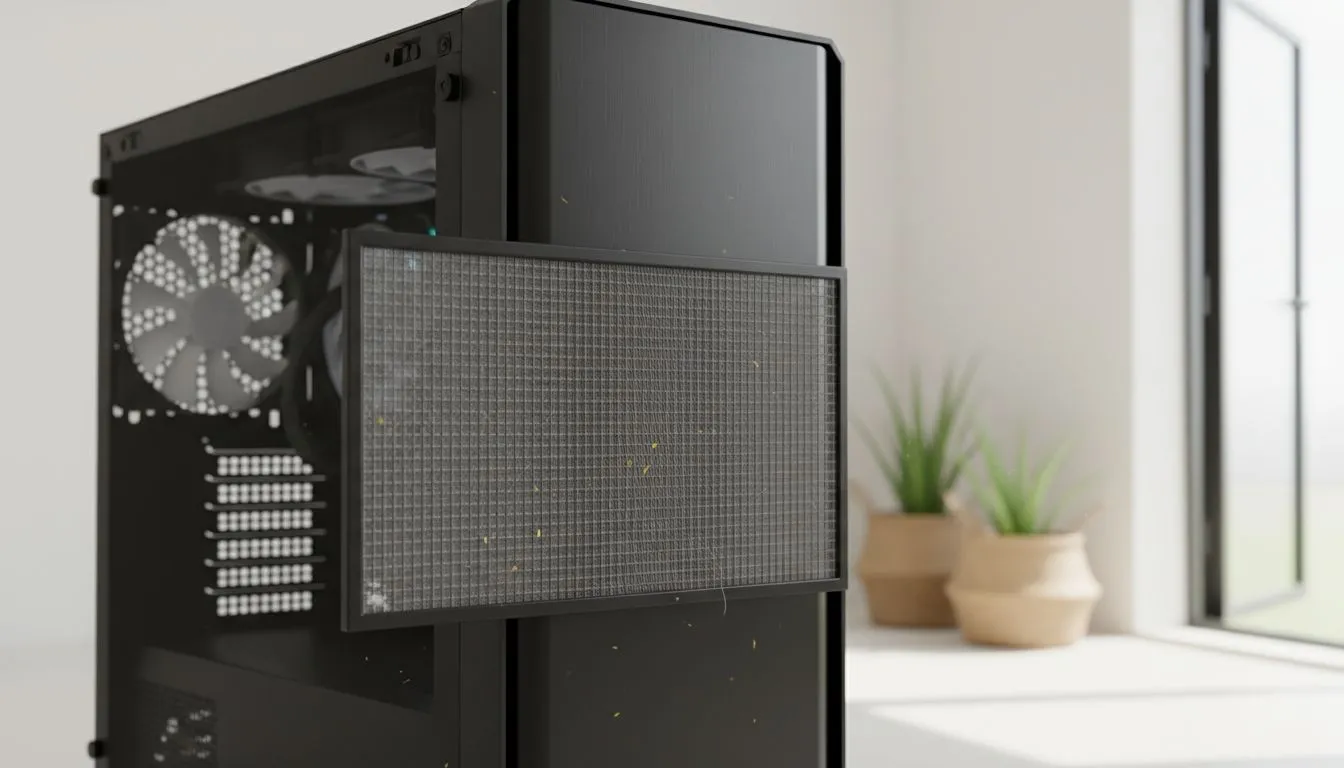
Living in sunny South Africa has its perks, but the dust is a constant battle for your hardware. If you have a high-performance rig, you know the struggle of keeping it pristine. High-airflow PC cleaning: dust, pollen & pet hair management is essential to prevent thermal throttling. Your PC essentially acts as a high-end air purifier... except it keeps all the filth inside. Let’s look at how to keep your system running cool.
The High-Airflow Paradox: Performance vs. Maintenance
Mesh-fronted systems are the gold standard for cooling, but they require a bit more love than sealed boxes. When you are looking at the latest computer cases, you are essentially choosing between maximum breathability and how often you need to reach for the compressed air. In our local climate, fine red dust can settle on your components in weeks... choking your GPU and increasing fan noise. 🔧
Cleaning Pro Tip ⚡
Never use a standard vacuum cleaner inside your PC case. The static build-up from the plastic nozzle can discharge directly into your motherboard or RAM, causing permanent hardware failure. Instead, use a dedicated electric duster or a can of compressed air with short, controlled bursts while holding the fan blades still to prevent bearing damage.
Combatting the South African Dust Storm
The key to a clean build starts with your choice of chassis. Many Fractal Design PC cases feature ultra-fine nylon filters that are significantly better at catching micro-particles than standard metal mesh. These filters are easy to pop out and rinse under a tap... just ensure they are 100% dry before sliding them back in. If you live near the coast, pollen can also become a sticky residue when combined with humidity, making regular filter checks even more vital for your system’s health. 🚀
Pet Hair and Budget-Friendly Airflow Solutions
For gamers with furry companions, pet hair is the ultimate enemy. Long hairs get tangled in fan hubs while dander clogs up the fins of your CPU heatsink. Even if you are rocking more affordable Gamdias gaming cases, you can still maintain excellent thermals with a monthly "blow-out" routine. ⚡
If you are building on a budget, you can find several high-performance gaming cases under R1500 that offer great mesh density. The trick is to maintain positive air pressure... having more intake fans than exhaust fans. This forces air out of the small gaps in your chassis, preventing dust from seeping in through un-filtered cracks. ✨
Expert Maintenance Schedule
To keep your high-airflow PC cleaning: dust, pollen & pet hair routine manageable, follow this simple timeline:
- Weekly: Wipe down the exterior mesh and the desk area around your PC.
- Monthly: Remove and clean the primary intake filters.
- Quarterly: Use compressed air to clear out the GPU shroud and CPU cooler fins.
- Annually: Perform a deep clean, including a repaste of your thermal compound if you notice temperatures creeping up.
Ready to Upgrade Your Airflow?
Keeping a PC clean is easier when you have the right hardware designed for the job. From premium filtered mesh to budget-friendly airflow kings, we have the stock to keep you cool. Explore our massive range of computer cases and find the perfect chassis to protect your components today.