


Clean Gaming Keyboard: Guide for Dusty & Humid Conditions
Clean gaming keyboard quickly and safely in dusty or humid conditions with step-by-step tips, tool checklist, and maintenance routines to prevent corrosion and switch failure. 🧼💨
Read moreHome VPN server lets you securely access files and backups from anywhere. Follow a clear step-by-step setup, hardware picks, software choices, and security best practices. 🔐📂
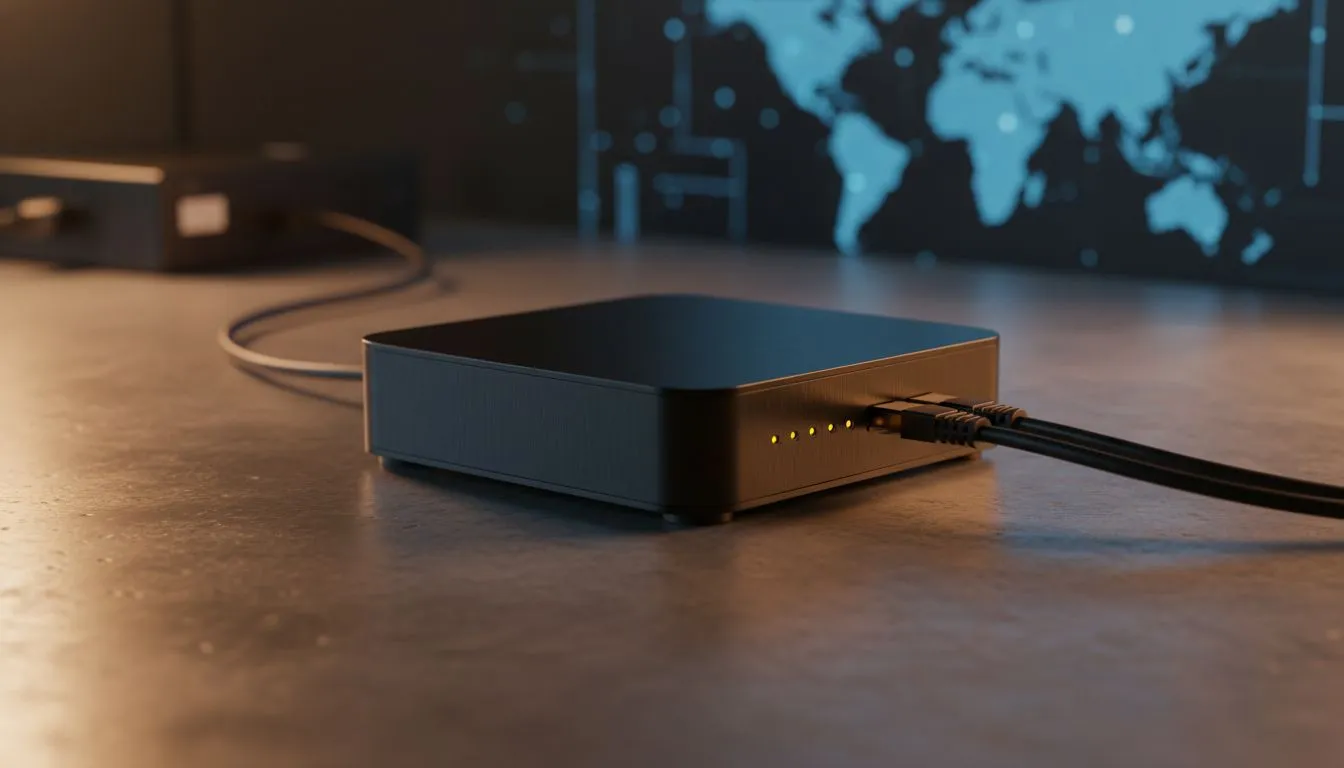
Ever left a vital document on your home rig while sitting at a local coffee shop? We have all been there. Relying on public clouds can be pricey and potentially risky. By setting up a Home VPN Server: Secure Remote Access to Your Files becomes simple. You control the hardware and the encryption. It is the ultimate way to keep your private data truly private... 🔒
Public Wi-Fi is notoriously insecure. Whether you are at the airport or a shopping centre, hackers can intercept your traffic. A home VPN creates an encrypted tunnel between your mobile device and your home network. This means you can browse as if you were sitting in your lounge. Plus, you can access your NAS or shared folders without exposing them to the entire internet. It is about taking back control of your digital footprint.
Not every router is up to the task. You need a device that supports modern protocols like WireGuard or OpenVPN. For those looking for reliability and high-speed performance, checking out the latest TP-LINK wireless routers is a great starting point. These units offer robust security features that make the setup process much smoother for beginners and pros alike. High throughput is essential if you plan on streaming media from your home server while away.
Our local connectivity challenges, like load shedding, require smart hardware choices. A router with built-in LTE failover ensures your VPN stays reachable even when the fibre goes down. The Cudy LT700 AC1200 4G Cat6 router is a fantastic option for this. It provides a stable connection and the necessary VPN server features to keep your remote access active 24/7. Having a backup path for your data is a necessity in the modern South African landscape... ⚡
Always use a strong, unique password for your VPN credentials. If your router supports it, enable two-factor authentication (2FA). This adds an extra layer of protection, ensuring that even if someone guesses your password, they still cannot access your home network or files.
The process usually involves logging into your router's web interface. You will need to enable the VPN Server toggle and export a configuration file to your phone or laptop. Top brands available through Cudy South Africa provide very user-friendly interfaces that guide you through this. Remember to set up a Dynamic DNS (DDNS) service. This ensures you can find your home network even if your ISP changes your IP address. It turns a complex networking task into a few simple clicks... 🚀
Ready to Secure Your Home Network? Protecting your data and gaining remote access does not have to be complicated. Whether you need a high-speed router or expert advice, Evetech has the gear to get you connected. Explore our range of networking solutions and take control of your digital privacy today.
A home VPN server creates an encrypted tunnel to your home network so you can securely access files, printers, and services from anywhere.
You can use a low-power PC, NAS, or a Raspberry Pi; choose reliable storage, a stable internet connection, and sufficient RAM for your VPN software.
WireGuard is fast and simple, OpenVPN is broadly supported. Both work well for a self-hosted VPN for remote access.
Some modern routers offer built-in OpenVPN or WireGuard servers. If unsupported, run the VPN on a dedicated device behind the router.
Use strong keys or certificates, apply updates, disable unused services, enforce firewalls and restrict port forwarding to reduce risk.
Expect some overhead; WireGuard typically has lower latency. Real-world speed is often limited by your ISP upload bandwidth.
Connect with a VPN client, then mount network shares or use SFTP/SMB over the secure tunnel to browse and transfer files.
Clean gaming keyboard quickly and safely in dusty or humid conditions with step-by-step tips, tool checklist, and maintenance routines to prevent corrosion and switch failure. 🧼💨
Read more
Best gaming keyboard features to prioritize when building a high-end setup: mechanical switches, low latency, hot-swap, RGB, macros, durability and ergonomics 🎮⌨️
Read more
Custom actuation point keyboard setup guide: learn to set per-key actuation on your analog gaming keyboard for faster, precise inputs and better control 🎮⚙️
Read more
Cable management for home entertainment helps you eliminate cable clutter quickly and safely. Learn routing, concealment, and product picks to tidy your setup fast 📺🔌
Read more
conference room setup Microsoft Teams Zoom: Upgrade AV, camera, mic, and network to ensure seamless meetings, clear audio, and crisp video 🎯🔧
Read more
• Audit setup • Link accounts • Configure ViewBoard • Test workflows Integrate Google Workspace with ViewSonic ViewBoard to enable secure SSO, calendar and Drive sync, and smooth collaborative whiteboarding 🔗📋
Read more
Discover webcams that automatically adjust light and color for crystal-clear video calls 🎥✨. Boost your streaming quality today!
Read more
Discover webcams that blend into your workflow 🎯 Capture moments while you work, stream, or create. Upgrade your setup with smart, multitasking tech!
Read more
Dedicated media keys give streamers one-touch control to mute, switch scenes, clip highlights, and adjust audio — cutting task time and boosting consistency 🎛️⚡
Read more
PBT vs ABS keycaps: Clear, local guide for South African gamers—compare feel, sound, durability and where to buy. Find the best material for your budget and playstyle 🎮🇿🇦
Read more
- Multi-Function Digital Dial: define benefits - Show gamer setups and macros - Offer buying and setup tips Multi-Function Digital Dial puts programmable control at your fingertips for faster actions and smoother streaming. 🎮⚙️
Read more
- Explain benefits; - Show the science; - Compare options; - Recommend picks. Magnetic wrist rest for gaming cuts wrist strain and boosts comfort during long sessions 🕹️✨
Read more