


Clean Gaming Keyboard: Guide for Dusty & Humid Conditions
Clean gaming keyboard quickly and safely in dusty or humid conditions with step-by-step tips, tool checklist, and maintenance routines to prevent corrosion and switch failure. 🧼💨
Read moreHost dedicated game server locally or in the cloud with step-by-step setup, port forwarding, security, and performance tips so you and your friends enjoy low-latency play 🎮⚙️
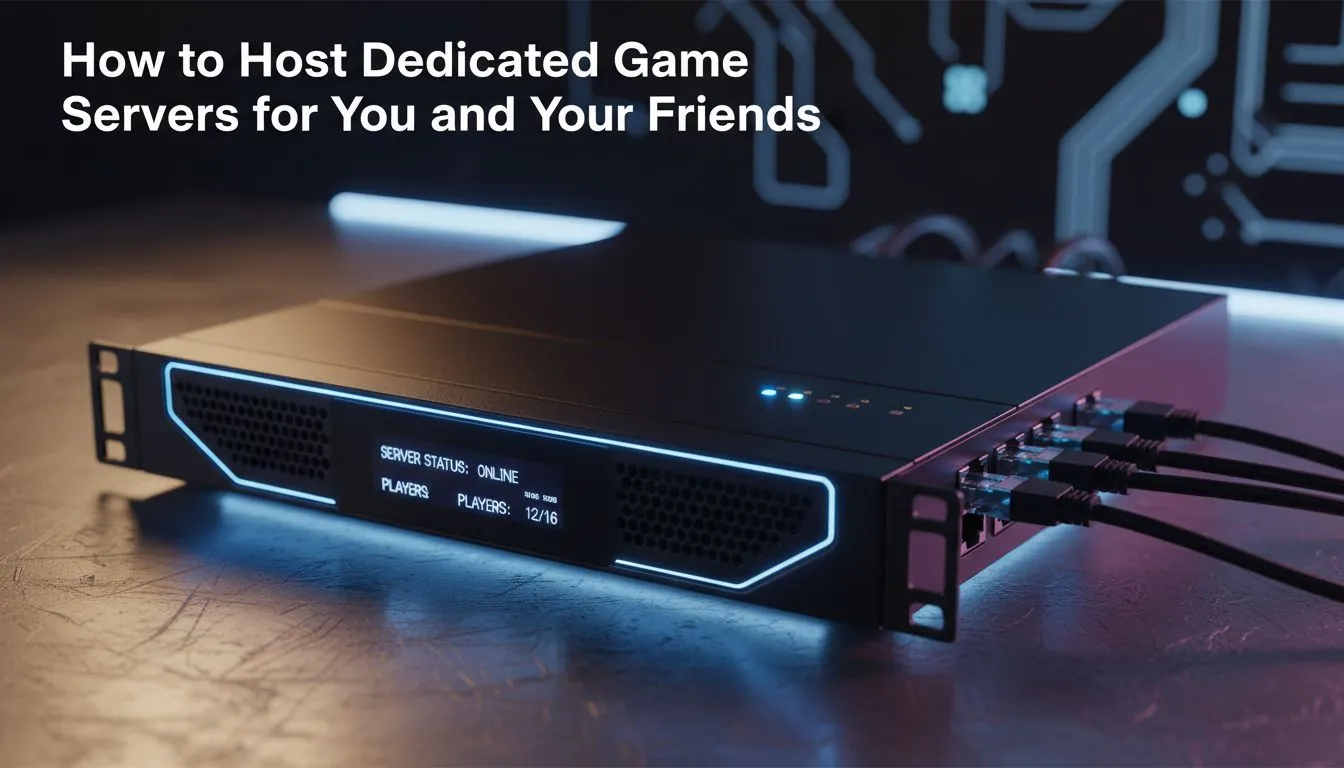
Tired of lag spikes ruining your Friday night raids? When you host a dedicated game server for you and your friends, you finally take control. No more playing on European servers with 200ms ping. Local hosting ensures your squad stays connected without the frustration of public lobby rules. It is the ultimate way to level up your South African gaming experience... and it is easier than you think. ⚡
Public servers often come with strict rules or toxic communities. By setting up your own machine, you decide the mods and the player count. A dedicated setup means the game keeps running even when you go offline. This allows your friends to continue building or grinding while you sleep. To get started, you will need a reliable foundation. Many enthusiasts start by repurposing old hardware or investing in diskless NAS storage to manage their game data efficiently.
You do not need a massive rack to run a smooth operation. For most titles like Minecraft, Valheim, or Rust, a compact solution is often best. Small form factor PCs are incredibly power efficient for 24/7 operation. We highly recommend looking at the range from Minis Forum for this exact purpose. These units offer plenty of processing power without taking up much desk space. They are perfect for tucking away next to your router. 🔧
use a wired Ethernet connection for your server instead of Wi-Fi. This reduces packet loss and ensures every player in your group has a stable connection. If you are running multiple drives for backups, consider using an external enclosure from [Orico](https: www.evetech.co.za PC-Components diskless-nas-storage-183?brands=Orico) to keep your data safe and organised.
Our local internet has improved, but stability is still key. Ensure your fibre line has enough upload speed to handle multiple players. Most dedicated servers require at least 10Mbps upload for a small group. You should also look into setting up a static IP. This makes it easier for your friends to find the server every time. If you want to host a dedicated game server for you and your friends, remember to keep the cooling in mind... especially during our hot summer months. 🚀
Don't forget about RAM. Most game servers are memory intensive. Aim for at least 16GB if you plan on running multiple mods. This ensures that as your world grows, the performance does not dip. Keeping your server software updated is also vital for security. Check for patches weekly to keep the "griefers" at bay. Setting this up is a rewarding weekend project that pays off in hundreds of hours of lag-free fun. ✨
Ready to Build Your Ultimate Gaming Server? Taking control of your gaming experience starts with the right hardware. Whether you need high-speed storage or a compact PC to run your world, we have the gear to get you started. Explore our latest PC components and storage deals and start hosting your own dedicated server today.
Choose hardware or cloud hosting, install server files, configure ports and firewall, set a static LAN IP, and share your public IP or DNS. See dedicated game server setup guide.
Yes. Host game server on PC if CPU, RAM, SSD, and upload bandwidth are sufficient. Use port forwarding and limit background apps to reduce lag.
Usually yes. Configure port forwarding on your router and firewall to reach the server from the internet. Port forwarding for game servers fixes NAT issues.
Cloud gives uptime and DDoS options; home-server gives control and lower recurring cost. Choose based on player location and budget.
Use a modern CPU with strong single-thread performance, 8–16GB RAM, NVMe/SSD, and a gigabit uplink. Check best hardware for game server guides.
Host near players, use wired Ethernet, enable QoS on your router, and optimize tickrate. These low-latency game server tips cut lag.
Yes if you apply firewall rules, run OS and game updates, use limited server accounts, and enable DDoS protection for cloud hosts.
Clean gaming keyboard quickly and safely in dusty or humid conditions with step-by-step tips, tool checklist, and maintenance routines to prevent corrosion and switch failure. 🧼💨
Read more
Best gaming keyboard features to prioritize when building a high-end setup: mechanical switches, low latency, hot-swap, RGB, macros, durability and ergonomics 🎮⌨️
Read more
Custom actuation point keyboard setup guide: learn to set per-key actuation on your analog gaming keyboard for faster, precise inputs and better control 🎮⚙️
Read more
Cable management for home entertainment helps you eliminate cable clutter quickly and safely. Learn routing, concealment, and product picks to tidy your setup fast 📺🔌
Read more
conference room setup Microsoft Teams Zoom: Upgrade AV, camera, mic, and network to ensure seamless meetings, clear audio, and crisp video 🎯🔧
Read more
• Audit setup • Link accounts • Configure ViewBoard • Test workflows Integrate Google Workspace with ViewSonic ViewBoard to enable secure SSO, calendar and Drive sync, and smooth collaborative whiteboarding 🔗📋
Read more
Discover webcams that automatically adjust light and color for crystal-clear video calls 🎥✨. Boost your streaming quality today!
Read more
Discover webcams that blend into your workflow 🎯 Capture moments while you work, stream, or create. Upgrade your setup with smart, multitasking tech!
Read more
Dedicated media keys give streamers one-touch control to mute, switch scenes, clip highlights, and adjust audio — cutting task time and boosting consistency 🎛️⚡
Read more
PBT vs ABS keycaps: Clear, local guide for South African gamers—compare feel, sound, durability and where to buy. Find the best material for your budget and playstyle 🎮🇿🇦
Read more
- Multi-Function Digital Dial: define benefits - Show gamer setups and macros - Offer buying and setup tips Multi-Function Digital Dial puts programmable control at your fingertips for faster actions and smoother streaming. 🎮⚙️
Read more
- Explain benefits; - Show the science; - Compare options; - Recommend picks. Magnetic wrist rest for gaming cuts wrist strain and boosts comfort during long sessions 🕹️✨
Read more