


Clean Gaming Keyboard: Guide for Dusty & Humid Conditions
Clean gaming keyboard quickly and safely in dusty or humid conditions with step-by-step tips, tool checklist, and maintenance routines to prevent corrosion and switch failure. 🧼💨
Read moreHost Minecraft Server South Africa — a practical hardware guide with local ISP tips, component recommendations, and budget-to-pro builds to run lag-free multiplayer 🇿🇦⚙️
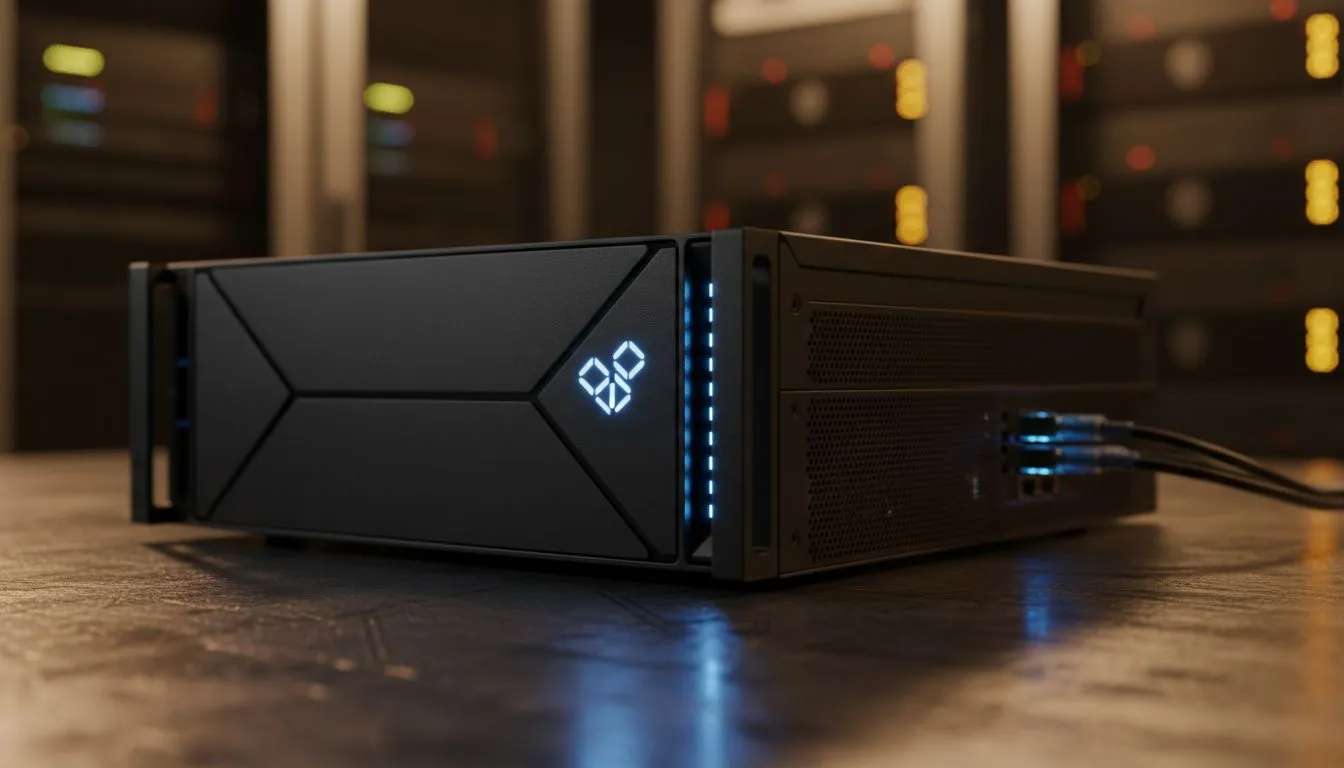
Tired of watching your blocks reappear after you break them? Hosting a local Minecraft server in South Africa is the best way to crush high latency. Whether you want a private world for friends or a massive modded masterpiece, the right hardware makes all the difference. Let's look at how to build or buy the perfect machine for your SA-based blocky adventures. 🔧
Minecraft is surprisingly demanding on specific components. The game engine mostly relies on single-core CPU performance. High clock speeds are more important than having many cores. If you are starting small, many budget gaming PCs offer excellent single-core speeds for a few players.
RAM is your next priority... especially for modpacks. Vanilla Minecraft runs well on 4GB of dedicated memory. However, heavy mods like SkyFactory require at least 8GB to 12GB. For a smooth experience without stuttering, look at PCs under R20k that feature 16GB of high-speed DDR4 or DDR5 RAM. This ensures your server handles entity processing without lagging the whole world. ⚡
Always use a wired Ethernet connection for your server. Wi-Fi introduces jitter and packet loss. This ruins the experience for your players, especially during intense PvP sessions or complex Redstone builds.
World loading speed depends entirely on your storage drive. Mechanical hard drives are too slow for modern Minecraft versions. You should always use an NVMe SSD to host your server files. This allows the server to save chunks and load new areas instantly.
You can find excellent hardware options in our best gaming PC deals section. Faster storage means players won't fall through the world when flying with Elytra. Connectivity is also vital for a South African host. Ensure your fibre line has a stable upload speed of at least 10Mbps for a small group. ✨
Building a dedicated machine is a fun project. However, buying a ready-made system saves time and offers guaranteed compatibility. Many of our pre-built PC deals include the latest Intel and AMD processors. These chips are perfect for handling the "tick rate" of a busy server.
If you plan to host a massive community or a 24/7 public server, you need extra overhead. Professional-grade PCs above R20k provide the cooling and power delivery needed for constant uptime. A stable server means happy players and a thriving community. 🚀
Ready to Build Your Minecraft Empire? Hosting your own server requires reliable hardware that won't quit when the creepers start blowing up. Explore our massive range of gaming PCs and find the perfect machine to host your South African Minecraft community today.
Modern quad-core CPU, 8–16GB RAM, SSD, and a stable uplink. For component choices see best hardware for minecraft server south africa.
Yes. With proper hardware, port forwarding, and a stable ISP you can build a home server. See build a minecraft server at home south africa.
Budget home builds R5,000–R10,000; dedicated setups R15,000+. Compare cheap minecraft server south africa and VPS pricing.
Pick ISPs with high upload and low jitter. Local peering reduces lag — check minecraft server latency south africa ISP tests.
SSDs improve chunk load and reduce lag. For benchmarks, see ssd vs hdd minecraft server performance sa.
Mid-range rig (quad-core, 16GB, SSD) handles ~20–40 players depending on mods. See minecraft server specs for 20 players south africa.
VPS fits small communities; dedicated hardware is better for many players or modpacks. Read minecraft dedicated server south africa hardware comparisons.
Clean gaming keyboard quickly and safely in dusty or humid conditions with step-by-step tips, tool checklist, and maintenance routines to prevent corrosion and switch failure. 🧼💨
Read more
Best gaming keyboard features to prioritize when building a high-end setup: mechanical switches, low latency, hot-swap, RGB, macros, durability and ergonomics 🎮⌨️
Read more
Custom actuation point keyboard setup guide: learn to set per-key actuation on your analog gaming keyboard for faster, precise inputs and better control 🎮⚙️
Read more
Cable management for home entertainment helps you eliminate cable clutter quickly and safely. Learn routing, concealment, and product picks to tidy your setup fast 📺🔌
Read more
conference room setup Microsoft Teams Zoom: Upgrade AV, camera, mic, and network to ensure seamless meetings, clear audio, and crisp video 🎯🔧
Read more
• Audit setup • Link accounts • Configure ViewBoard • Test workflows Integrate Google Workspace with ViewSonic ViewBoard to enable secure SSO, calendar and Drive sync, and smooth collaborative whiteboarding 🔗📋
Read more
Discover webcams that automatically adjust light and color for crystal-clear video calls 🎥✨. Boost your streaming quality today!
Read more
Discover webcams that blend into your workflow 🎯 Capture moments while you work, stream, or create. Upgrade your setup with smart, multitasking tech!
Read more
Dedicated media keys give streamers one-touch control to mute, switch scenes, clip highlights, and adjust audio — cutting task time and boosting consistency 🎛️⚡
Read more
PBT vs ABS keycaps: Clear, local guide for South African gamers—compare feel, sound, durability and where to buy. Find the best material for your budget and playstyle 🎮🇿🇦
Read more
- Multi-Function Digital Dial: define benefits - Show gamer setups and macros - Offer buying and setup tips Multi-Function Digital Dial puts programmable control at your fingertips for faster actions and smoother streaming. 🎮⚙️
Read more
- Explain benefits; - Show the science; - Compare options; - Recommend picks. Magnetic wrist rest for gaming cuts wrist strain and boosts comfort during long sessions 🕹️✨
Read more