


Clean Gaming Keyboard: Guide for Dusty & Humid Conditions
Clean gaming keyboard quickly and safely in dusty or humid conditions with step-by-step tips, tool checklist, and maintenance routines to prevent corrosion and switch failure. 🧼💨
Read moreHow many case fans do you need to keep temps low and performance high? 🔧 Learn optimal fan counts, placement, and quiet airflow tips for every PC build.
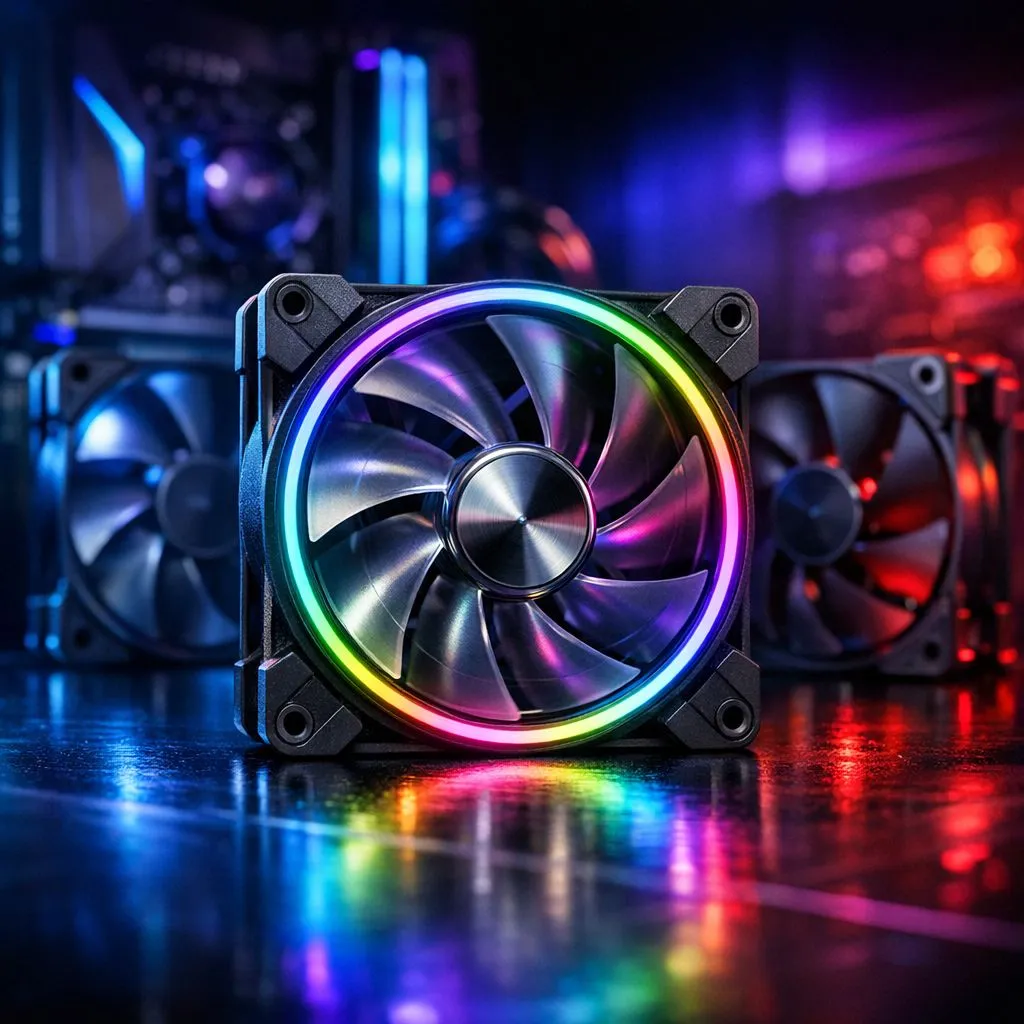
How many case fans do you need for optimal cooling? South African builders and gamers, here’s the honest shortcut: most mid-tower gaming rigs perform best with a balanced three to five fan setup — but the exact number depends on your case, components and airflow plan. Read on for practical tips, real links to compatible cases, and simple steps to optimise temperatures without loud noise.
Start by matching the fan count to your goals. A quiet office PC can run well with two fans (one intake, one exhaust). A GPU-heavy gaming or streaming rig usually benefits from three to five: two intake, one exhaust, plus optional top or rear exhausts for extra hot-air escape. Cases vary, so always check mounting support and sizes on the case spec page before buying — browse Evetech’s full PC case range for quick comparisons: https://www.evetech.co.za/components/computer-cases-70.
If you’re building with premium airflow in mind, brands such as Fractal Design show how different chassis support multiple fan layouts while keeping noise low. See Fractal options and layout details here: https://www.evetech.co.za/PC-Components/fractal-design-pc-cases-346 ⚡
A simple rule: aim for slight positive pressure. That means a little more intake airflow than exhaust. Positive pressure reduces dust and keeps case temperatures more uniform. Practically, that could look like two front intakes and one rear exhaust on a mid-tower. Monitor your temps after the first boot, then add or reconfigure fans if needed.
For budget systems that still need decent airflow, Gamdias offers cases with good stock fan support and styling. Check their range to match size and look: https://www.evetech.co.za/PC-Components/gamdias-gaming-cases-293.
If you’re watching the rand, you can find solid Gamdias options under R1500 that support multiple fan mounts and good airflow — useful if you want extra fans without blowing your budget: https://www.evetech.co.za/PC-Components/gamdias-gaming-cases-293?max-price=1500 🚀
a conservative BIOS fan curve first: target 40–60°C for moderate fan ramping. Use a PWM hub or a dedicated fan controller so all fans respond together. This keeps noise down while preventing hot spots around the GPU and VRM.
Monitor after the build. Use MSI Afterburner or HWMonitor to compare temps before and after fan changes. If temperatures are stubborn, consider better airflow case designs; examples and sizes are listed in Evetech’s case categories above.
A streamer in Cape Town swapped two noisy 120mm fans for two 140mm PWM fans and added one controlled rear exhaust. Result: 6°C GPU idle drop and noticeably lower noise on stream. Small changes, big comfort gains.
Ready to Find Your Perfect Match? The Mac vs Windows debate is complex, but for maximum power, choice, and value in South Africa, Windows is hard to beat. Explore our massive range of laptop specials and find the perfect machine to conquer your world.
A typical mid-tower needs 3–4 fans: two intake (front) and one or two exhaust (rear/top) to create balanced airflow and reduce temperatures.
Not always. Proper placement and balanced intake vs exhaust matter more. Too many fans can increase noise and turbulent airflow.
For gaming, use front intake fans with a rear exhaust and optional top exhaust. This best fan configuration for gaming PC optimizes airflow for GPUs and CPUs.
Larger fans move more air at lower RPMs, reducing noise. Fan size vs number cooling trade-offs determine whether fewer big fans beat many small high-RPM fans.
Yes for tight builds or heavy cooling loads. A push-pull fan setup increases static pressure and improves radiator cooling performance.
Yes. Use high-quality low-RPM fans and optimize intake/exhaust balance. Quiet case fan setups focus on airflow efficiency, not just fan count.
Place intakes at the front/bottom and exhausts at the rear/top. Good case fan placement motherboard layout ensures cool air reaches components.
Clean gaming keyboard quickly and safely in dusty or humid conditions with step-by-step tips, tool checklist, and maintenance routines to prevent corrosion and switch failure. 🧼💨
Read more
Best gaming keyboard features to prioritize when building a high-end setup: mechanical switches, low latency, hot-swap, RGB, macros, durability and ergonomics 🎮⌨️
Read more
Custom actuation point keyboard setup guide: learn to set per-key actuation on your analog gaming keyboard for faster, precise inputs and better control 🎮⚙️
Read more
Cable management for home entertainment helps you eliminate cable clutter quickly and safely. Learn routing, concealment, and product picks to tidy your setup fast 📺🔌
Read more
conference room setup Microsoft Teams Zoom: Upgrade AV, camera, mic, and network to ensure seamless meetings, clear audio, and crisp video 🎯🔧
Read more
• Audit setup • Link accounts • Configure ViewBoard • Test workflows Integrate Google Workspace with ViewSonic ViewBoard to enable secure SSO, calendar and Drive sync, and smooth collaborative whiteboarding 🔗📋
Read more
Discover webcams that automatically adjust light and color for crystal-clear video calls 🎥✨. Boost your streaming quality today!
Read more
Discover webcams that blend into your workflow 🎯 Capture moments while you work, stream, or create. Upgrade your setup with smart, multitasking tech!
Read more
Dedicated media keys give streamers one-touch control to mute, switch scenes, clip highlights, and adjust audio — cutting task time and boosting consistency 🎛️⚡
Read more
PBT vs ABS keycaps: Clear, local guide for South African gamers—compare feel, sound, durability and where to buy. Find the best material for your budget and playstyle 🎮🇿🇦
Read more
- Multi-Function Digital Dial: define benefits - Show gamer setups and macros - Offer buying and setup tips Multi-Function Digital Dial puts programmable control at your fingertips for faster actions and smoother streaming. 🎮⚙️
Read more
- Explain benefits; - Show the science; - Compare options; - Recommend picks. Magnetic wrist rest for gaming cuts wrist strain and boosts comfort during long sessions 🕹️✨
Read more