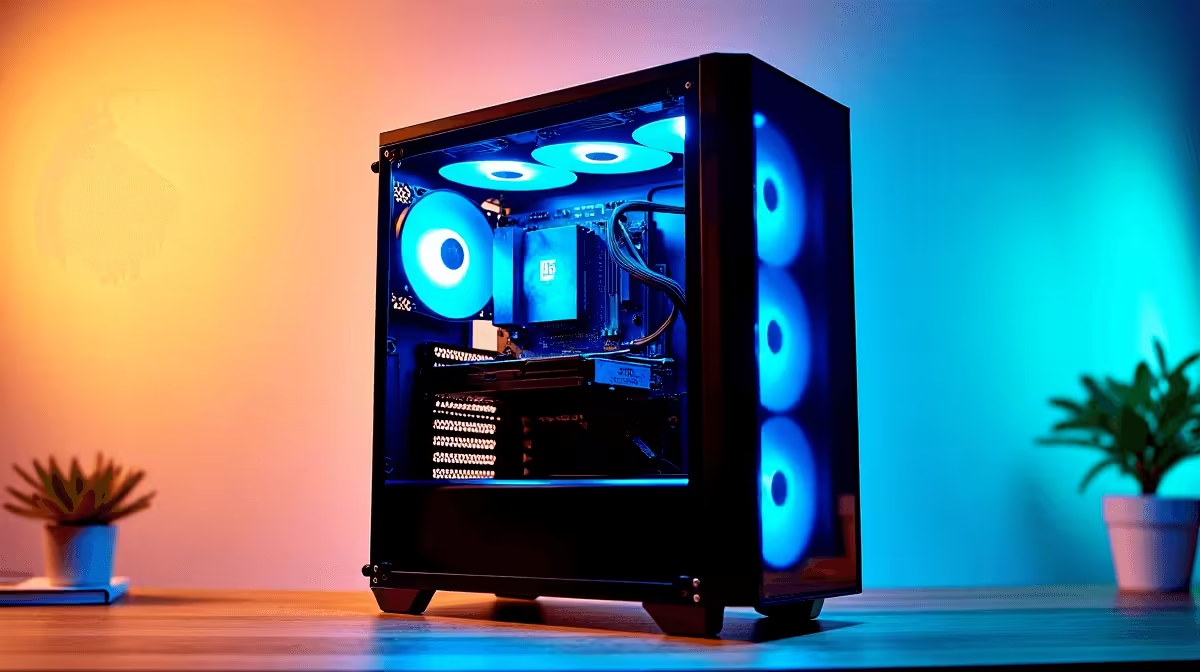
Getting ready for the 2025 academic year means more than buying stationery. Whether tackling matric or starting varsity, a reliable computer is essential. Wondering how to build a schoolwork PC in South Africa 2025? You are definitely in the right place. We will help you stretch your Rands while assembling a machine that easily handles assignments and weekend downtime.
Choosing the Right Components 🔧
Putting together a study rig does not require a massive budget. Start with a solid foundation. A modern quad-core processor and 16GB of RAM will easily handle multiple browser tabs. They also breeze through heavy PDF documents. Do not forget a fast NVMe solid-state drive. An SSD ensures Windows boots up in seconds. It also makes loading heavy applications feel instant. If assembling parts sounds daunting, you can always explore reliable pre-built PC deals to save time. A pre-built system guarantees compatibility right out of the box.
Balancing Work and Play 🎮
All work and no play makes for a dull year. While integrated graphics are fine for typing essays, you might want more power. Adding a dedicated GPU lets you render video projects or unwind with friends online. You can easily buy graphics cards that fit your specific budget. Pair your graphics card with a decent 1080p monitor. A good display reduces eye strain during late-night study sessions. It also makes your games look crisp and vibrant. If gaming is a major priority, checking out the best gaming PC deals might offer better overall value.
The Portability Question 🎒
Sometimes a desktop is simply not the right fit. If you need to carry your work to campus, mobility is key. You might want to skip the desktop route entirely. Browse quality notebooks for sale in South Africa if you need a battery-powered companion. Laptops offer built-in screens and keyboards... which saves you from buying extra peripherals. Modern laptops easily offer enough battery life to survive long lectures. Just ensure you pick a model with decent cooling to maintain performance during heavy workloads.
Optimise Your ZAR Budget ⚡
Tech budgets are tight right now. Every Rand counts when you are prepping for the school year. Always keep an eye out for discounts on essential components like SSDs and monitors. You can optimise your budget by hunting down the latest tech specials before making your final purchase. Upgrading storage later is easy... so focus your initial budget on a good motherboard. Investing in a quality power supply now saves headaches later. It protects your hardware from unexpected power surges and unstable grid fluctuations.
Study Efficiency Pro Tip 🧠
On Windows 11, use the Focus Sessions feature in the Clock app. It integrates perfectly with Spotify and your Microsoft To Do list. This helps you block out distractions and power through your study sessions using the Pomodoro technique.
Ready to Find Your Perfect Match?
Building the ideal study station is all about balancing performance and budget. Whether you need a custom desktop or a portable powerhouse for campus, Evetech has you covered. Explore our massive range of laptop specials and find the perfect machine to conquer your world.