Building a rig in South Africa means battling more than just lag... you need rock-solid stability. If you want to learn how to build a stable Intel Core Ultra Series 2 PC with a Z890 DDR5 motherboard, you are in the right place. The new Arrow Lake architecture delivers incredible efficiency. But pairing it with the right hardware is crucial to avoid crashes. Let us dive in.
Choosing Your Z890 Foundation 🔧
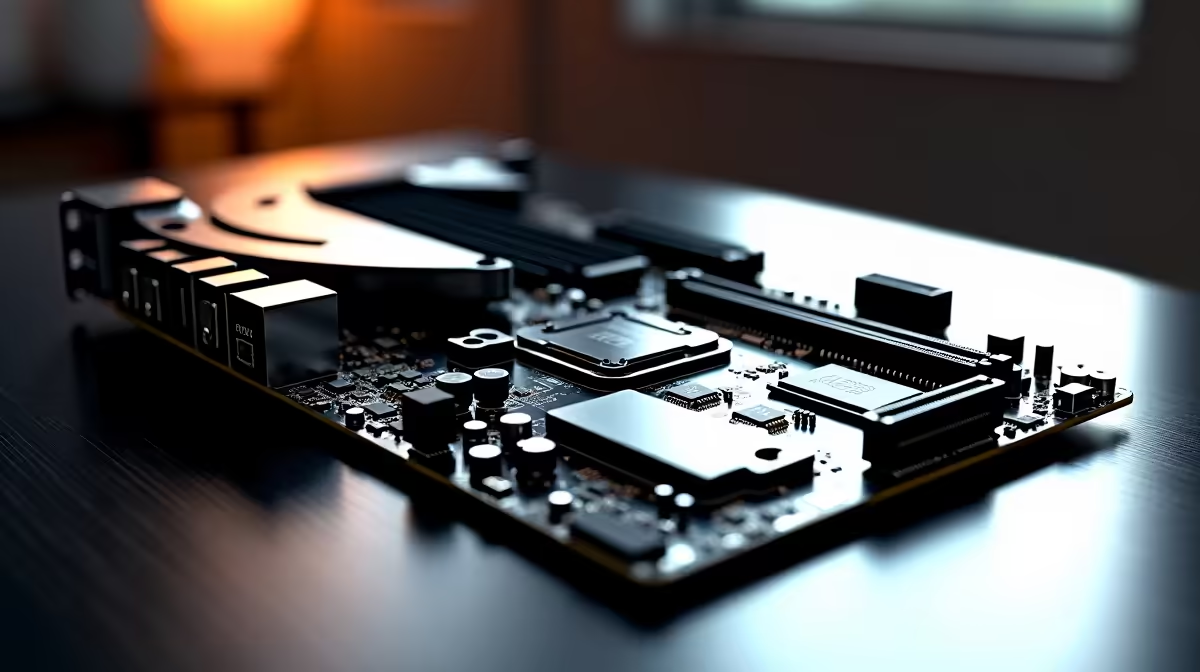
To get the absolute most out of your Intel Core Ultra Series 2 processor, the new Z890 chipset is non-negotiable. This platform unlocks the true potential of the LGA 1851 socket. It offers massive PCIe 5.0 bandwidth and superior power delivery. When you browse a range of motherboards, look for heavy VRM heatsinks. Clean power delivery directly translates to a stable PC.
Brand Reliability and Board Features
Selecting a trusted brand makes a massive difference for system stability. Boards from top-tier manufacturers offer better BIOS support and memory tracing. For instance, exploring ASUS Intel motherboards reveals options with AI-assisted overclocking and robust cooling features. These tools take the guesswork out of tuning your CPU. Of course, if you are building on the red team, ASUS AMD motherboards offer similar premium features... but today is all about Intel's latest and greatest.
BIOS Update Pro Tip ⚡
Always flash your Z890 motherboard to the latest BIOS version before installing your OS. Early BIOS versions for new architectures like the Intel Core Ultra Series 2 often contain crucial stability patches and memory compatibility improvements.
Fuelling the Beast with DDR5 RAM 🚀
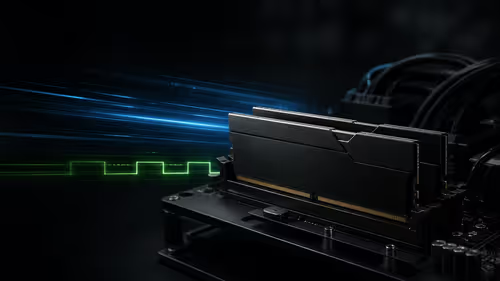
You cannot build a stable Intel Core Ultra Series 2 PC with a Z890 DDR5 motherboard without top-tier memory. Arrow Lake processors thrive on fast RAM to feed data to their new performance cores. However, pushing your memory beyond 7200MT/s can sometimes introduce instability if your specific motherboard cannot handle the aggressive timings. For a reliable daily driver that will not crash mid-game, aim for 6000MT/s to 6400MT/s with low latency. Check out our high-speed DDR5 memory kits to find the exact sweet spot for your ZAR budget. Investing in a quality 32GB kit ensures your system remains responsive for years.
Final Steps for a Flawless Rig ✨
Building a stable system goes beyond just the processor and motherboard. Ensure your power supply has enough headroom to handle transient spikes. A high-quality 850W or 1000W Gold-rated unit is ideal for South African conditions. Pairing it with a solid UPS is also a smart move to protect against loadshedding surges. Furthermore, do not skimp on your AIO liquid cooler. The Ultra Series 2 chips are highly efficient but still require excellent thermal management to prevent thermal throttling during intense gaming sessions. If piecing all these parts together from scratch feels a bit daunting, you can always browse our pre-built gaming PC deals for professionally assembled and stress-tested alternatives.
Ready to Build Your Next-Gen Rig? Crafting the ultimate Intel Core Ultra PC requires the best components. For maximum power, stability, and value in South Africa, Evetech has you covered. Explore our massive range of PC components and find the perfect hardware to conquer your gaming world.