


Clean Gaming Keyboard: Guide for Dusty & Humid Conditions
Clean gaming keyboard quickly and safely in dusty or humid conditions with step-by-step tips, tool checklist, and maintenance routines to prevent corrosion and switch failure. 🧼💨
Read moreLearn how to build an AI PC with our comprehensive beginner's guide. We break down every step, from selecting the right components like GPUs and NPUs to final assembly. Get ready to unlock the power of local AI for creative work and gaming! 🖥️✨ Your AI journey starts here.
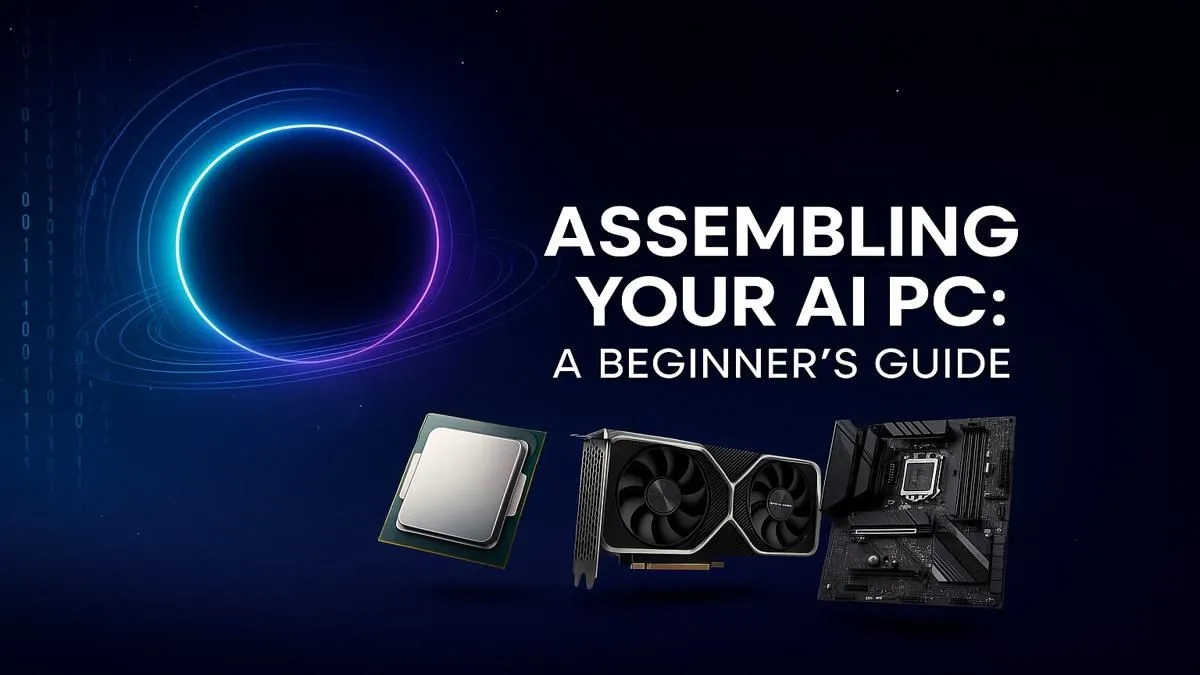
So, you’ve heard the buzz about "AI PCs" and are wondering if you need one. Let's cut through the noise. An AI PC isn't a sci-fi robot; it's a computer with hardware specifically designed to crush AI tasks, from smarter gaming with DLSS to generating incredible art in seconds. The best part? Building one is easier than you think. This guide will show you exactly how to build an AI PC in South Africa, step-by-step. 🚀
At its core, an AI PC is a computer equipped with specialised processors that accelerate artificial intelligence workloads. For years, this was mainly the job of your graphics card (GPU). Now, new CPUs are also shipping with built-in NPUs (Neural Processing Units) to handle smaller, background AI tasks more efficiently.
Think of it like this: your CPU is the general manager, your GPU is the heavy-lifting specialist, and the NPU is the clever new assistant. Together, they make your PC faster and smarter for gaming, content creation, and future applications we haven't even dreamed of yet. You can see these technologies in action across many of the best gaming PC deals available today.
Putting together a PC optimised for AI isn't about buying the most expensive parts. It’s about choosing components that work together intelligently. Here’s what to prioritise for your AI PC build. 🔧
The Central Processing Unit (CPU) is still the heart of your PC. For an AI-focused build, you'll want a modern processor that can feed your GPU data without bottlenecks.
This is the most critical component for a powerful AI PC. Your Graphics Processing Unit (GPU) does the heavy lifting for tasks like AI image generation, video upscaling, and in-game performance boosts like NVIDIA DLSS.
AI models and the datasets they use can be huge. For a smooth experience, aim for at least 32GB of fast DDR5 RAM. For storage, a speedy NVMe SSD is non-negotiable. It will drastically reduce loading times for apps, games, and large AI projects. For an idea of a balanced high-performance setup, look at the specs on professional workstation PCs.
Feeling ready to assemble your machine? This beginner's AI PC build guide keeps it simple.
If you're using an NVIDIA GPU for creative AI work like Stable Diffusion or video editing, install the NVIDIA Studio Driver instead of the Game Ready Driver. It's optimised for stability and performance in creative applications, giving you a rock-solid foundation for your projects.
Learning how to build an AI PC is incredibly rewarding. You get full control over every component and the satisfaction of creating something with your own hands.
However, it's not for everyone. If you're short on time or nervous about handling expensive components, there's zero shame in getting a professional to do it for you. A pre-built PC comes with a warranty, expert cable management, and is ready to go straight out of the box. You can explore a massive variety of professionally assembled pre-built PC deals that are already optimised for performance.
Ready to Unleash AI Power? Whether you're building from scratch or want a rig that's ready to rock, the future of personal computing is here. Explore our massive range of PC deals and find the perfect machine to conquer your world.
An AI PC includes specialized hardware like a Neural Processing Unit (NPU) or a powerful GPU designed to accelerate AI and machine learning tasks locally, right on your device.
Key components include a powerful CPU, a high-VRAM GPU (like NVIDIA's RTX series), fast RAM, NVMe SSD storage, and potentially a motherboard with a built-in NPU for efficiency.
While helpful for efficiency, an NPU isn't strictly necessary. A powerful GPU is the most critical component for handling demanding AI workloads like model training and image generation.
The cost to build an AI PC can range from an entry-level setup to a high-end machine, largely depending on your choice of GPU, which is the most crucial component.
It can seem daunting, but it's manageable! Following a step-by-step guide, ensuring component compatibility, and taking your time makes the process much easier for any beginner.
For most AI tasks, especially deep learning and model training, the GPU is far more important due to its parallel processing capabilities. A solid CPU is still needed for general tasks.
For a solid AI PC build for beginners, 32GB of fast DDR5 RAM is a great starting point. For more serious machine learning tasks, 64GB or more is often recommended.
Clean gaming keyboard quickly and safely in dusty or humid conditions with step-by-step tips, tool checklist, and maintenance routines to prevent corrosion and switch failure. 🧼💨
Read more
Best gaming keyboard features to prioritize when building a high-end setup: mechanical switches, low latency, hot-swap, RGB, macros, durability and ergonomics 🎮⌨️
Read more
Custom actuation point keyboard setup guide: learn to set per-key actuation on your analog gaming keyboard for faster, precise inputs and better control 🎮⚙️
Read more
Cable management for home entertainment helps you eliminate cable clutter quickly and safely. Learn routing, concealment, and product picks to tidy your setup fast 📺🔌
Read more
conference room setup Microsoft Teams Zoom: Upgrade AV, camera, mic, and network to ensure seamless meetings, clear audio, and crisp video 🎯🔧
Read more
• Audit setup • Link accounts • Configure ViewBoard • Test workflows Integrate Google Workspace with ViewSonic ViewBoard to enable secure SSO, calendar and Drive sync, and smooth collaborative whiteboarding 🔗📋
Read more
Discover webcams that automatically adjust light and color for crystal-clear video calls 🎥✨. Boost your streaming quality today!
Read more
Discover webcams that blend into your workflow 🎯 Capture moments while you work, stream, or create. Upgrade your setup with smart, multitasking tech!
Read more
Dedicated media keys give streamers one-touch control to mute, switch scenes, clip highlights, and adjust audio — cutting task time and boosting consistency 🎛️⚡
Read more
PBT vs ABS keycaps: Clear, local guide for South African gamers—compare feel, sound, durability and where to buy. Find the best material for your budget and playstyle 🎮🇿🇦
Read more
- Multi-Function Digital Dial: define benefits - Show gamer setups and macros - Offer buying and setup tips Multi-Function Digital Dial puts programmable control at your fingertips for faster actions and smoother streaming. 🎮⚙️
Read more
- Explain benefits; - Show the science; - Compare options; - Recommend picks. Magnetic wrist rest for gaming cuts wrist strain and boosts comfort during long sessions 🕹️✨
Read more