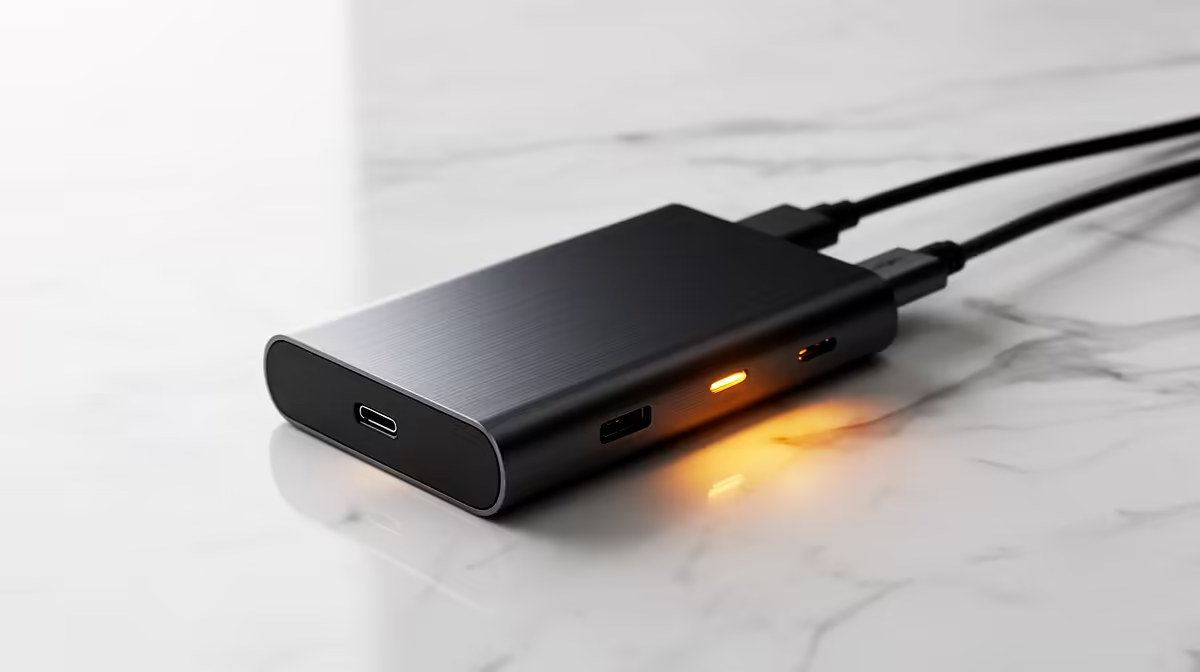
A travel-friendly study setup means a docking station that turns a portable laptop into a full desk at home or res, then packs away small for the move. For SA students who shuttle between campus, library and digs, the right dock is compact, charges the laptop and adds the ports a study desk needs.
Quick Answer
For a travel-friendly study setup, choose a compact USB-C dock that drives one or two displays, supplies 65W-plus power and adds USB and an SD reader; models range from a R900 travel hub to a R3,500 full dock. A portable hub suits a student on the move, while a fuller dock at home gives a two-screen study desk. Confirm your laptop's USB-C port supports video and charging.
Pick the dock format for how you study
A student who studies in many places wants a small, light dock, while one with a fixed home desk can use a fuller unit. A compact travel hub around R900 to R1,500 adds HDMI, a couple of USB ports and pass-through charging in a pocket-sized form, ideal for the library or a friend's place. A fuller desktop dock around R2,500 to R3,500 stays on the home desk and drives two monitors. Match the format to whether your study is mostly mobile or mostly at one desk.
Power and port specifics to check
Confirm the dock supplies enough power for your laptop, 65W suits most ultrabooks and thin study laptops, so the battery charges while you work. Check it has the ports you actually use: HDMI or DisplayPort for a monitor, a few USB-A and USB-C ports for peripherals and a drive, and an SD reader if you transfer photos or recordings. Crucially, verify your laptop's USB-C port carries video and charging, since some only handle data, which would leave a dock unable to drive a display.
Build, weight and warranty for SA buyers
For a travel-friendly dock, a sturdy aluminium body survives being tossed in a bag better than thin plastic, and lower weight matters if you carry it daily. Check the warranty and local support before buying, since a dock that fails far from a service point is a hassle. A reputable model with a solid warranty around R1,500 protects the buy. Picking a well-built, well-supported dock means the one piece of kit that connects your whole study setup keeps working through years of moving between places.
FAQ
What dock suits a student who studies in many places?
A compact USB-C travel hub around R900 to R1,500 with HDMI, USB ports and pass-through charging. It fits a bag for the library or a friend's place, while a fuller R2,500 to R3,500 dock suits a fixed home desk.
How much power should a study dock supply?
At least 65W, which charges most thin study laptops and ultrabooks while you work. Confirm your laptop's USB-C port supports both video and charging, since some ports only carry data and cannot drive a display.
What ports does a study dock need?
HDMI or DisplayPort for a monitor, a few USB-A and USB-C ports for peripherals and a drive, and an SD reader if you transfer photos or recordings. Match the port list to what you actually plug in daily.
Choose a dock that matches how you study, a pocket hub for mobile work or a fuller dock for a home desk, from Evetech; confirm your laptop's USB-C carries video and charging before you buy.